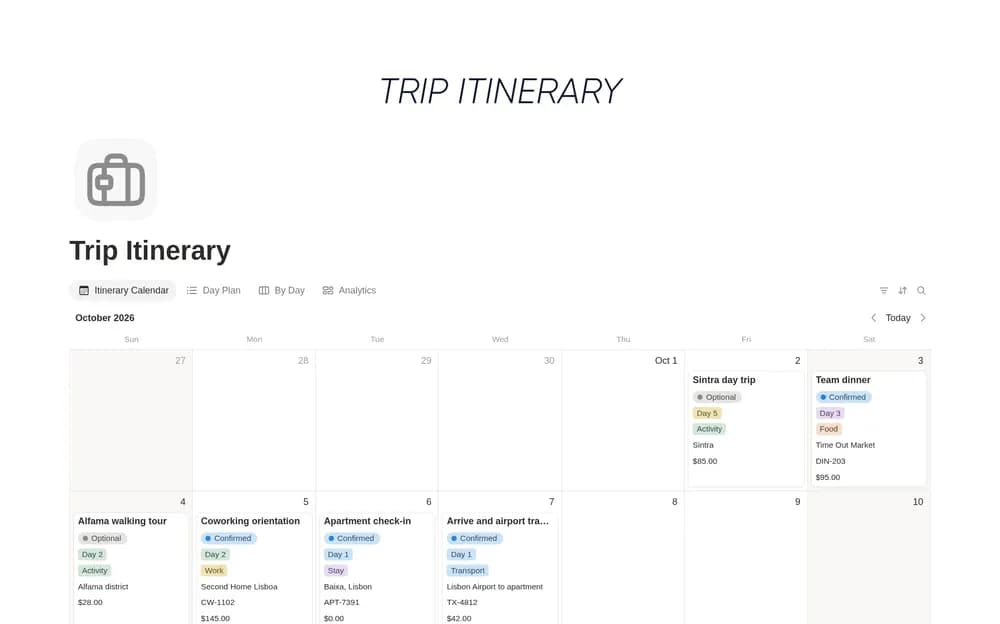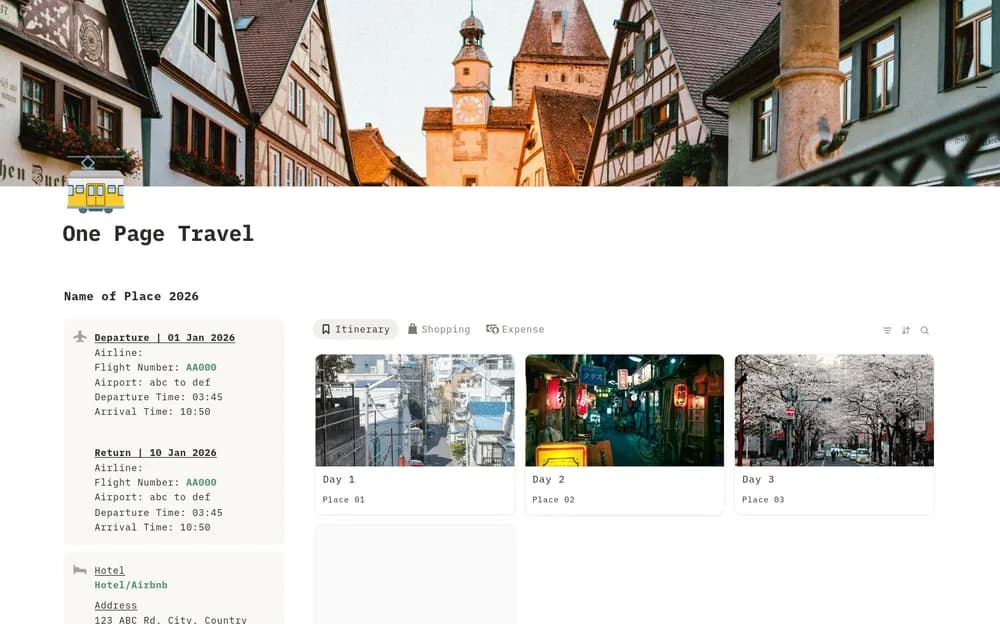
Travel Planner: Itinerary & Expense Tracker

Map out a trip on a visual Notion itinerary and log spending from the dashboard, with airline, accommodation, packing, and shopping lists.

By Studio Sole
Back to the directory
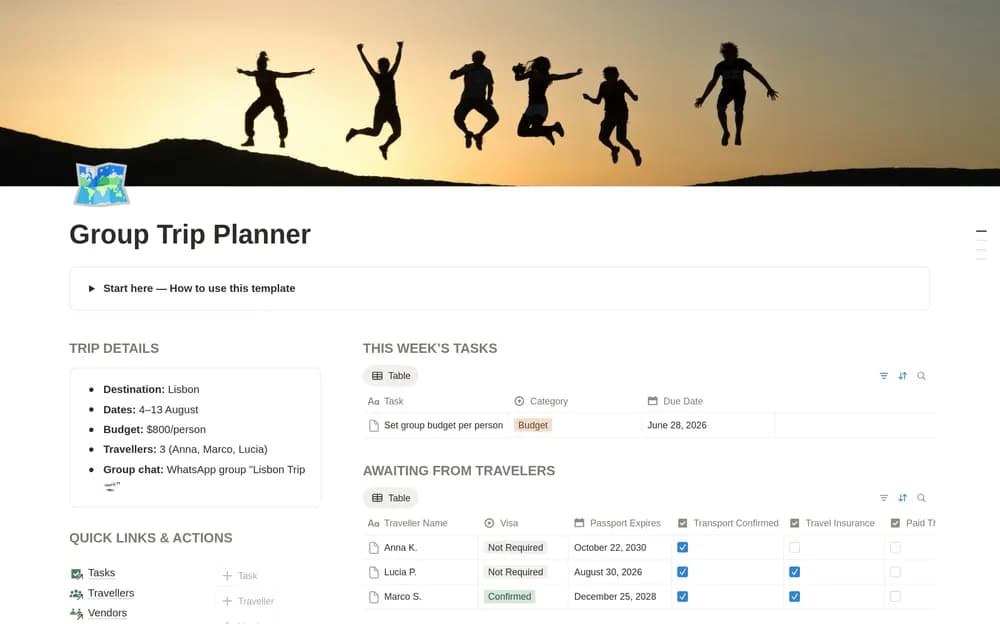
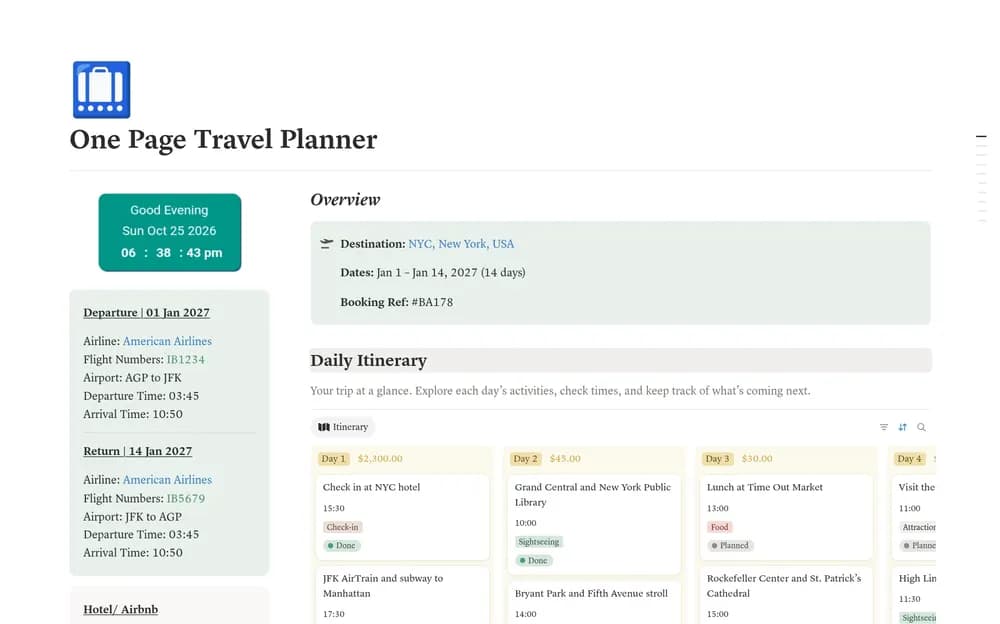
Travel Planner: Itinerary & Expense Tracker — preview from Notion Marketplace

Preview credited to Notion Marketplace. View original listing

About Travel Planner: Itinerary & Expense Tracker

Map out a trip on a visual Notion itinerary and log spending from the dashboard, with airline, accommodation, packing, and shopping lists.

What’s included

  • Visual itinerary
  • Expense tracking from the dashboard
  • Airline and accommodation details
  • Packing and shopping lists
  • Attractions, restaurants, and notes

How to use it in practice

Add your flight and accommodation details first. Lay out the itinerary for each day and save a few attractions and restaurants you want to try. Log spending from the dashboard as it happens during a week of preparation, and check the packing list a few days before you leave.

Set it up in your workspace

  1. Open the original Notion Marketplace listing and add the template to your chosen workspace while signed in. Keep its example records until you understand how the pages connect.
  2. Add your flight and accommodation details first.
  3. Try one complete example before adding a large backlog. Check that its views and any calculations show what you expect, then replace the sample content with your own.

Who it suits and what to consider

Beginners who want a simple, flexible planner for one trip at a time. The listing mentions expense tracking but not budget targets or currency conversion. All entries are manual.
Questions about this template

Can I set a budget limit for the trip?+

The listing describes tracking expenses from the dashboard but does not mention budget targets or remaining-balance calculations. You can record spending as you travel; if you want a limit, add a budget figure and a simple formula, or pick a planner that lists budget categories.

Is Travel Planner: Itinerary & Expense Tracker free?+

The linked creator page offered a free version when checked. A creator may also offer tips, paid upgrades, or bundles. Choose the version described here and check the current checkout terms before completing the download.

Can I change the template after adding it to Notion?+

You can edit your own copy: replace example content, rename pages, and adapt the layout. Keep a spare copy before changing linked databases, formulas, or buttons. Redistribution and resale depend on the creator’s license, even when the download is free.