About Trip Itinerary
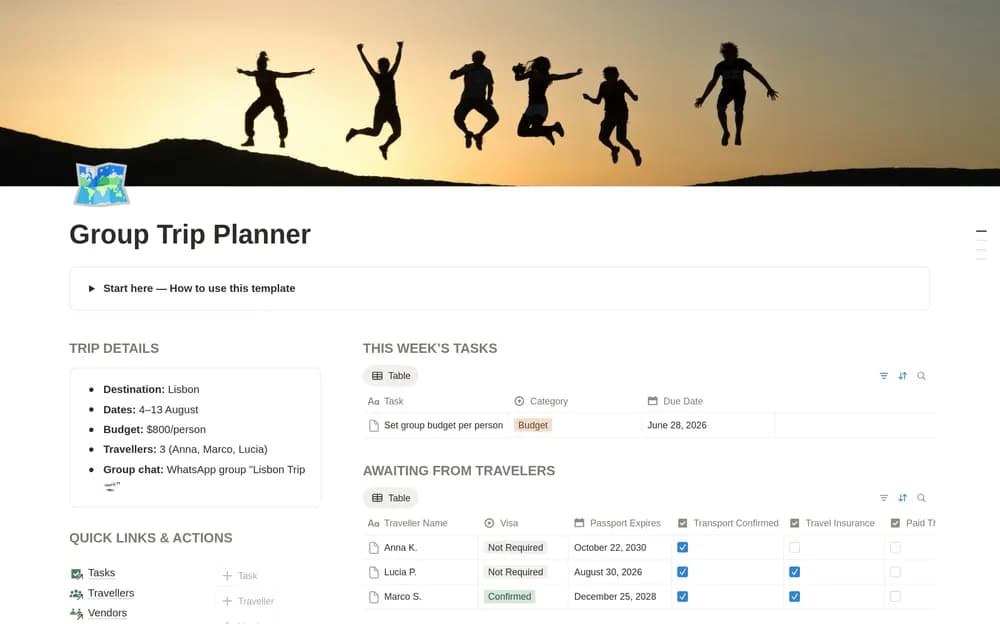
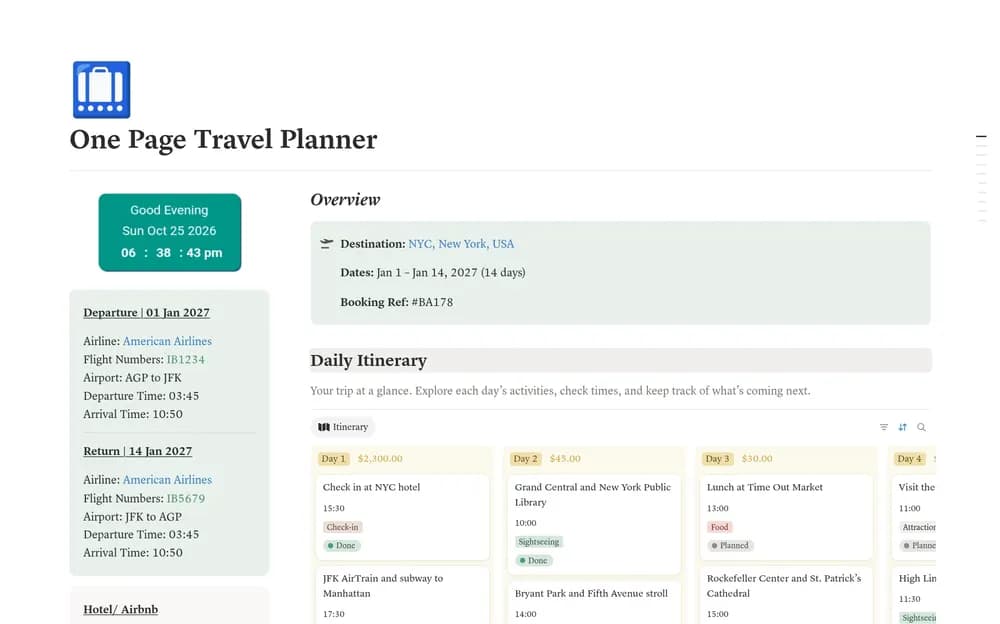
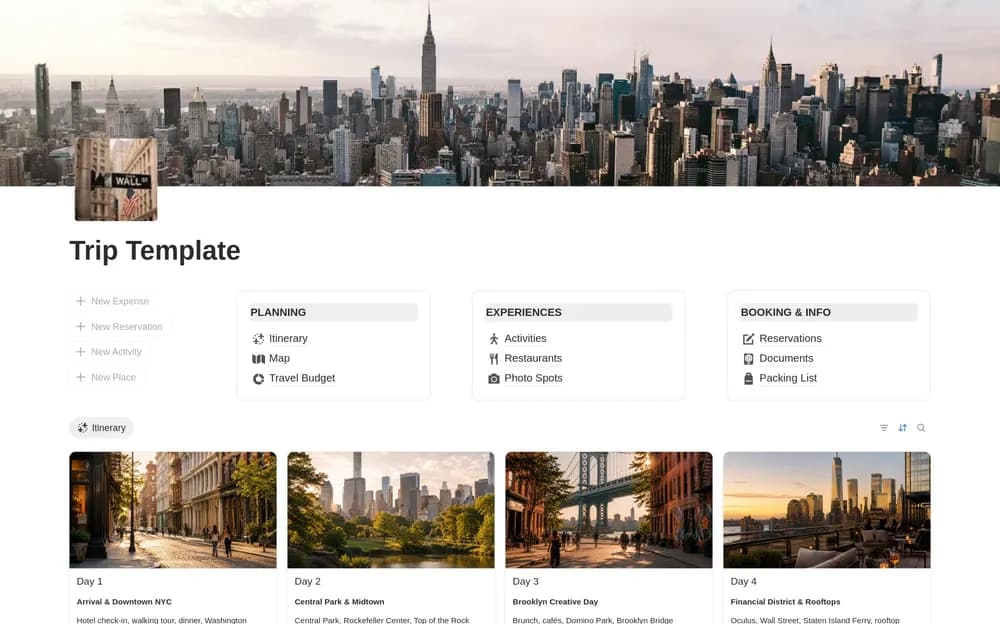
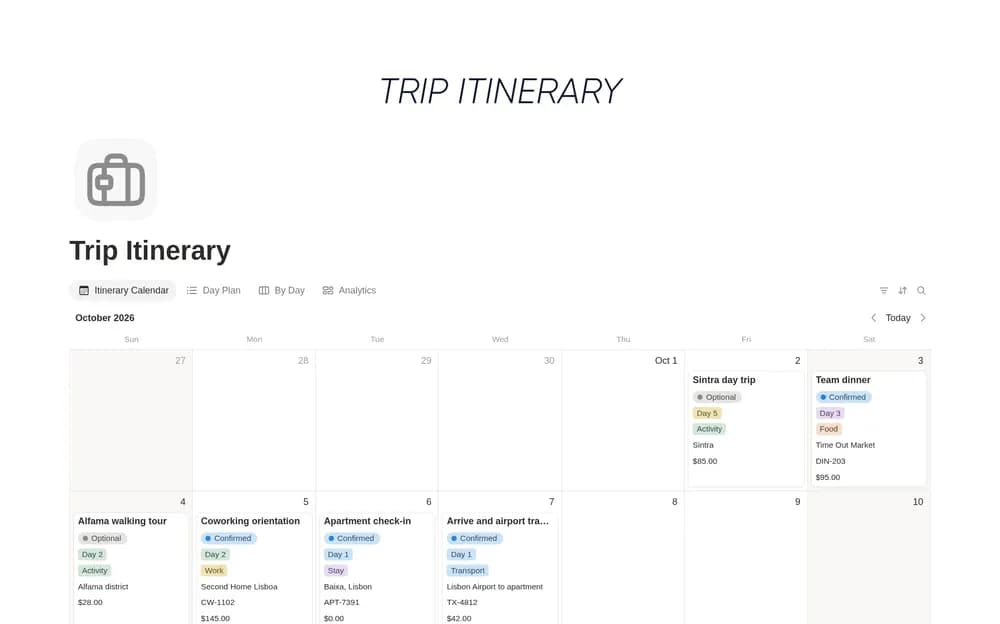
Build a realistic day-by-day trip plan in Notion that keeps times, places, bookings, transport, and confirmation details together in one itinerary.
What’s included
- Itinerary database for daily travel plans
- Fields for times, locations, bookings, transport, and confirmations
- Flexible notes for each entry
- Views by day, upcoming bookings, and essential details
How to use it in practice
Add your arrival and departure days first, along with the transport and confirmation numbers for each. Fill in one full day with times and locations, leaving gaps for rest, and record any reservations you already hold. Check the upcoming bookings view a few days before leaving and share the page with anyone traveling with you.
Set it up in your workspace
- Open the original Notion Marketplace listing and add the template to your chosen workspace while signed in. Keep its example records until you understand how the pages connect.
- Add your arrival and departure days first, along with the transport and confirmation numbers for each.
- Try one complete example before adding a large backlog. Check that its views and any calculations show what you expect, then replace the sample content with your own.
Who it suits and what to consider
Vacationers, families coordinating a shared trip, and frequent travelers who want a tidy itinerary. Bookings and confirmations are entered by hand; the listing does not describe importing reservations from email or travel apps. Keep copies of critical tickets outside Notion as a backup.