About One Page Travel Planner
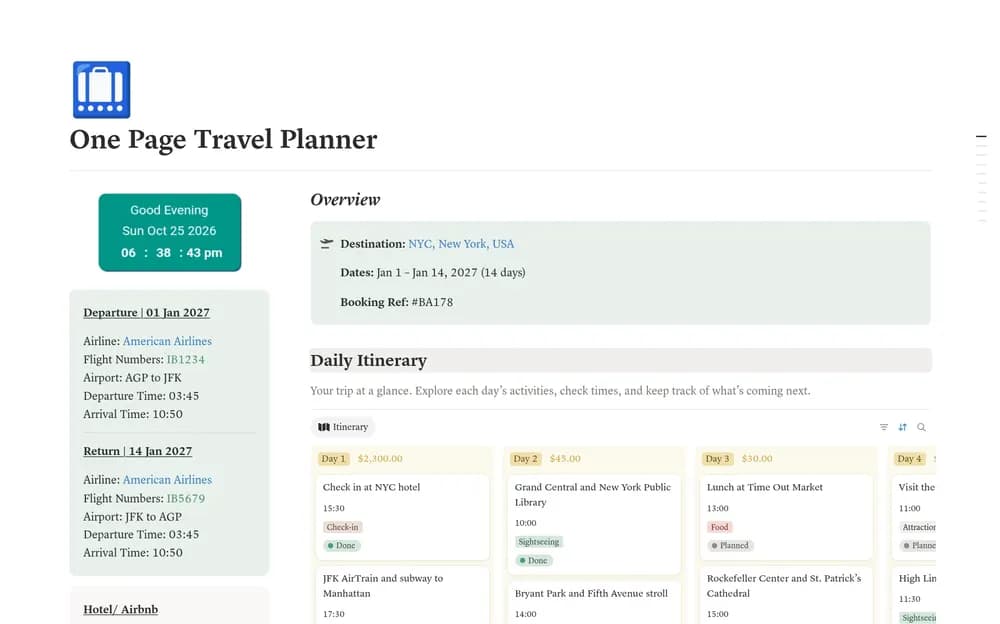
Keep a whole trip on one Notion page, from the daily itinerary and reservations to flights, check-in times, category budgets, and pre-trip lists.
What’s included
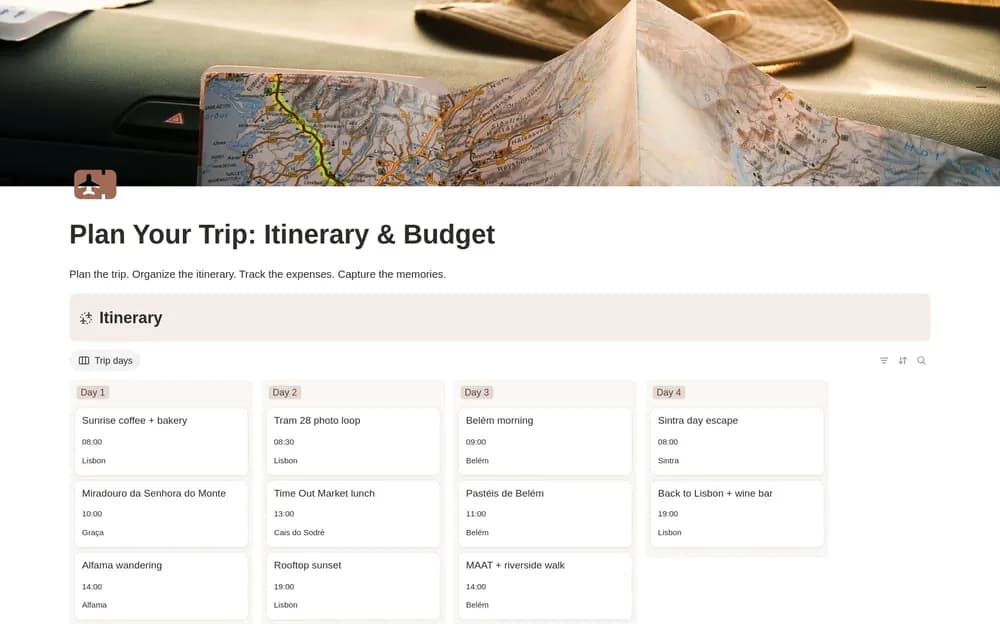
- Daily itinerary for activities and schedules
- Places, experiences, and reservations
- Flight details, booking references, and check-in times
- Budget by category with expense tracking
- Packing and pre-trip checklists
How to use it in practice
Replace the sample entries with your flights and accommodation, including check-in times. List the places you want to visit and assign them to days. Set a budget for each category, log any purchases you make during the week, and personalize the packing checklist for your destination.
Set it up in your workspace
- Open the original Notion Marketplace listing and add the template to your chosen workspace while signed in. Keep its example records until you understand how the pages connect.
- Replace the sample entries with your flights and accommodation, including check-in times.
- Try one complete example before adding a large backlog. Check that its views and any calculations show what you expect, then replace the sample content with your own.
Who it suits and what to consider
Weekend and vacation travelers who prefer a single compact planning page. As a one-page planner it suits one trip at a time; the listing does not describe a library of multiple trips. Expenses and bookings are entered manually.