About Updated Campaign Calendar
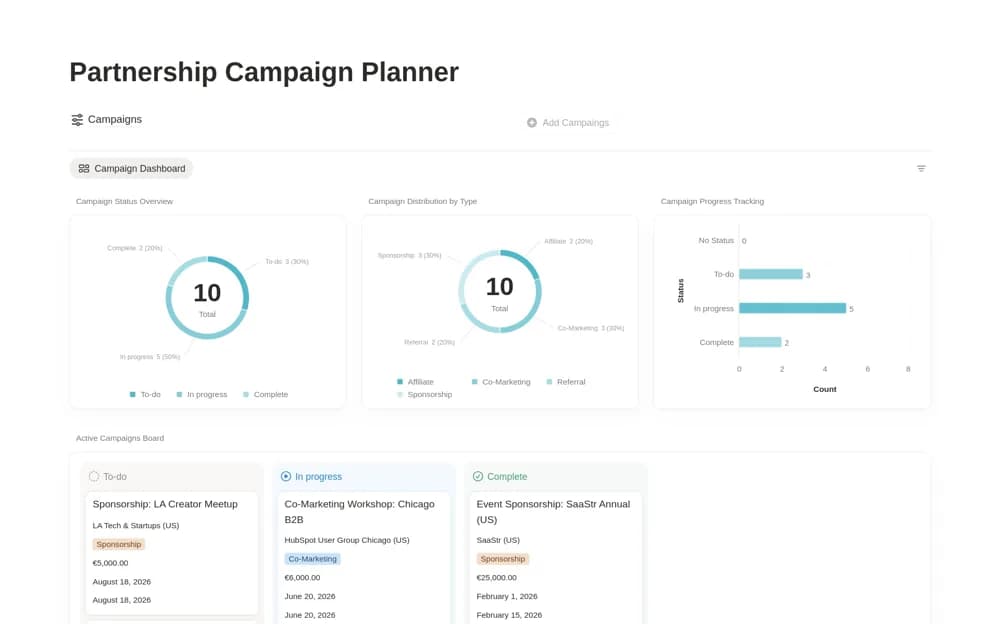
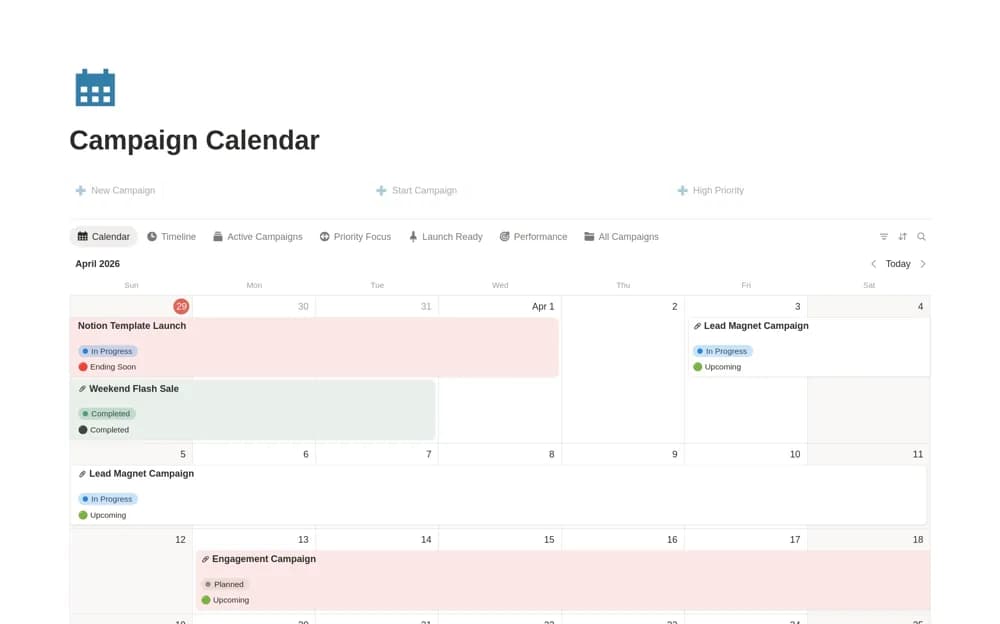
A marketing campaign calendar with timeline overlaps, active work, priority records, budgets, and performance context.
What’s included
- Monthly campaign calendar
- Duration and overlap timeline
- Priority, Momentum status, budget, and performance organization
How to use it in practice
Enter confirmed campaign dates and identify overlaps competing for the same resources. Define priority and status rules before using them in a review. Check the budget and performance fields against your reporting approach, then maintain the calendar as plans change.
Set it up in your workspace
- Open the original Notion Marketplace listing and add the template to your chosen workspace while signed in. Keep its example records until you understand how the pages connect.
- Enter confirmed campaign dates and identify overlaps competing for the same resources.
- Try one complete example before adding a large backlog. Check that its views and any calculations show what you expect, then replace the sample content with your own.
Who it suits and what to consider
Marketers and founders planning several campaigns across a shared schedule. Calculated Momentum states reflect the configured rules; they do not independently measure campaign effectiveness.