About Weekly Meal Planner
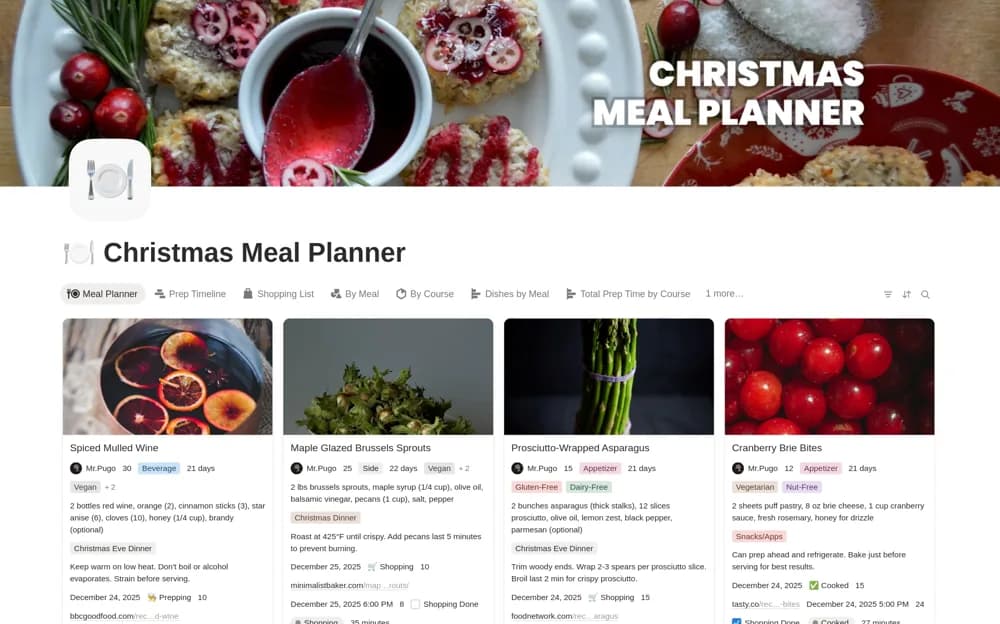
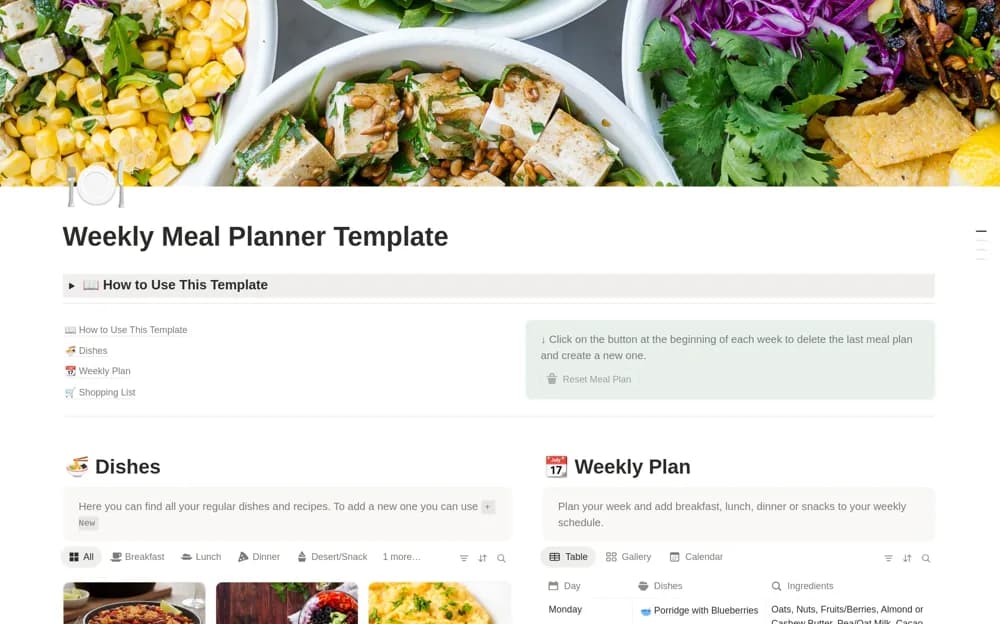
Connect recipes, weekly meals, and shopping needs in Notion, with ingredient views and reset buttons for planning the next week.
What’s included
- Recipes with photos and instructions
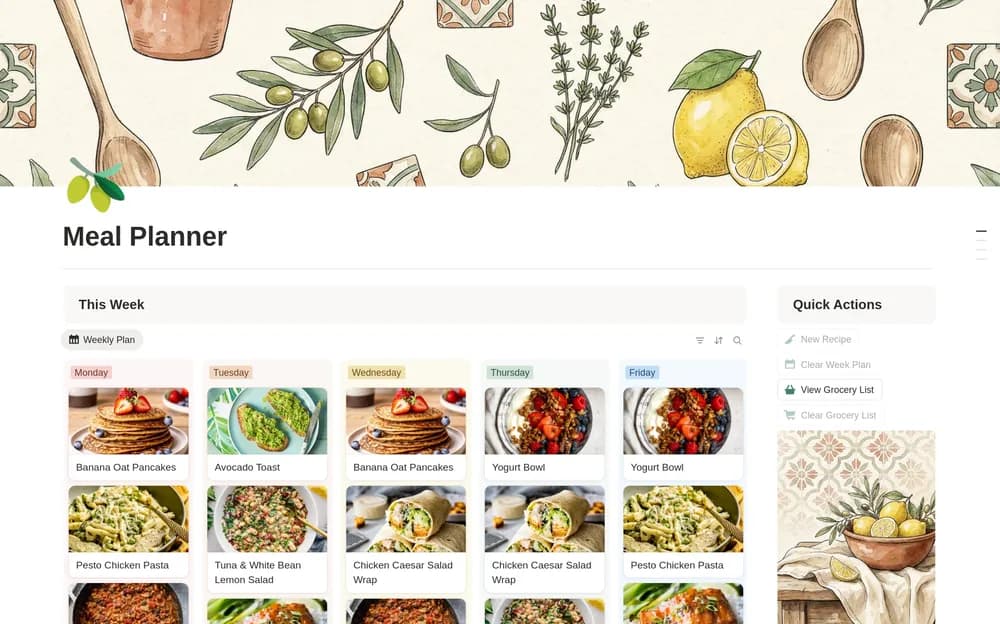
- Weekly breakfast, lunch, dinner, and snack planning
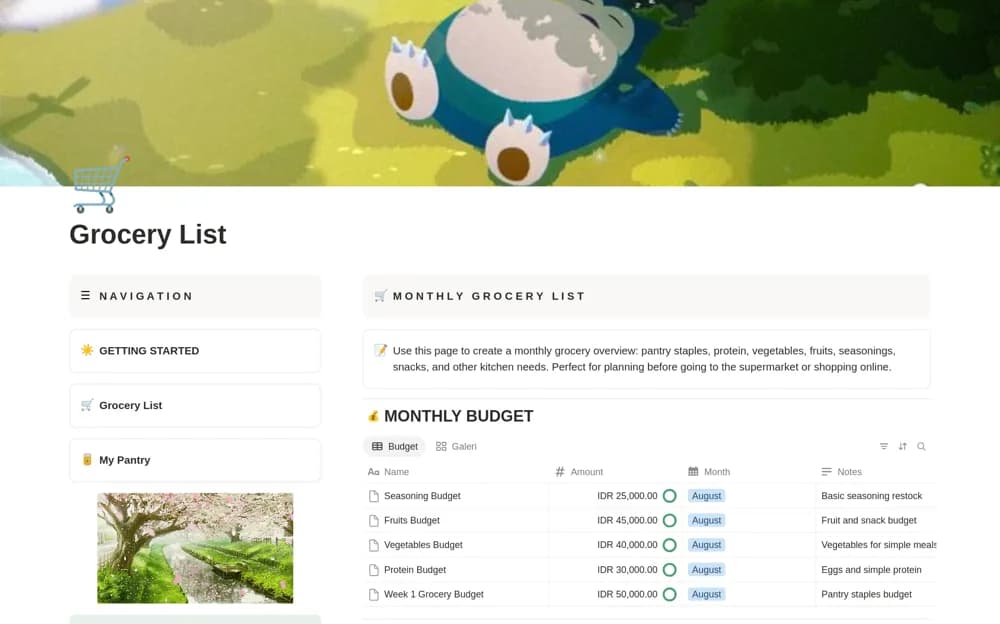
- Ingredient and household-staple shopping views
- New-list reset buttons
How to use it in practice
Add a few recipes you already cook and enter their ingredients. Choose meals for the week, then compare the generated ingredient view with what is in the kitchen. Check quantities before shopping and try the reset on sample data so you understand what it clears.
Set it up in your workspace
- Open the original Notion Marketplace listing and add the template to your chosen workspace while signed in. Keep its example records until you understand how the pages connect.
- Add a few recipes you already cook and enter their ingredients.
- Try one complete example before adding a large backlog. Check that its views and any calculations show what you expect, then replace the sample content with your own.
Who it suits and what to consider
Households planning meals from a saved recipe collection and checking ingredients before shopping. A consolidated list still needs quantity and pantry checks. The template does not establish dietary suitability or food-safety instructions.