About Wrong Answer Journal
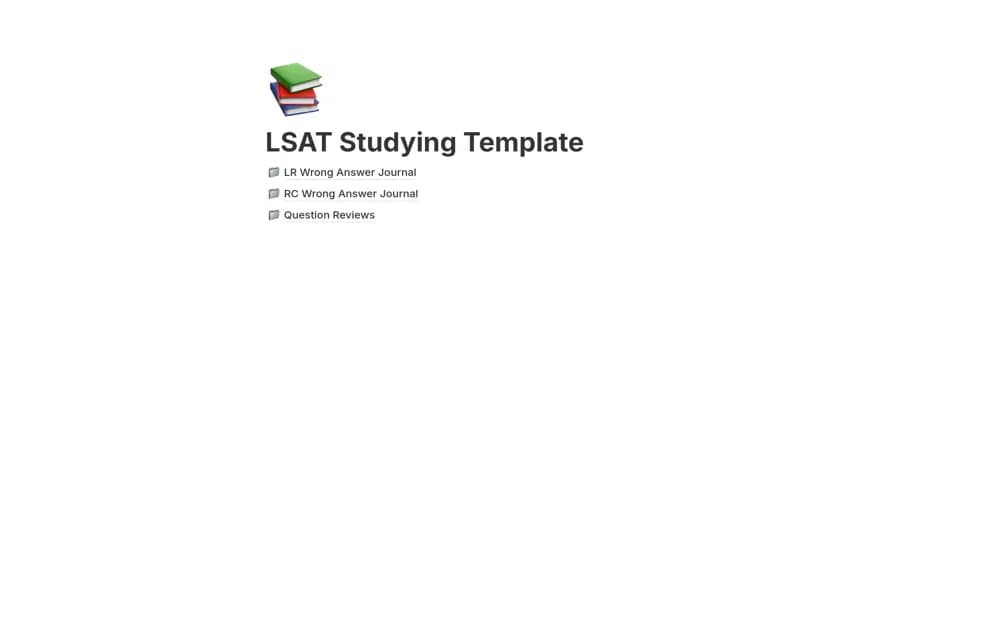
Keep missed questions and their review pages connected in a Notion study journal, with an example showing how to link a completed review.
What’s included
- Wrong-answer journal records
- Question-review pages
- Linked review-location reference and example
How to use it in practice
Add a question you answered incorrectly and write why your original reasoning failed. Complete the review in a question-review page, then link that page in the review-location field using Notion’s page-link syntax. Revisit the question later without reading your explanation first to check what you now understand.
Set it up in your workspace
- Open the original Notion Marketplace listing and add the template to your chosen workspace while signed in. Keep its example records until you understand how the pages connect.
- Add a question you answered incorrectly and write why your original reasoning failed.
- Try one complete example before adding a large backlog. Check that its views and any calculations show what you expect, then replace the sample content with your own.
Who it suits and what to consider
Students revisiting mistakes from practice questions and keeping the follow-up explanation findable. The creator documents the page-linking workflow. Automatic spaced repetition, imported question banks, and exam scoring are not described.