 Free
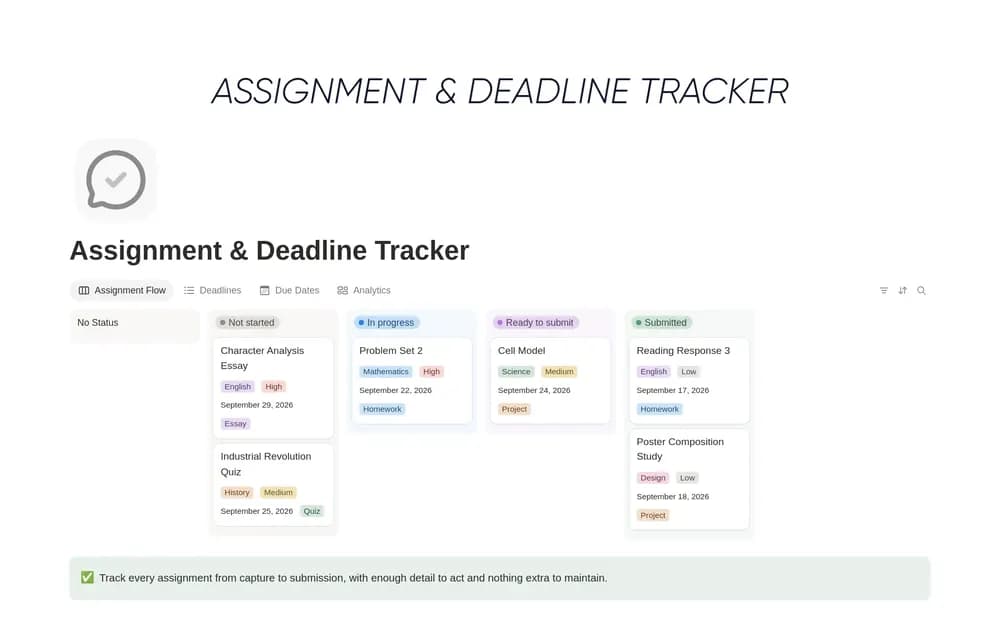
Assignment & Deadline Tracker
Capture homework, essays, projects, and exams in one Notion database and move each from not started to submitted with course, priority, and due date.
Plan revision around the material you need to learn. Find Notion study templates for exam preparation, weekly sessions, and keeping coursework on track.
Showing 1–18 of 34 templates
FreeCapture homework, essays, projects, and exams in one Notion database and move each from not started to submitted with course, priority, and due date.
 Free
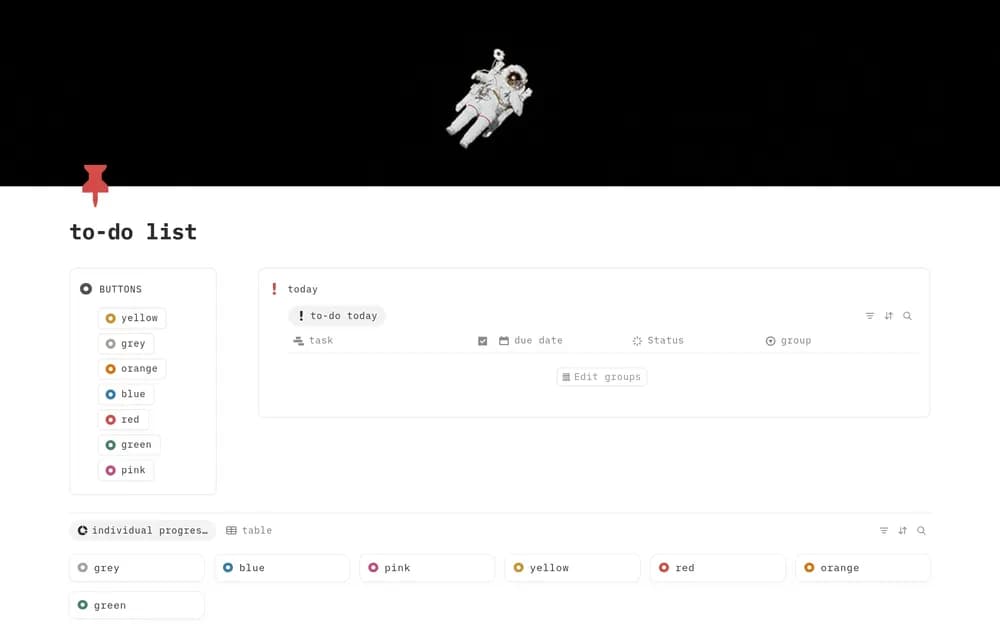
Track piling assignments and personal tasks in Notion with color-coded categories, table, board, and calendar views, and an overdue section.
 Free
 Free
Prepare for a nursing clinical shift with one Notion checklist for patient details, medications to research, assessments, and instructor questions.
 Free
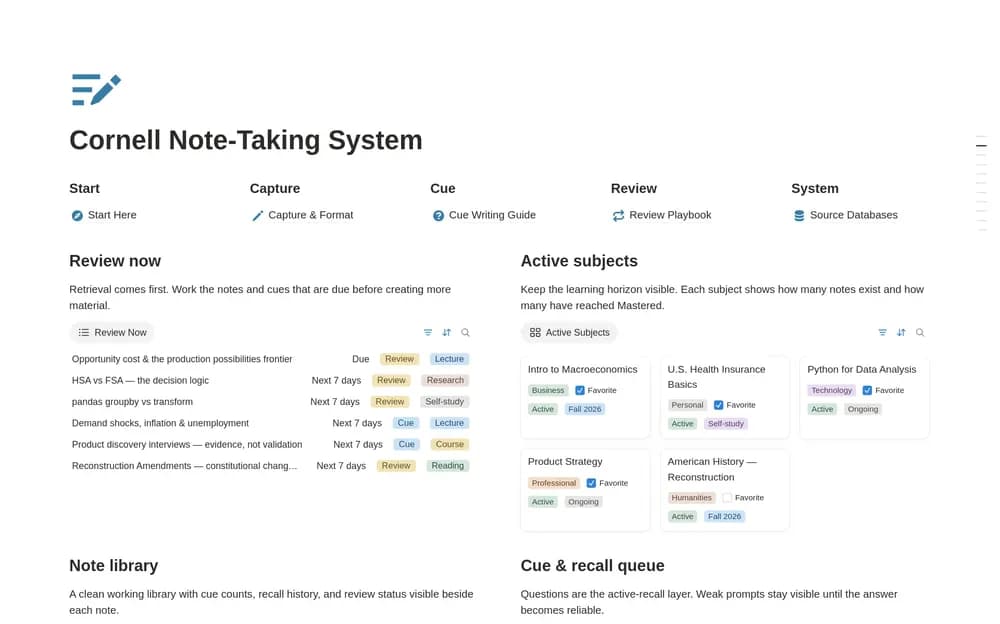
Take Cornell-style notes in Notion and turn them into recall cues, with a review queue, subject dashboard, recall-quality ratings, and a calendar.
 Free
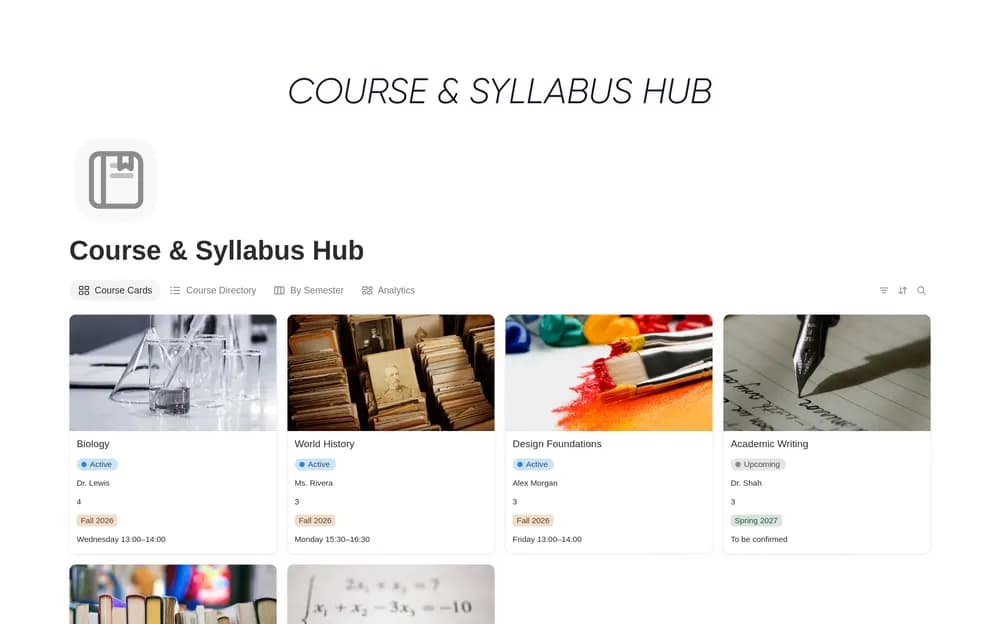
Turn each syllabus into a Notion course record with grading rules, key dates, instructor contacts, resources, and policies you can find all semester.
 Free
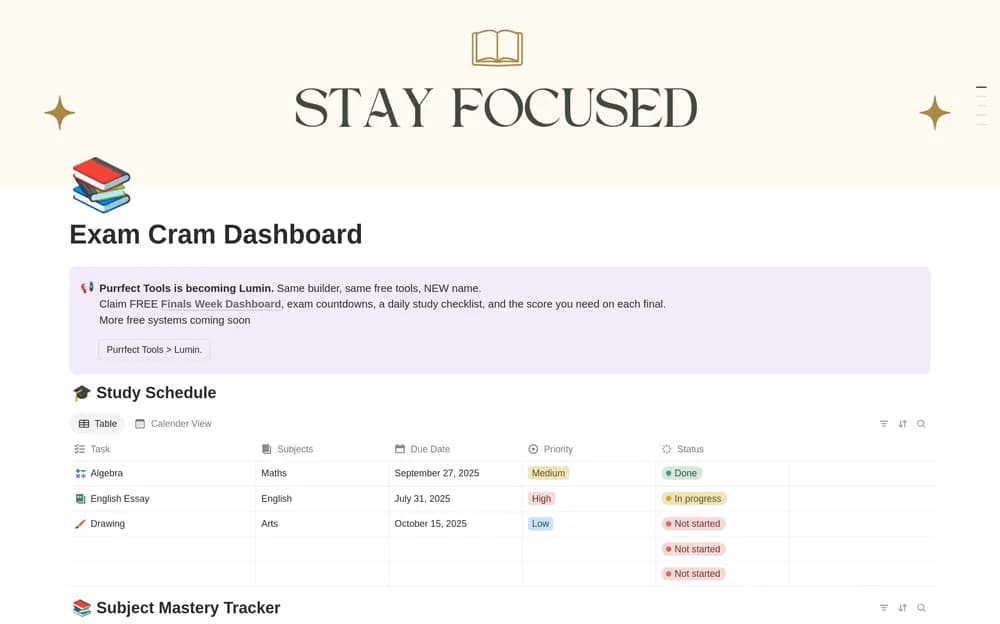
Prepare for finals in Notion with a study planner keyed to your exam date, subject progress bars, spaced repetition flashcards, and a grade predictor.
 Free
 Free
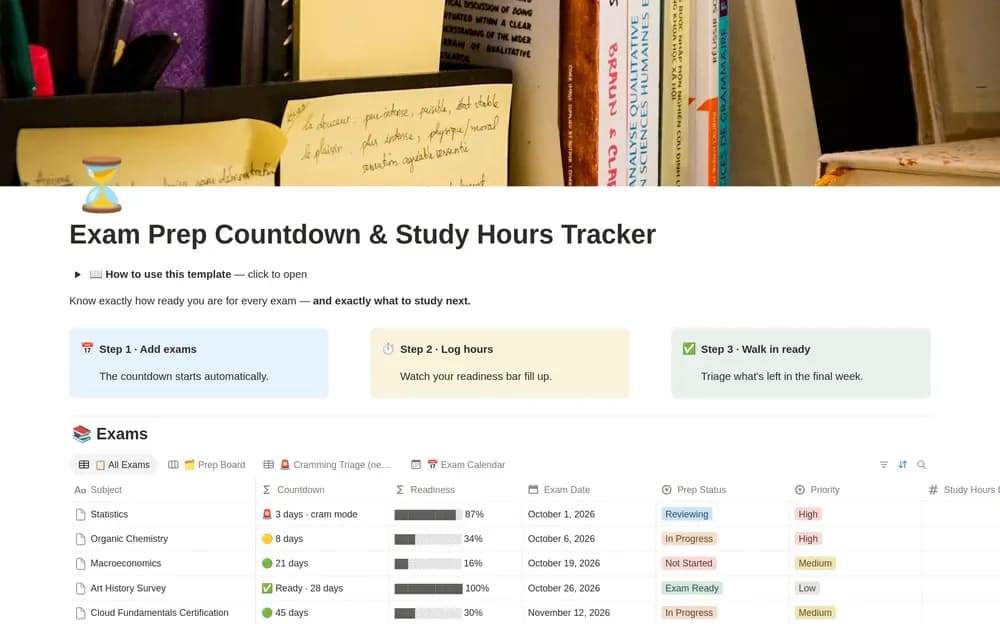
Count down to every exam in Notion, log study hours against a target, and see which tests in the next seven days still need work.
 Paid
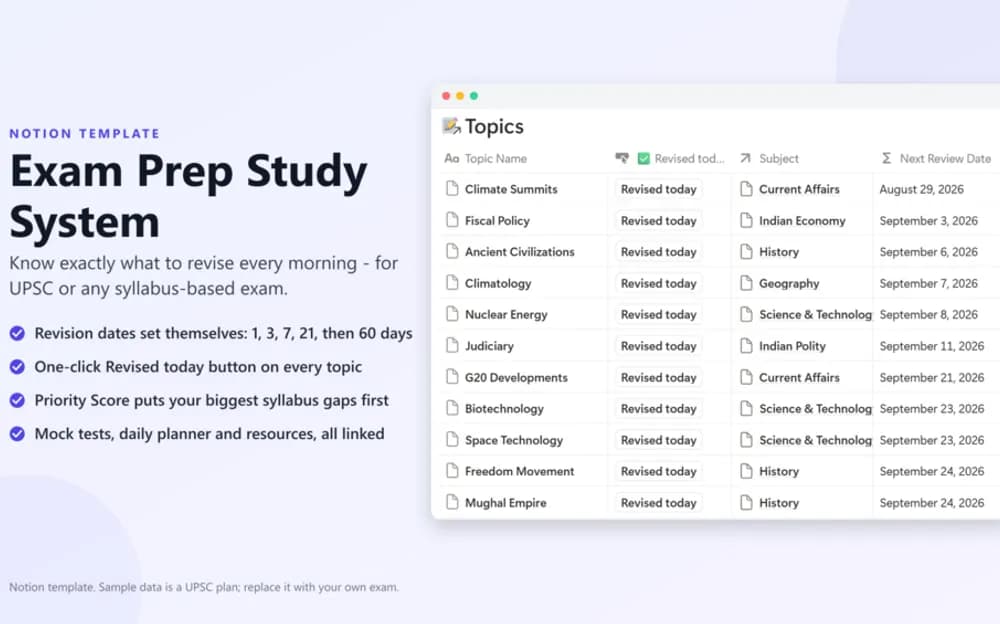
Prepare for syllabus-based exams in Notion with spaced-repetition review dates, subject priority scores, a weak-topics list, and a mock test log.
 Free
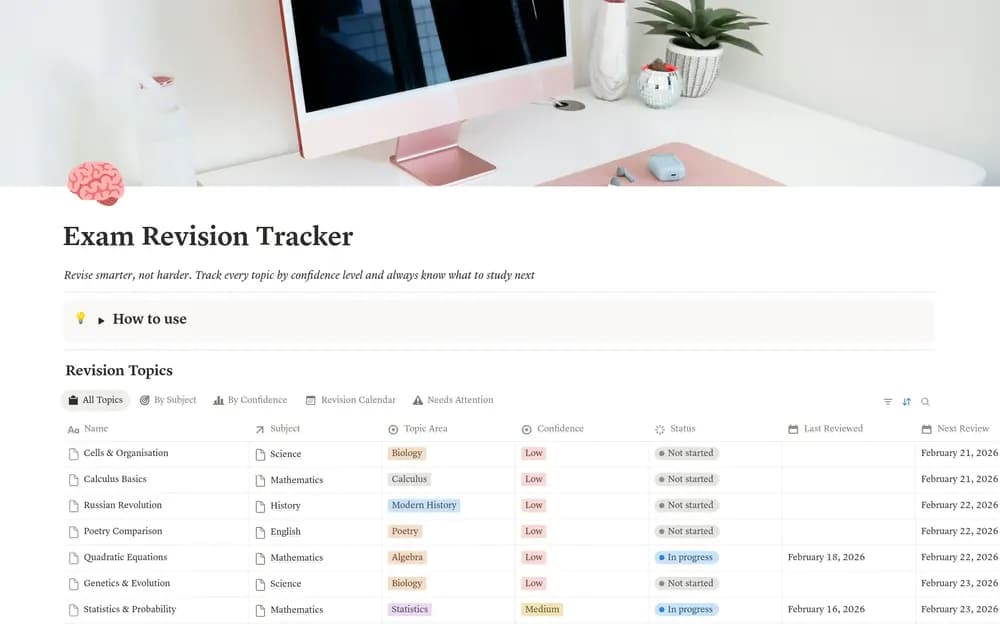
Plan exam revision in Notion by rating each topic’s confidence, surfacing weak areas first, and scheduling reviews on a calendar by subject.
 Free
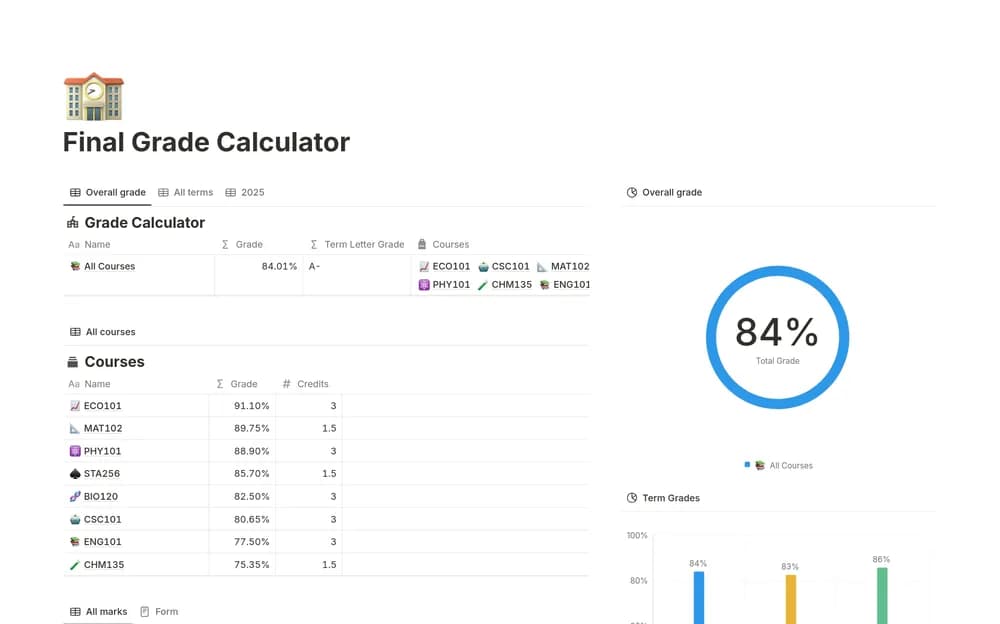
Notion’s grade calculator for keeping academic targets in context.
 Free
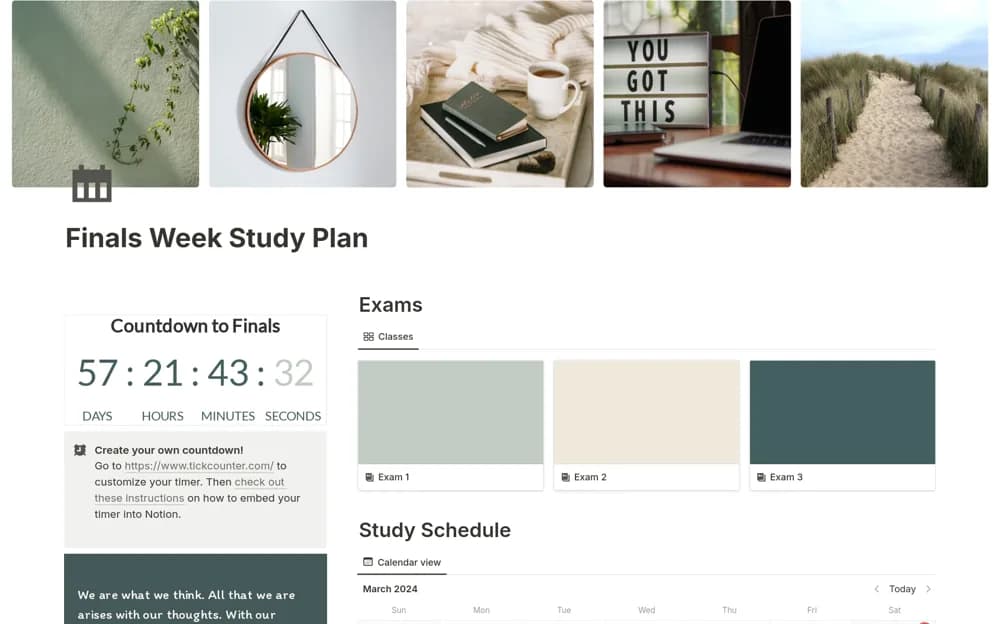
A finals preparation planner with time blocks, exam pages, tasks, and a customizable countdown.
 Free
 Free
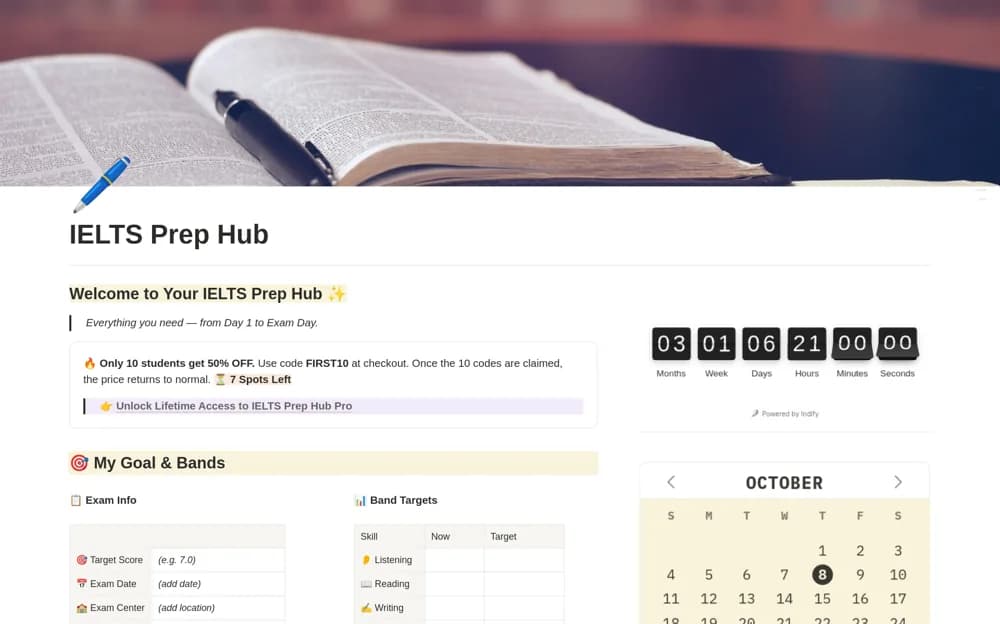
A free IELTS study hub with daily practice tracking, a writing log, vocabulary records, and an exam-day checklist.
 Free
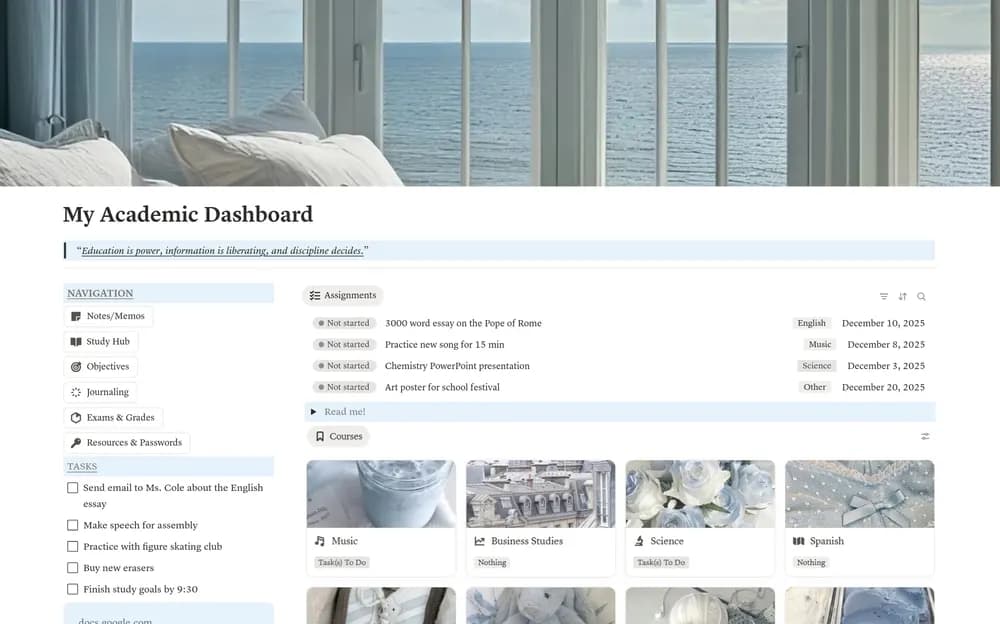
Organize a school term on one light blue Notion dashboard covering assignments, exams, grades, study sessions, goals, schedules, notes, and journaling.
 Free
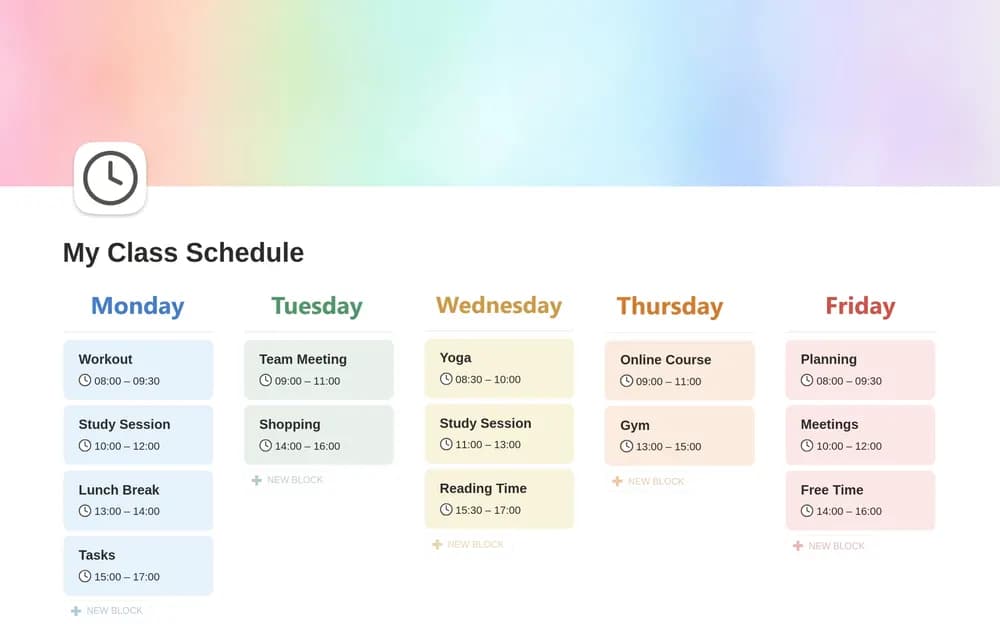
Map out classes or activities hour by hour on a color-coded weekly board in Notion, with custom subject names and a layout that works on mobile.
 Free
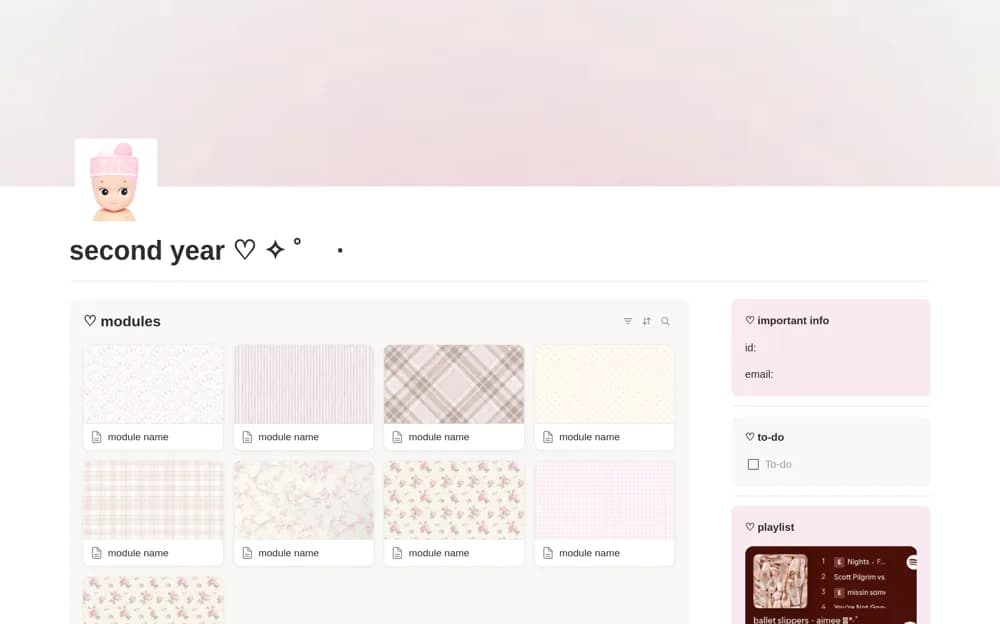
A pink university dashboard linking module notes, assignments, a revision timetable, and everyday scheduling.
Compare the purpose and included features before choosing a workspace.
Students organizing revision for upcoming exams.
Students checking how course assessments contribute to a result.
Students and freelancers who want an attractive weekly timetable they can check on any device.
34 working templates from 31 creators: 31 free and 3 paid, with paid options from $5 to $17.48. Links last checked November 22, 2026.
| Template | Best for | Price | Creator |
|---|---|---|---|
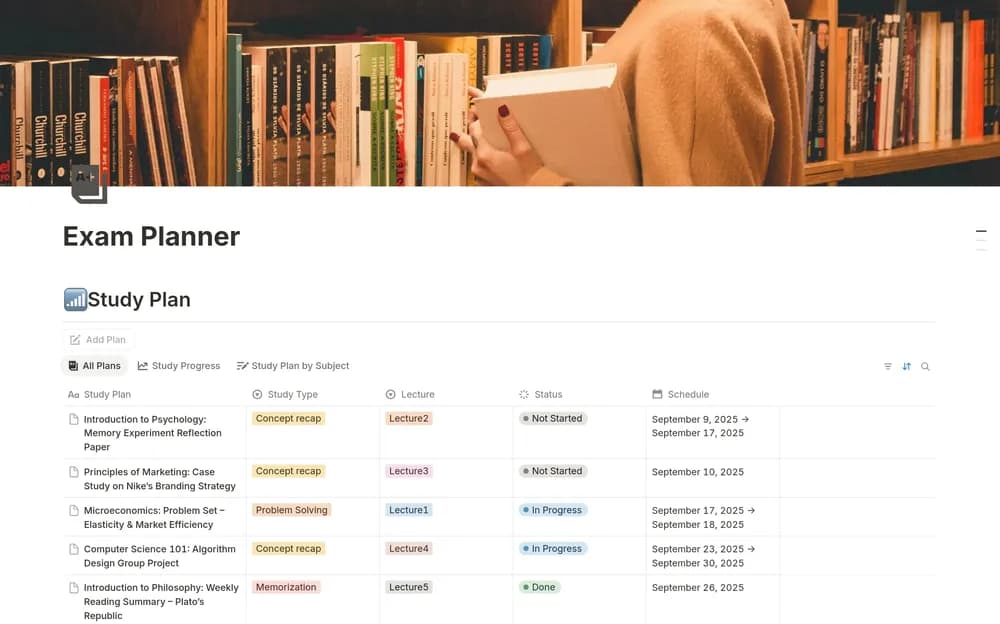
| Exam Planner | Students organizing revision for upcoming exams. | Free | YC |
| Final Grade Calculator | Students checking how course assessments contribute to a result. | Free | Notion |
| My Class Schedule | Students and freelancers who want an attractive weekly timetable they can check on any device. | Free | Misha |
| Resource: Studies Hub | Students who want a more consistent overview of their work. | Free | Jacobo Del Río |
| School To-Do List & Planner | High school and college students who want a simple weekly view of homework and classes. | Free | Sophia Erickson |
| Student Study, Assignment & Exam Planner | High school and university students, particularly those in Vietnam or preparing for IELTS. | $5 | BobStore |
| Study & Learning OS | Students and independent learners balancing several subjects and upcoming exams. | Free | heyismail.co |
| Weekly Student Timetable | High school and university students who want a clear, pretty weekly view of their class schedule. | Free | Roma Life Design |
Choose a planner that connects each study session to a subject or a specific piece of material. A list of hours alone does not show what you understand. Look for room to record difficult topics and revisit them. Build your first week around the time available, including breaks and other deadlines.
Subjects and exam dates
Specific session goals
A way to revisit difficult topics
About the directoryUse current course or exam information to define the material, then identify topics that need another attempt. Schedule a specific exercise or question for each session and record what remains unclear. Review practice results before planning the next week so the timetable reflects learning rather than just completed time blocks.
Jump straight to any listing in the collection.
It helps you choose what to study next and see what needs more practice. A completed session count alone is less informative than a record of topics, questions, mistakes, and later attempts.
It depends on the job you need it to do. Good starting points in this collection include Exam Planner (students organizing revision for upcoming exams), Final Grade Calculator (students checking how course assessments contribute to a result) and My Class Schedule (students and freelancers who want an attractive weekly timetable they can check on any device). Compare the included features below, then try your first choice with a week of real information before moving everything across.
Yes. This collection currently includes 31 listings with a confirmed free creator offer, alongside 3 paid or freemium options. Use the Free filter to compare them. A free version can have different features from a creator’s paid upgrade, so check the original listing and current access terms before adding it to your workspace.