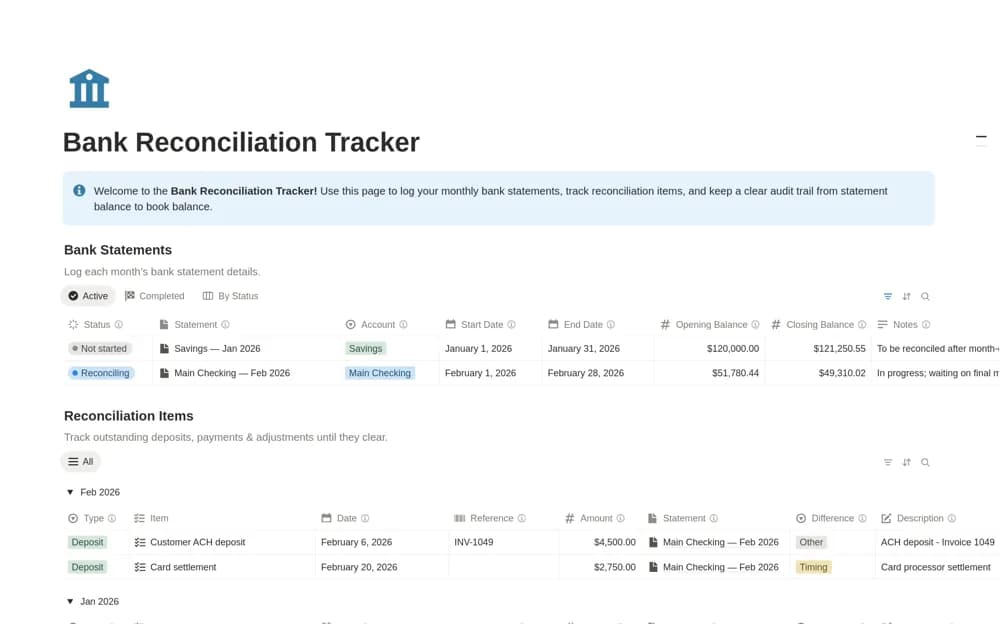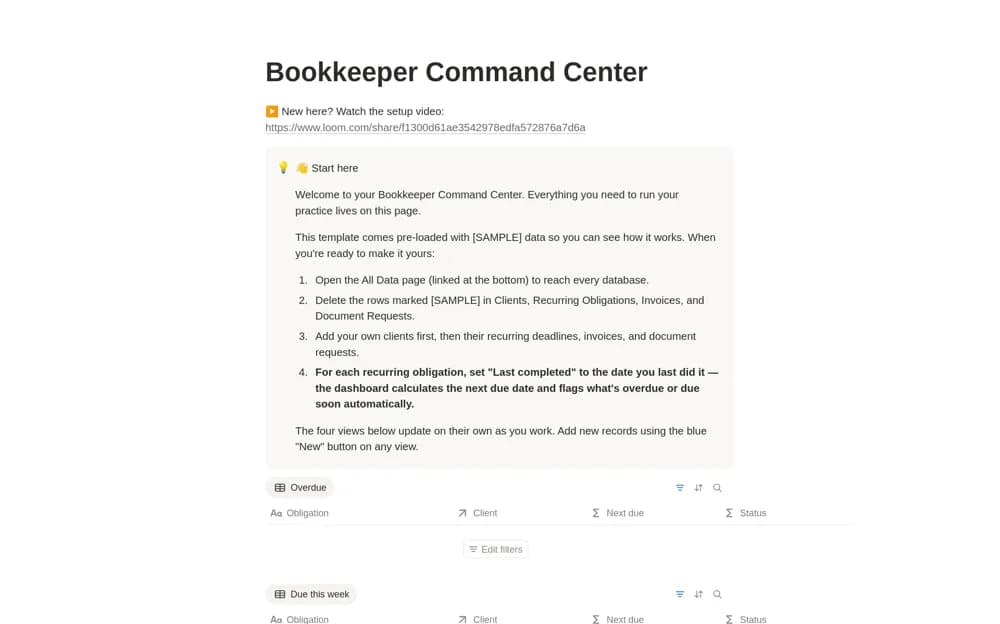
About Accounting Firm Client Manager
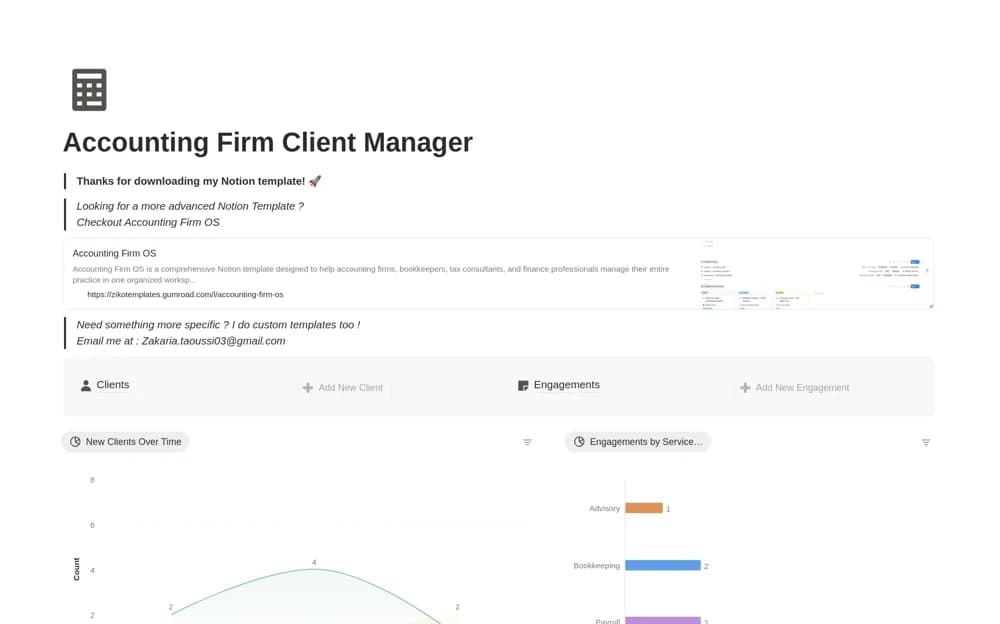
A focused accounting CRM for client records, engagements, service categories, and current account status.
What’s included
- Separate client and engagement databases
- Service categories including bookkeeping, tax, payroll, and advisory
- Views of prospects, active clients, and ongoing work
How to use it in practice
Create one client and link an actual engagement with its service and next action. Check how the record helps you prepare for a client conversation. Agree who maintains status before importing more accounts, and restrict access to confidential client information.
Set it up in your workspace
- Open the original Notion Marketplace listing and add the template to your chosen workspace while signed in. Keep its example records until you understand how the pages connect.
- Create one client and link an actual engagement with its service and next action.
- Try one complete example before adding a large backlog. Check that its views and any calculations show what you expect, then replace the sample content with your own.
Who it suits and what to consider
Accountants, bookkeepers, and small firms organizing client relationships. This is client administration, with a separate larger system offered by the creator; it is not an accounting ledger or filing service.