About Bank Reconciliation Tracker
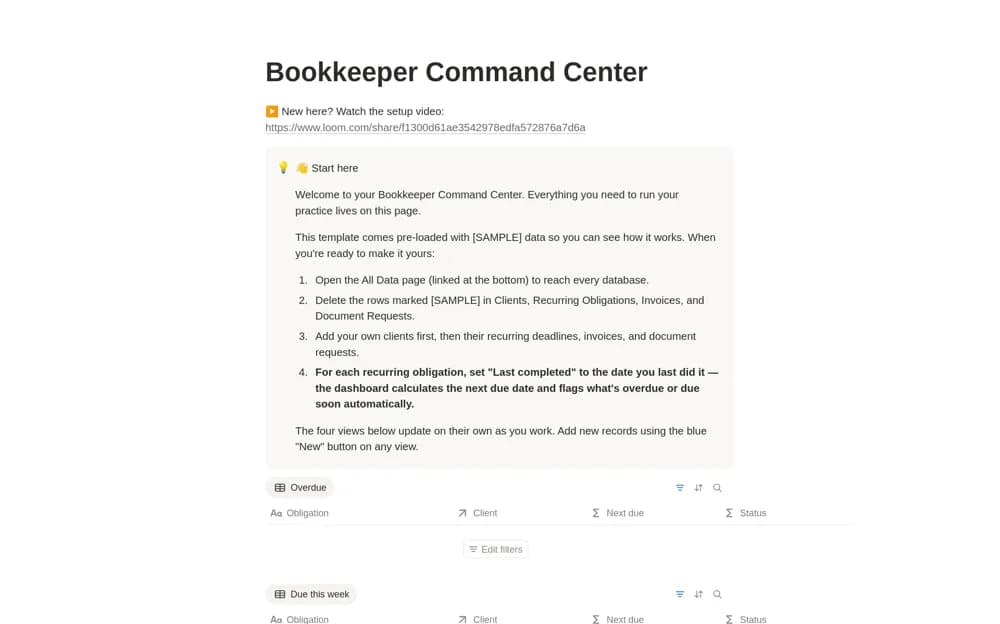
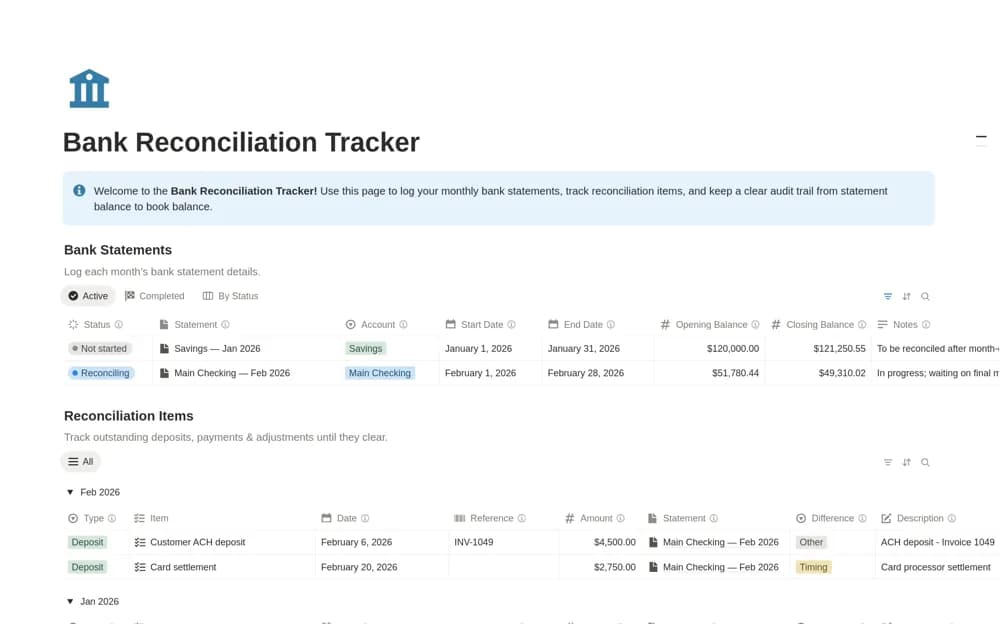
A focused reconciliation workspace with separate bank statement periods and reconciliation items, including balances, completion status, matched flags, and views for unresolved work.
What’s included
- Bank Statements database
- Reconciliation Items with amounts, types, and notes
- Reconciling, unmatched, and completed views
How to use it in practice
Create one statement period and record its starting figures from the original statement. Add the items being checked and mark a match only after comparing the supporting record. Use the unmatched view to keep differences visible, and explain unresolved items before considering the period complete.
Set it up in your workspace
- Open the original Notion Marketplace listing and add the template to your chosen workspace while signed in. Keep its example records until you understand how the pages connect.
- Create one statement period and record its starting figures from the original statement.
- Try one complete example before adding a large backlog. Check that its views and any calculations show what you expect, then replace the sample content with your own.
Who it suits and what to consider
Accountants and bookkeeping teams tracking monthly reconciliation across several accounts. The listing describes recording and matching work in Notion. It does not confirm live bank access, automated transaction imports, or an accounting-grade reconciliation engine.