About Bookkeeper Command Center
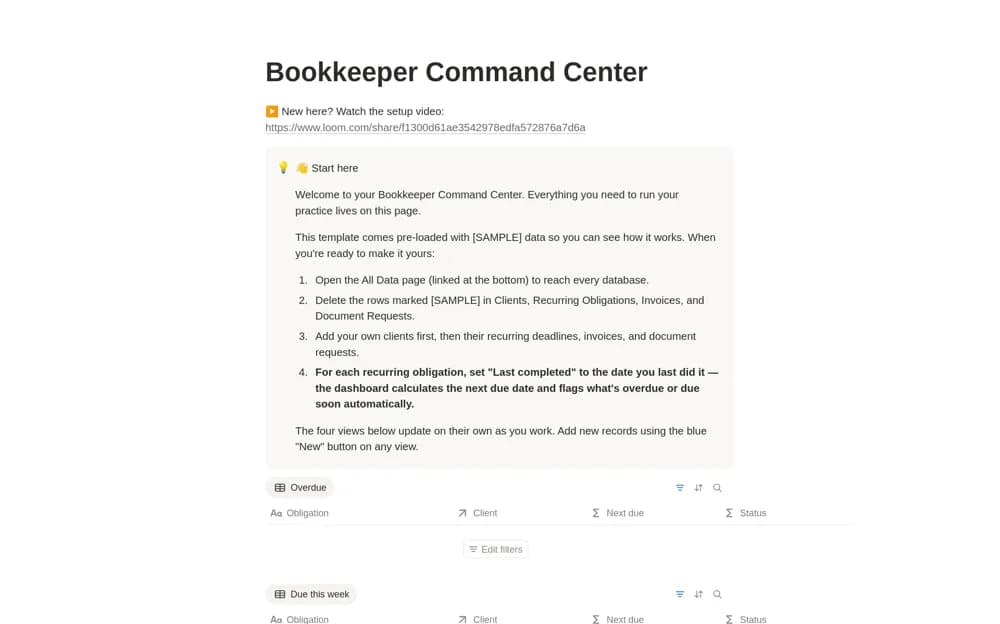
A bookkeeping-practice dashboard connecting clients, recurring obligations, invoices, and document requests, with views for overdue work, approaching deadlines, and outstanding client materials.
What’s included
- Client database and recurring obligations
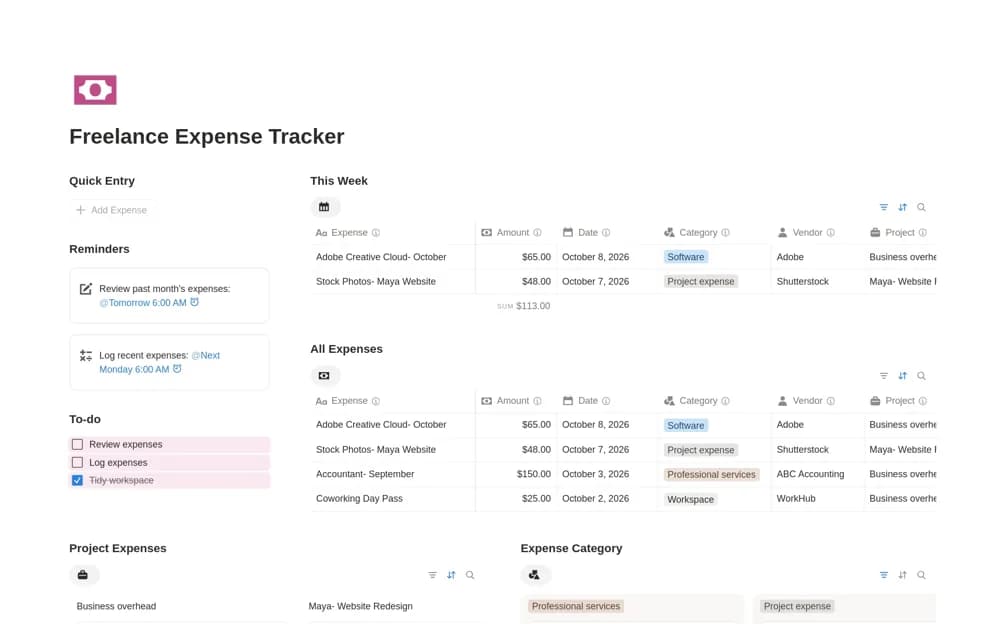
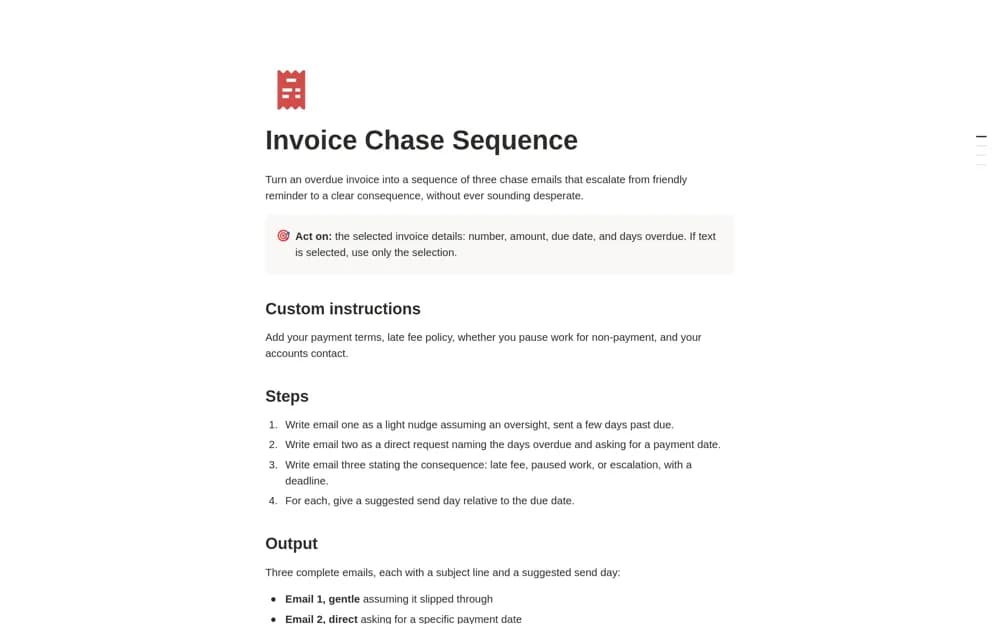
- Invoice and document-request tracking
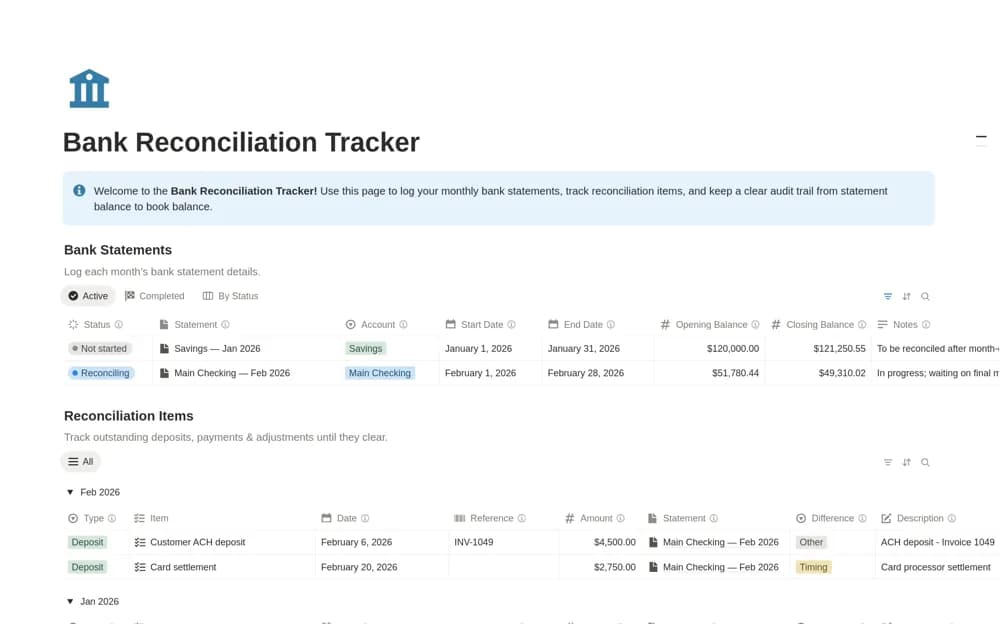
- Overdue, upcoming, and outstanding-work views
How to use it in practice
Add one client and their next monthly obligation, then record the documents needed to complete it. Update the last-completed date after doing the work and check the calculated next deadline. Review missing documents alongside open invoices so you can make a useful, specific follow-up with the client.
Set it up in your workspace
- Open the original Notion Marketplace listing and add the template to your chosen workspace while signed in. Keep its example records until you understand how the pages connect.
- Add one client and their next monthly obligation, then record the documents needed to complete it.
- Try one complete example before adding a large backlog. Check that its views and any calculations show what you expect, then replace the sample content with your own.
Who it suits and what to consider
Freelance bookkeepers, accountants, and small firms managing recurring work for several clients. Its recurring-date calculation depends on accurate completion records and setup. This workspace coordinates practice work; the listing does not claim to replace the client’s accounting ledger.