About API Documentation Hub
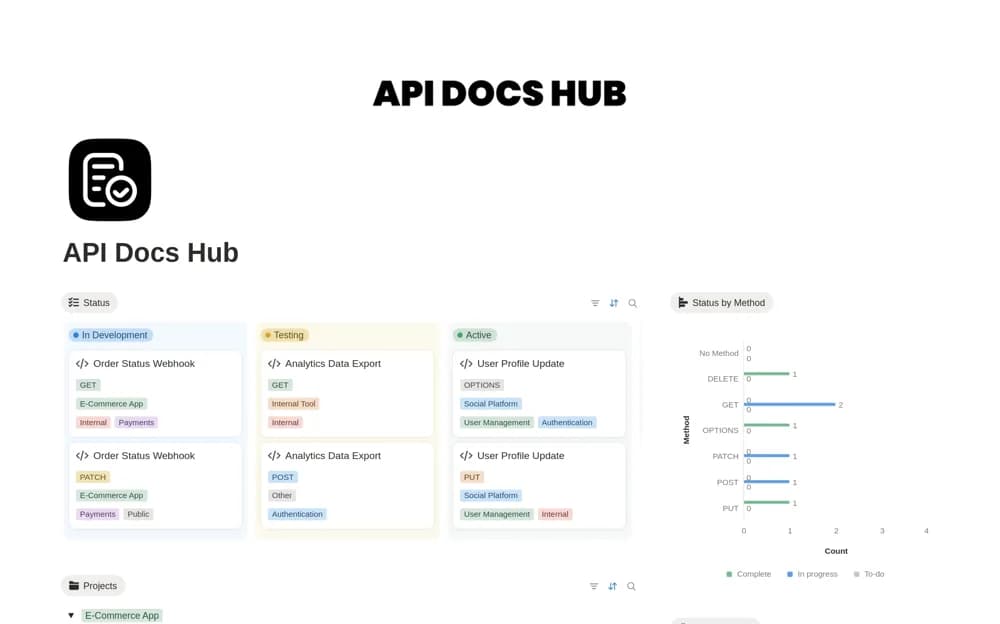
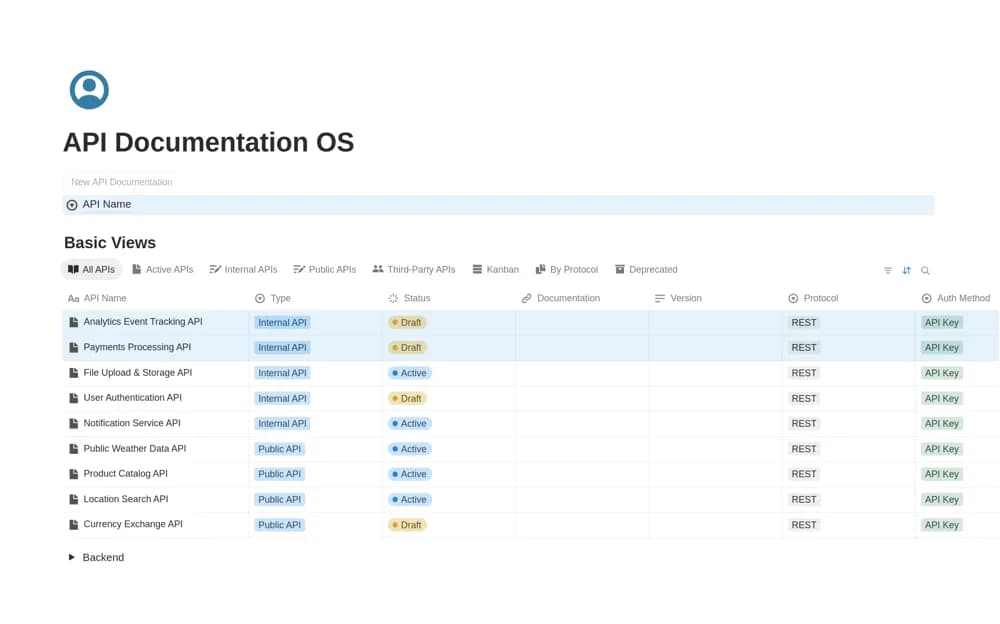
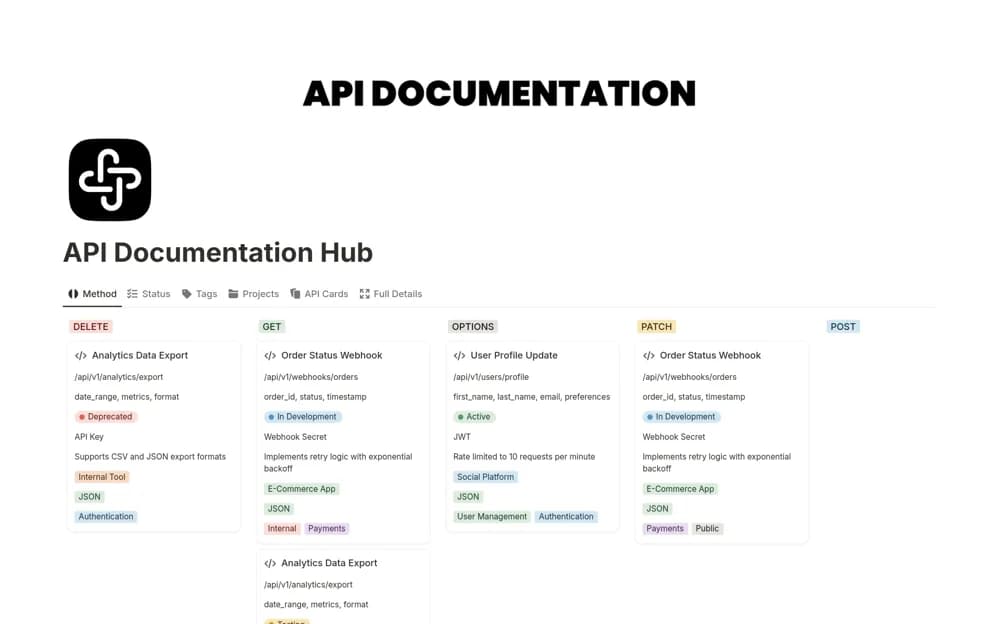
A Notion API documentation workspace with endpoint details, methods, parameters, responses, authentication context, and views identifying active, deprecated, or developing APIs.
What’s included
- Structured endpoint database
- API status tracking
- Table, board, and gallery documentation views
How to use it in practice
Choose an API your team uses and document one endpoint with an accurate request and response. Check its status and authentication details against the current source, then ask a colleague to find the example through the supplied views. Add more endpoints after the structure answers that practical lookup well.
Set it up in your workspace
- Open the original Notion Marketplace listing and add the template to your chosen workspace while signed in. Keep its example records until you understand how the pages connect.
- Choose an API your team uses and document one endpoint with an accurate request and response.
- Try one complete example before adding a large backlog. Check that its views and any calculations show what you expect, then replace the sample content with your own.
Who it suits and what to consider
Developers and API managers consolidating reference material that is currently scattered across tools. Keeping documentation centralized does not update it automatically. The listing does not establish synchronization with a repository or verify that a saved example still works.