About API Documentation Manager
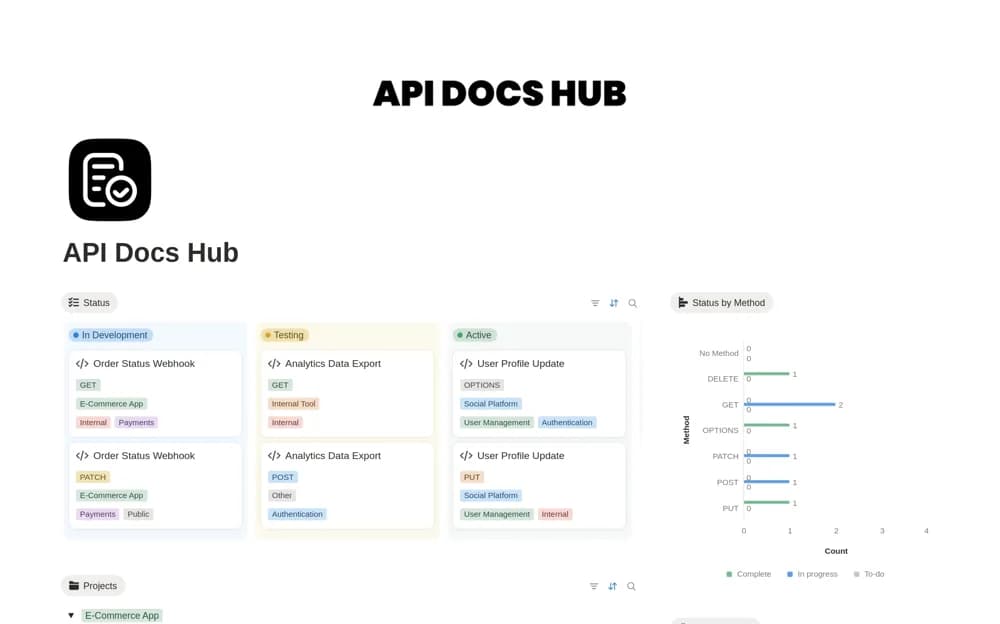
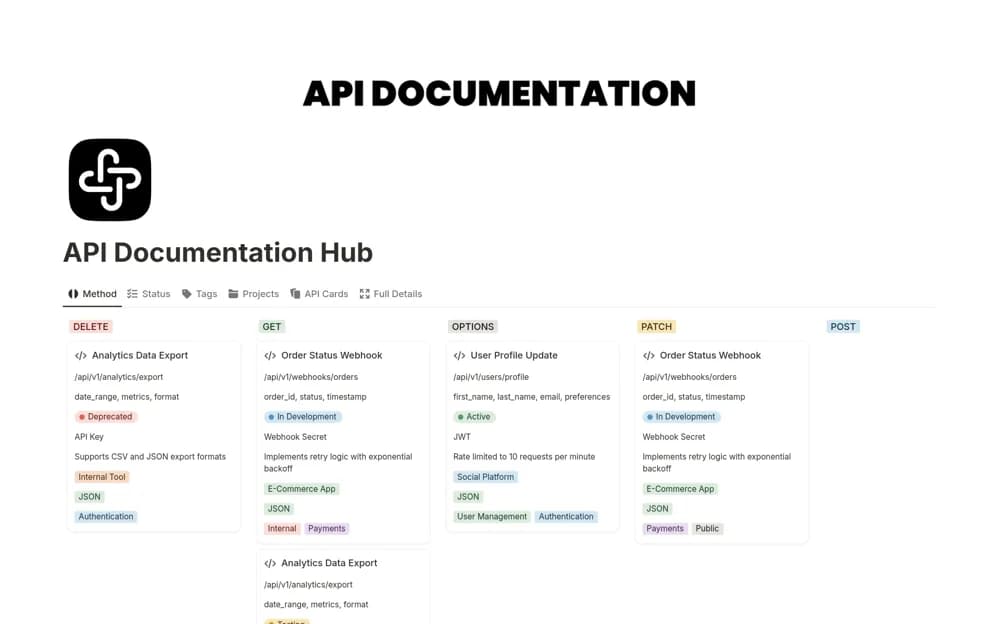
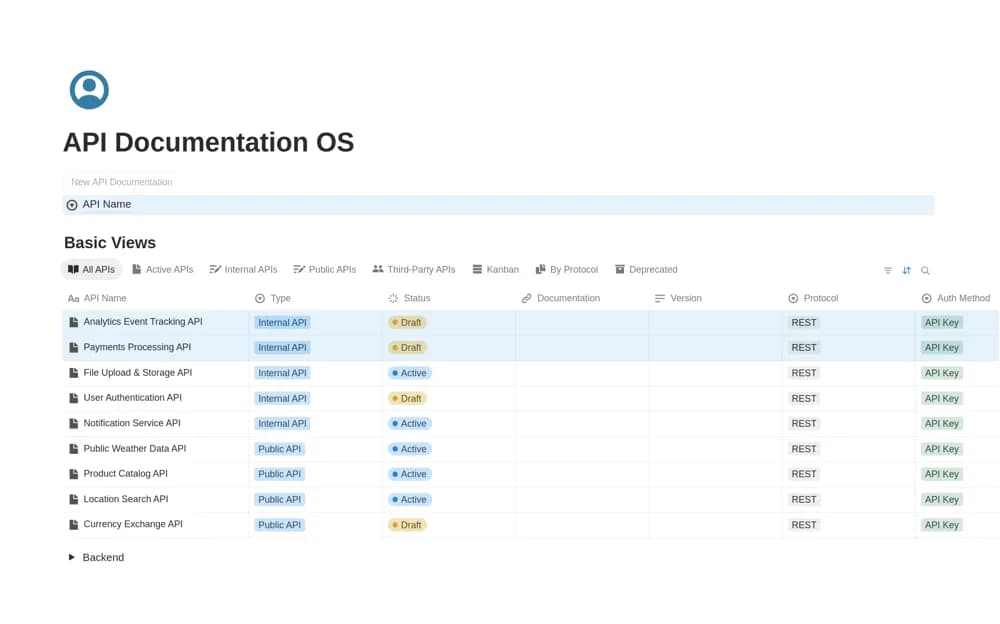
An API reference manager with lifecycle statuses, internal or public classifications, protocol and version views, and a button for creating shareable documentation pages.
What’s included
- API Documentation Manager database
- Draft, Active, Deprecated, and Archived statuses
- REST, GraphQL, Webhook, and version views
How to use it in practice
Add one API with its current protocol, version, and status, then create a documentation page from the supplied action. Fill it with a tested example and check the page as an intended reader. Review public access before sharing anything that includes internal endpoints or implementation details.
Set it up in your workspace
- Open the original Notion Marketplace listing and add the template to your chosen workspace while signed in. Keep its example records until you understand how the pages connect.
- Add one API with its current protocol, version, and status, then create a documentation page from the supplied action.
- Try one complete example before adding a large backlog. Check that its views and any calculations show what you expect, then replace the sample content with your own.
Who it suits and what to consider
Technical teams maintaining an overview of several APIs and their supporting reference pages. Protocol support here means documentation organization. It does not establish an API gateway, schema validator, request runner, or automatic publication process.