About Art Commission Workflow
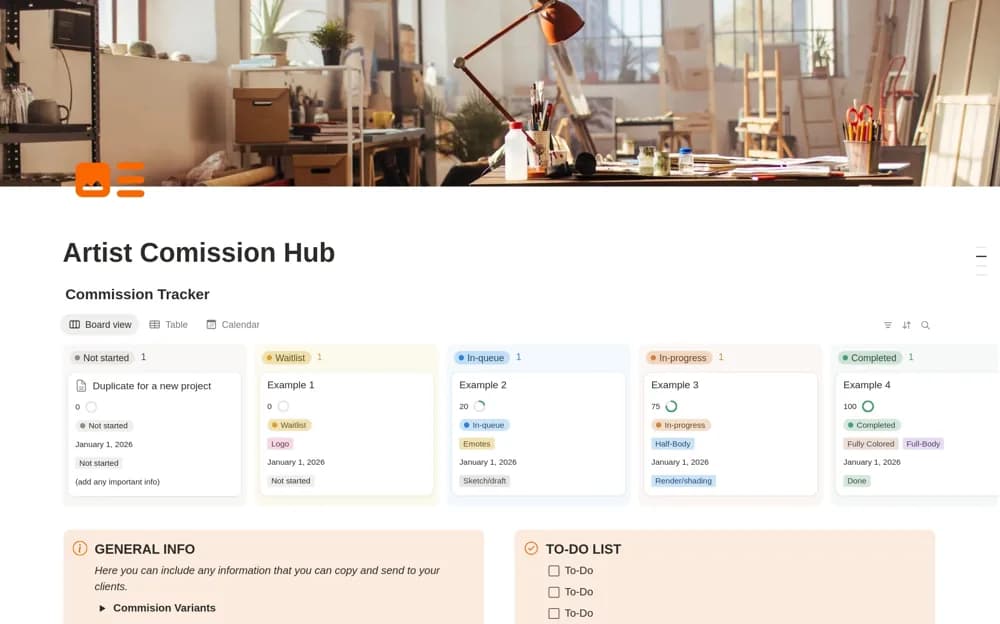
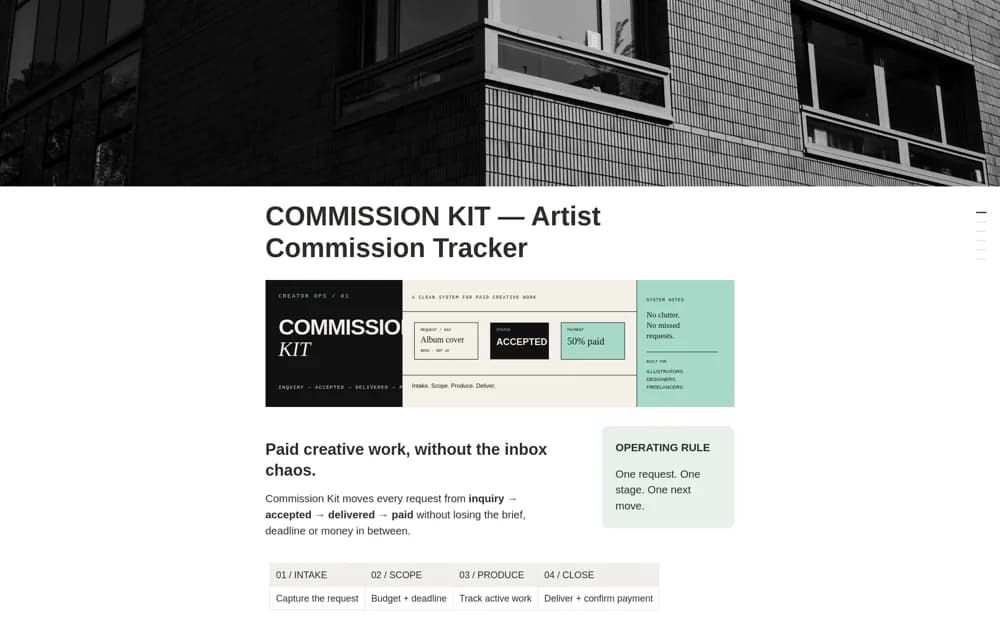
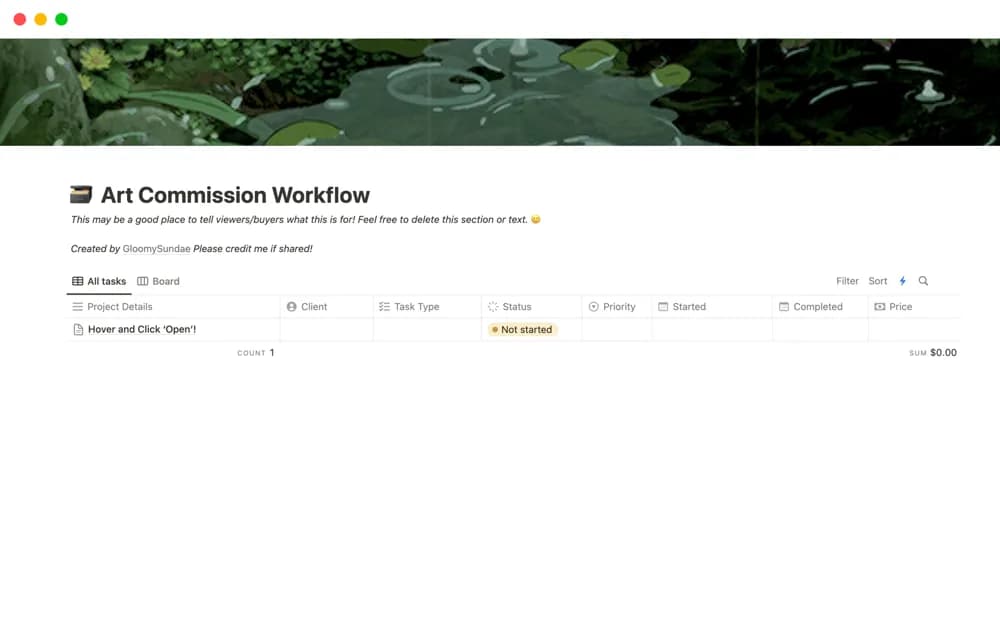
Track art commissions in Notion with a visible queue, task status, completion dates, and a history that can help explain your working pace.
What’s included
- Commission queue and history
- Configurable task status and priority
- Completion-date behavior
- Editable commission records
How to use it in practice
Add one current commission and check the default status and priority on its task. Record the agreed work and keep its progress current, then test the completed-date behavior on a sample. Use previous delivery history as context when discussing timing with a new client, allowing for differences in scope.
Set it up in your workspace
- Open the original Notion Marketplace listing and add the template to your chosen workspace while signed in. Keep its example records until you understand how the pages connect.
- Add one current commission and check the default status and priority on its task.
- Try one complete example before adding a large backlog. Check that its views and any calculations show what you expect, then replace the sample content with your own.
Who it suits and what to consider
Illustrators and artists keeping commissions and delivery expectations organized. The description mentions later versions and planned analytics. Confirm the purchased version; do not assume future revenue or hourly-rate features are included.