About Business Cash Flow Management System
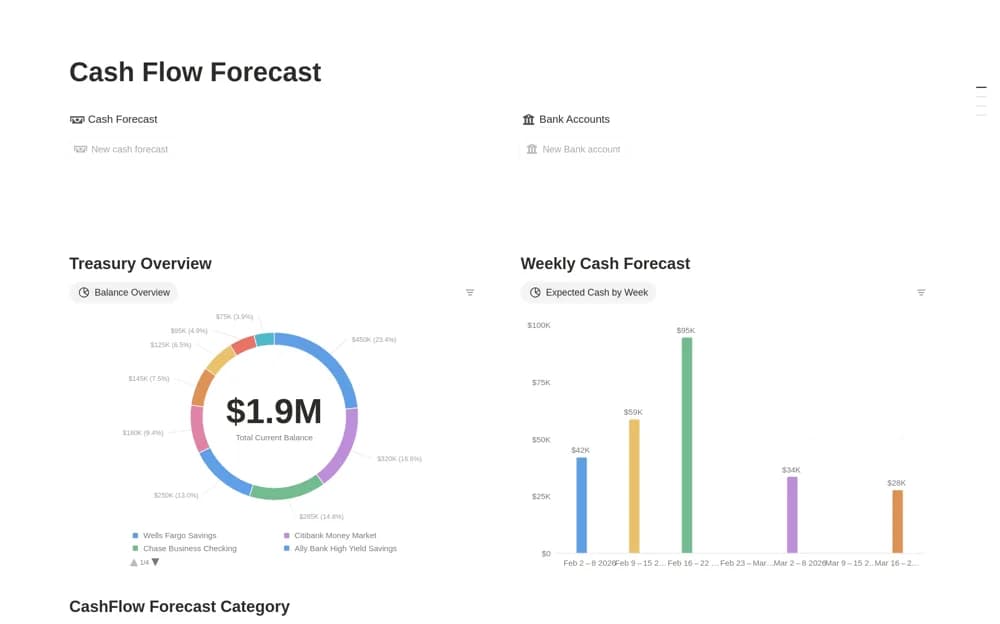
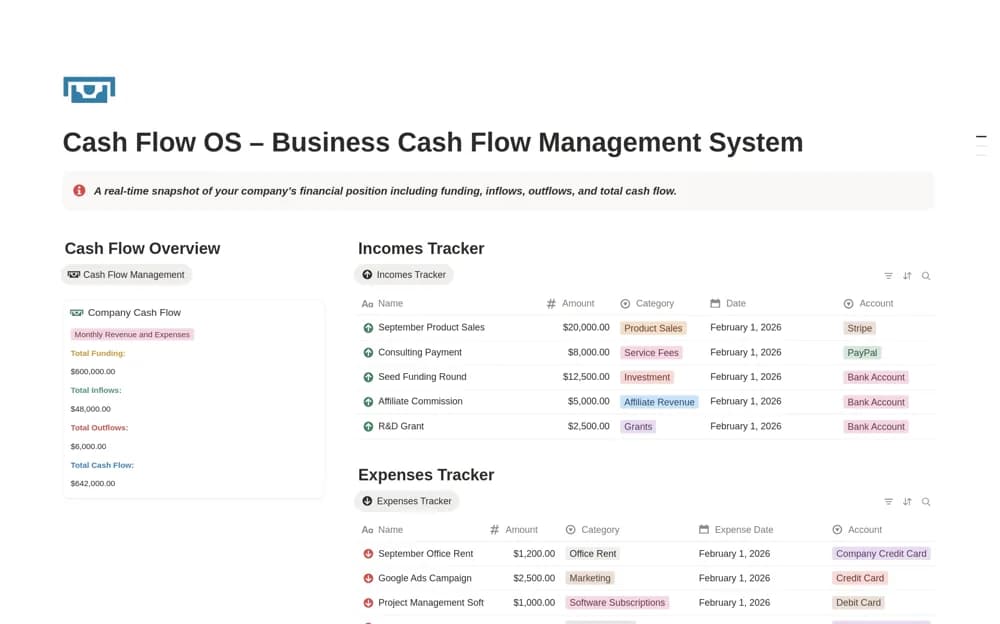
A business cash record system for income, expenses, subscriptions, categories, payment methods, and inflow/outflow summaries.
What’s included
- Income and expense tracking
- Transaction categories, accounts, and payment methods
- Funding, inflow, outflow, and cash-flow summaries
How to use it in practice
Enter a short period from verified source statements and check how transfers and refunds are treated. Reconcile the total before using it in a review and keep actual movements distinct from forecasts. Agree with your accountant how this organizational record relates to formal books.
Set it up in your workspace
- Open the original Notion Marketplace listing and add the template to your chosen workspace while signed in. Keep its example records until you understand how the pages connect.
- Enter a short period from verified source statements and check how transfers and refunds are treated.
- Try one complete example before adding a large backlog. Check that its views and any calculations show what you expect, then replace the sample content with your own.
Who it suits and what to consider
Small businesses organizing cash movements for a regular financial review. The listing does not establish bank synchronization, complete accounting, or a verified cash-flow statement.