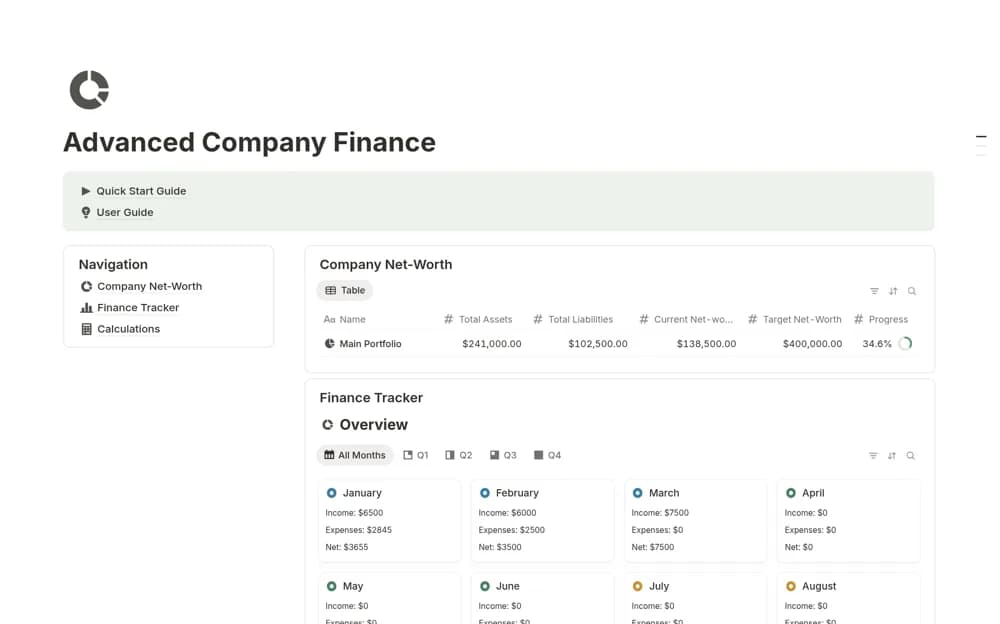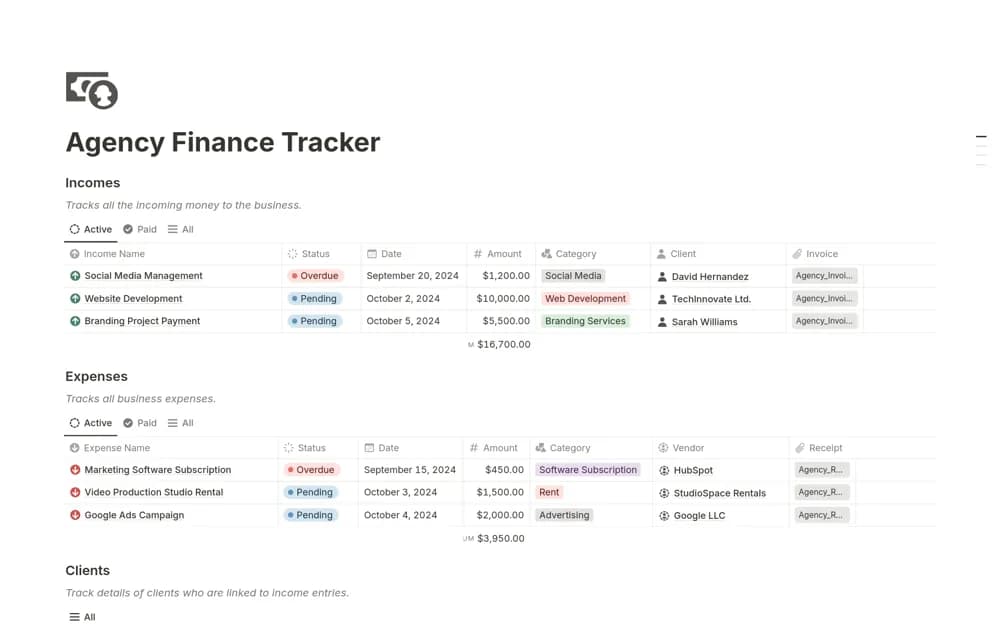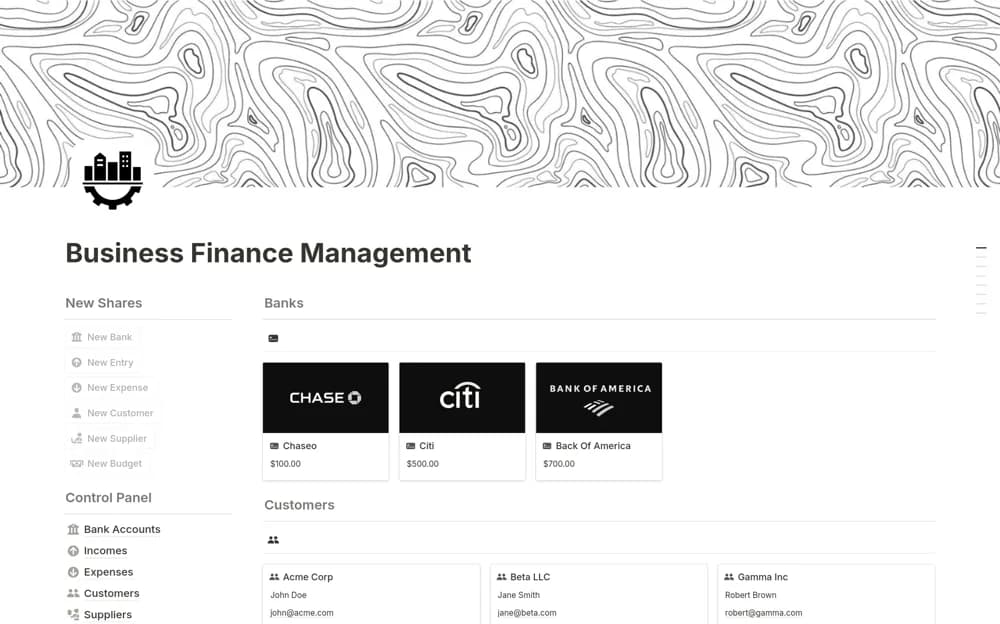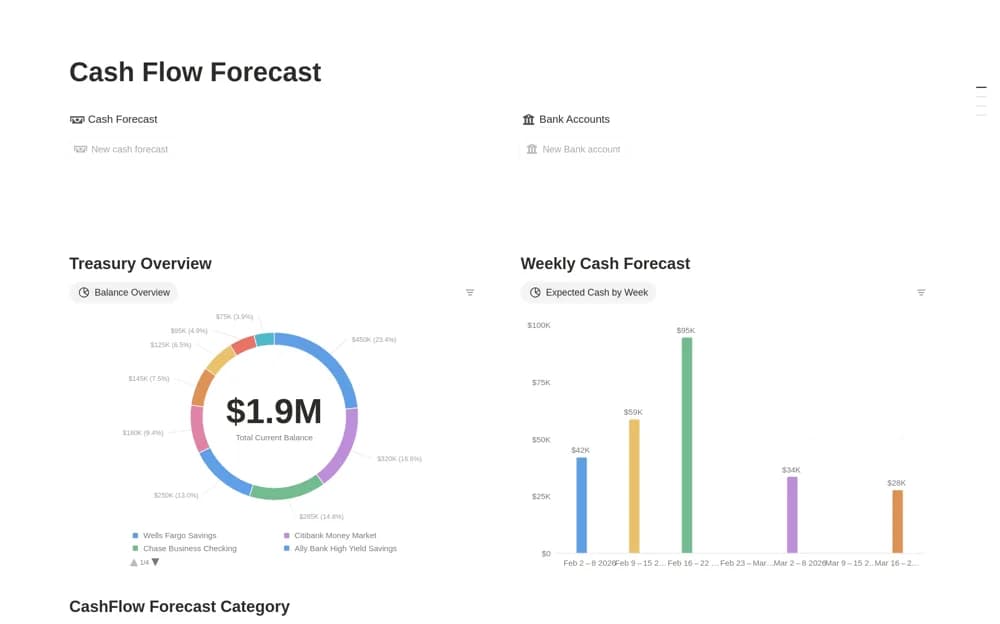
About Cash Flow Forecast
An incoming-cash forecast linking customers, expected receipts, probability, and collection status.
What’s included
- Cash forecast records with amount, date, probability, and status
- Customer or revenue-source records
- This-week and 30-, 60-, and 90-day forecast views
How to use it in practice
Add a few expected receipts with a source and realistic date. Keep collected amounts distinguishable from forecasts and review assumptions when customers change their plans. Compare the near-term view with actual receipts before expanding the forecast to more accounts.
Set it up in your workspace
- Open the original Notion Marketplace listing and add the template to your chosen workspace while signed in. Keep its example records until you understand how the pages connect.
- Add a few expected receipts with a source and realistic date.
- Try one complete example before adding a large backlog. Check that its views and any calculations show what you expect, then replace the sample content with your own.
Who it suits and what to consider
Small businesses and finance managers reviewing expected customer payments. The source focuses on incoming cash; a complete business cash model may also need outgoing payments and opening balances.