 Paid
Advanced Company Finance
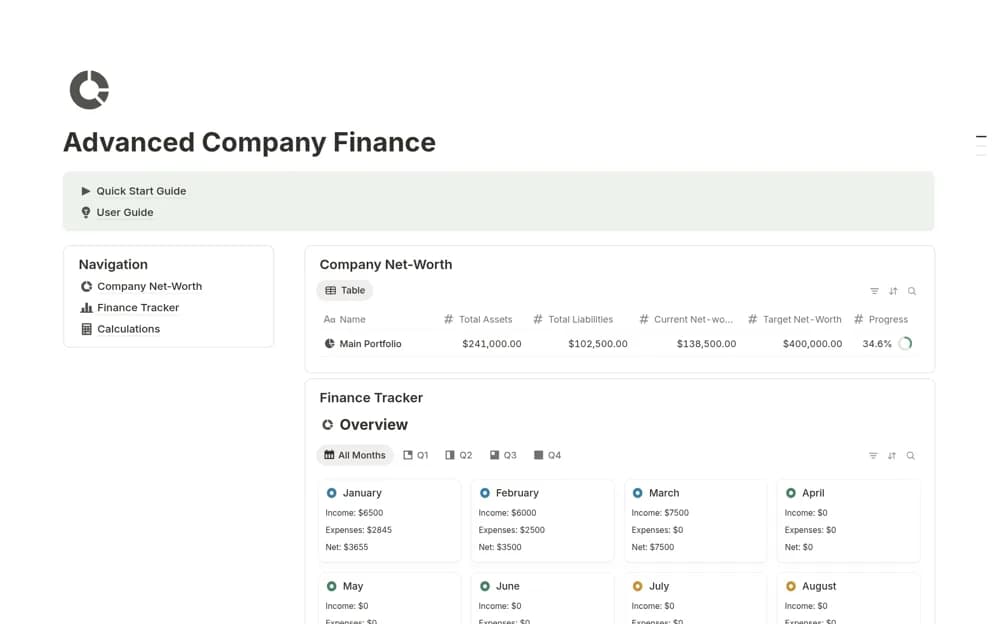
A paid company-finance workspace covering transactions, net worth, assets, liabilities, and equity, with monthly or quarterly reports and calculators for margins, break-even points, payroll costs, and ROI.
Keep planning, review, and financial follow-up work connected. Explore Notion templates for finance teams coordinating budgets, cash forecasts, source documents, responsibilities, and reporting conversations.
Showing 1–11 of 11 templates
PaidA paid company-finance workspace covering transactions, net worth, assets, liabilities, and equity, with monthly or quarterly reports and calculators for margins, break-even points, payroll costs, and ROI.
 Free
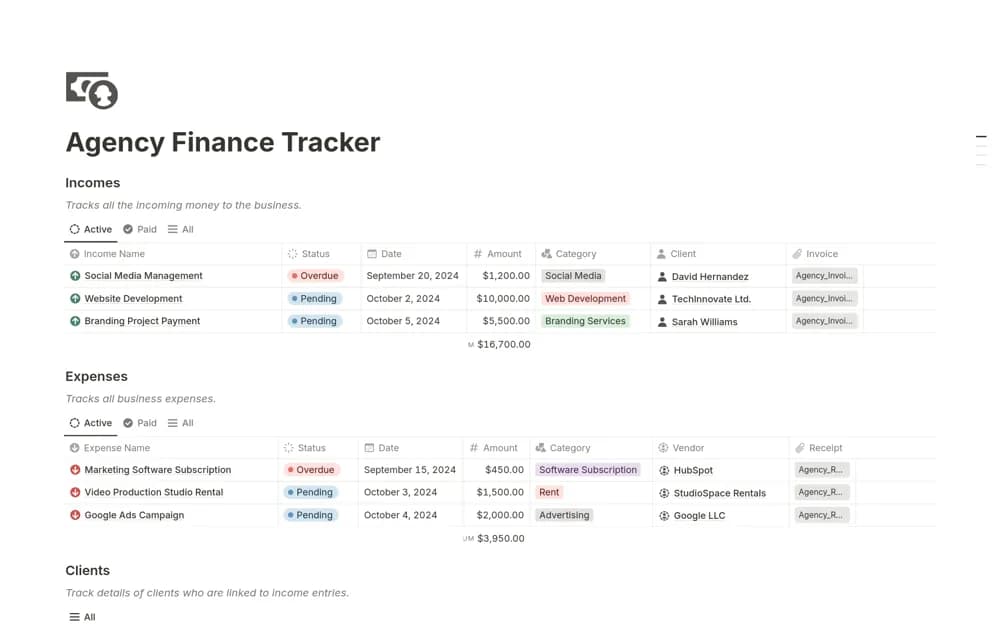
A simple agency finance workspace for client income, expenses, payments, and vendor contract context, bringing the operating money records into a focused management view.
 Paid
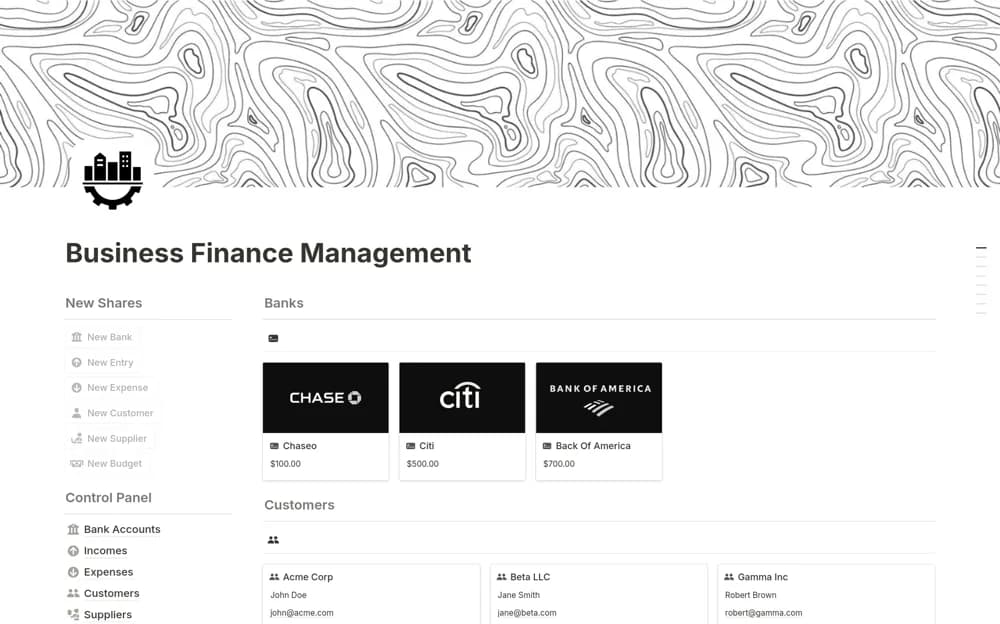
A paid business-finance workspace covering budgets, cash flow, income, and expenses, intended to give a small business a combined view of its financial records.
 Free
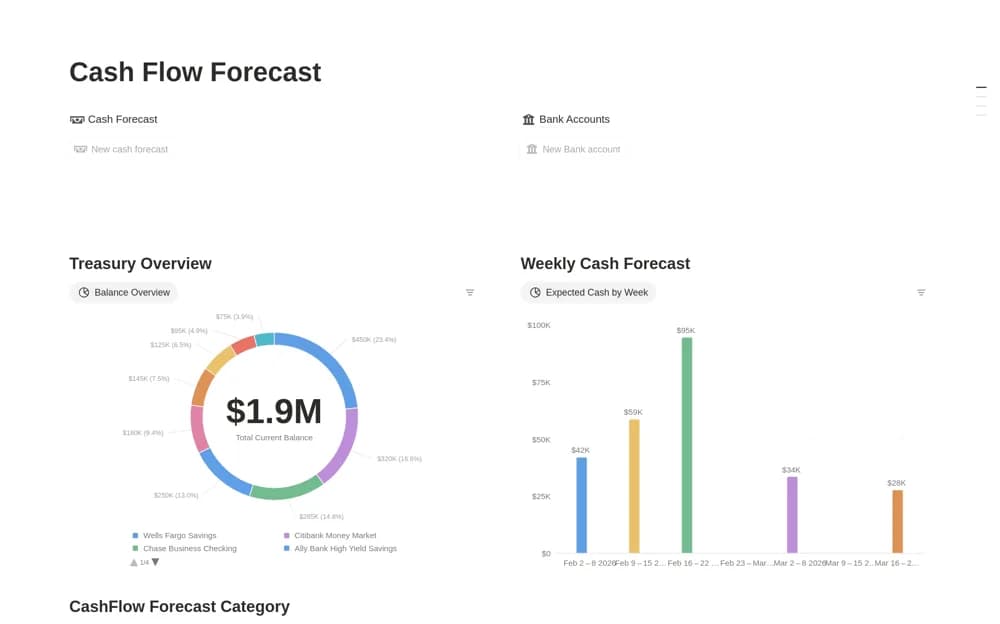
An incoming-cash forecast linking customers, expected receipts, probability, and collection status.
 Free
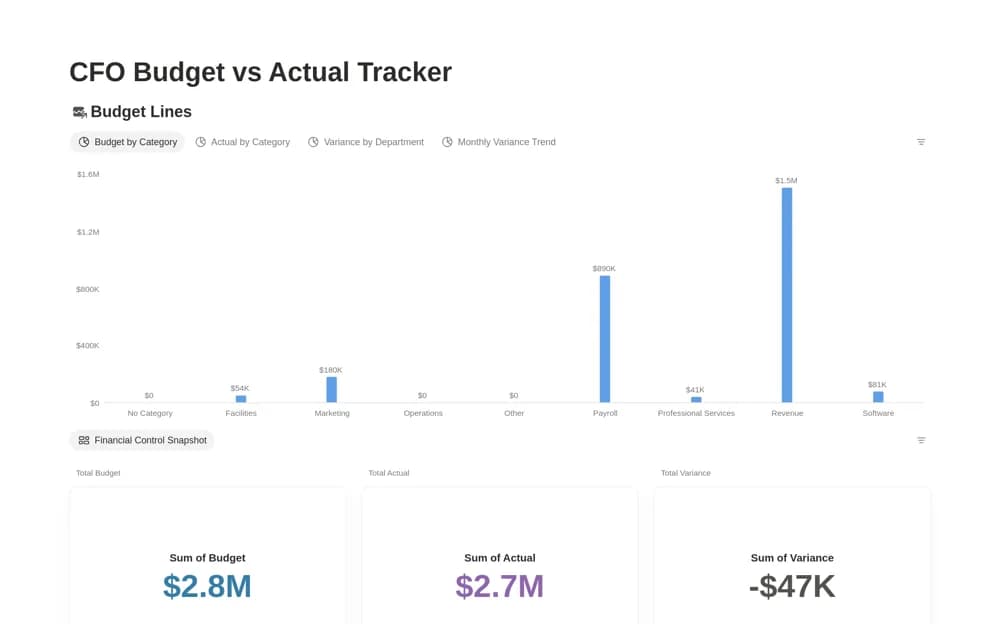
A budget comparison system with variance records, alerts, charts, and a financial-control overview.
 Free
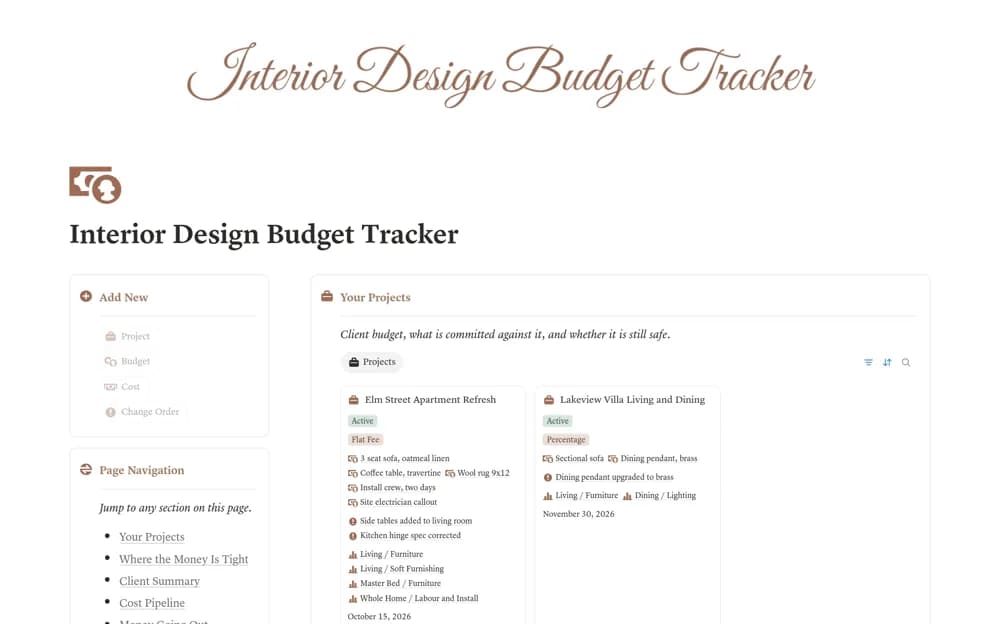
An interior-project budget system separating allowances from quotes, orders, invoices, and payments, with client-price budget consumption, change orders, and visible budget-risk signals.
 Paid
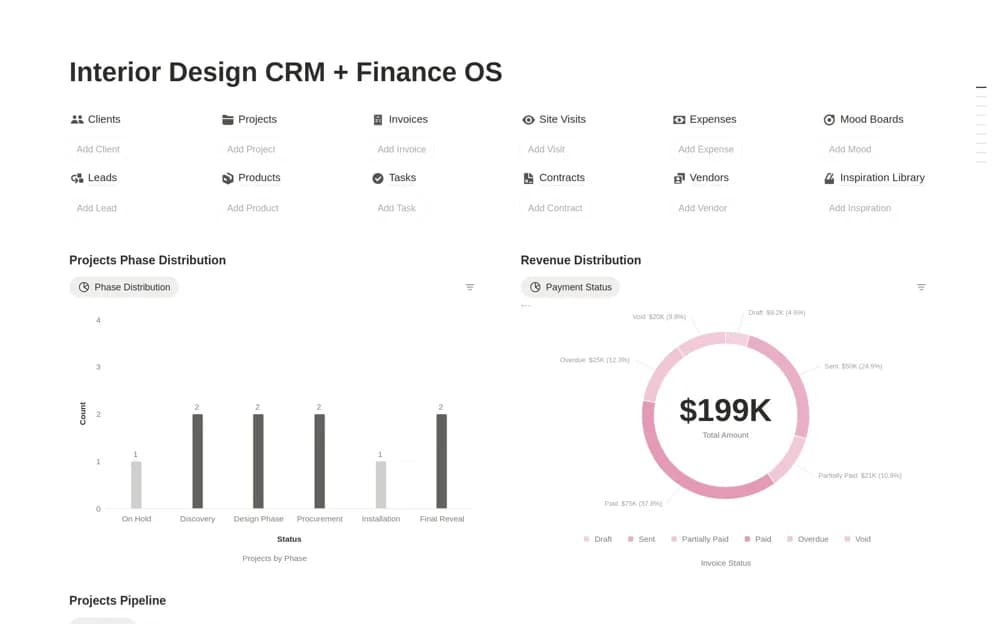
A paid interior-design business workspace connecting leads, clients, project phases, tasks, invoices, payments, and expenses, with charts for workflow and financial review.
 Free
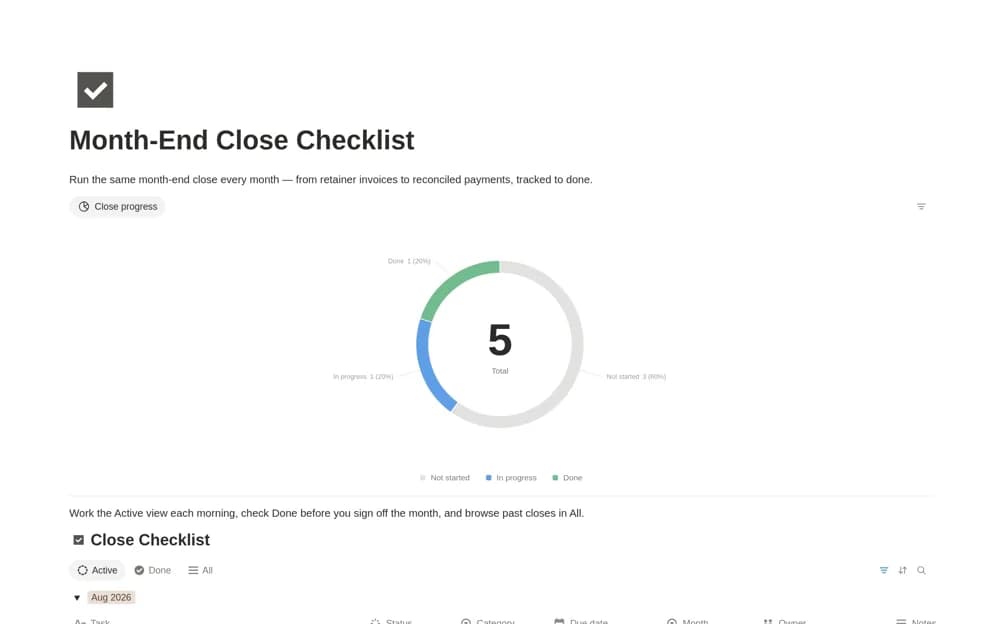
A monthly close task system with owners, due dates, finance categories, and a progress chart, designed to preserve the history of completed reporting periods.
 Free
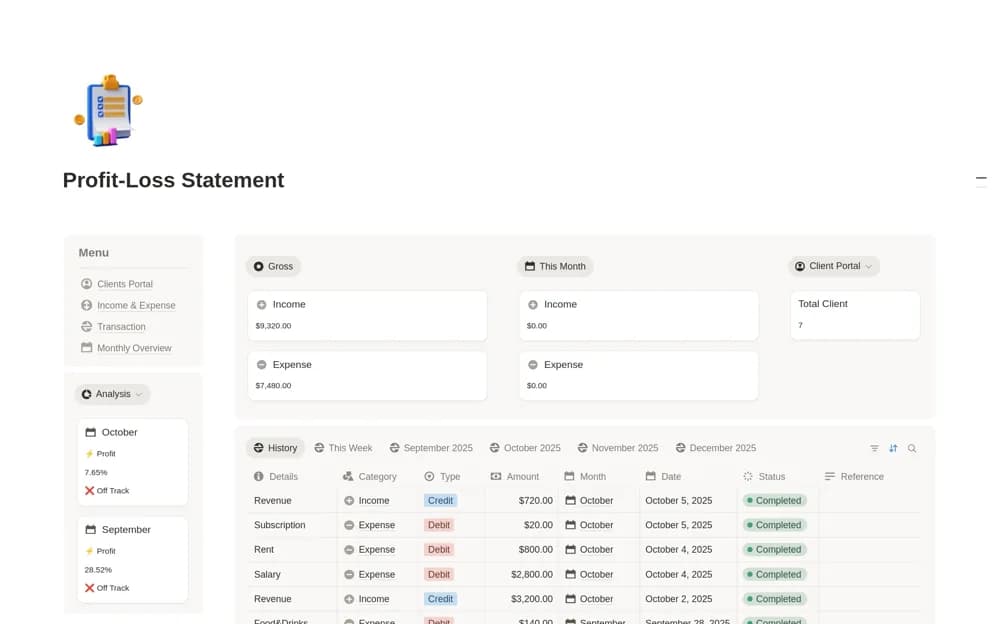
A business finance workspace linking clients, income and expenses, transactions, and a monthly dashboard showing net profit, client revenue, and spending categories.
 Free
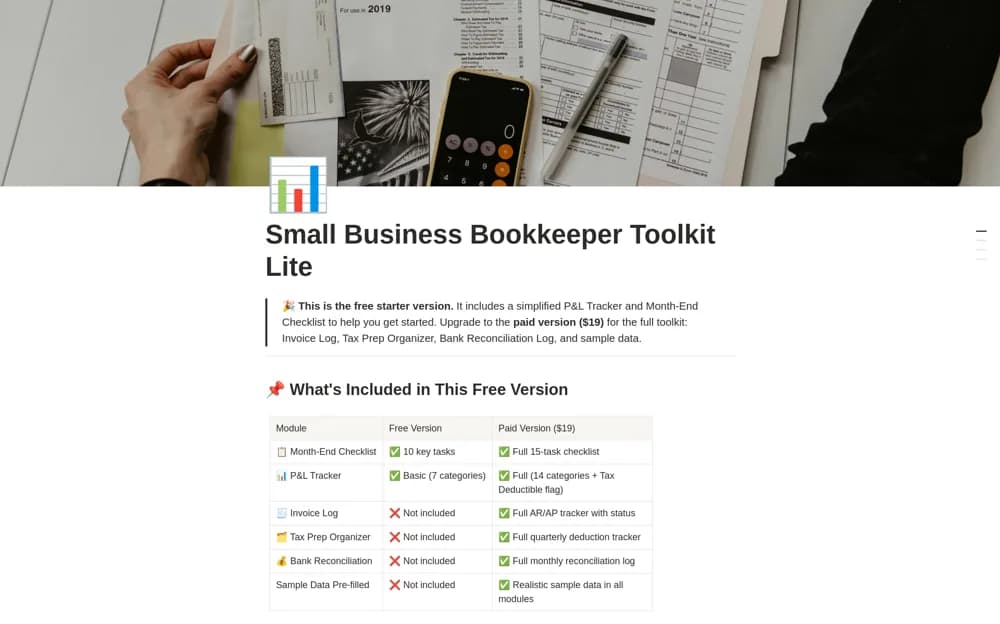
A free bookkeeping starter kit with a ten-task month-end checklist and a profit-and-loss tracker using seven categories for income and expense records.
 Free
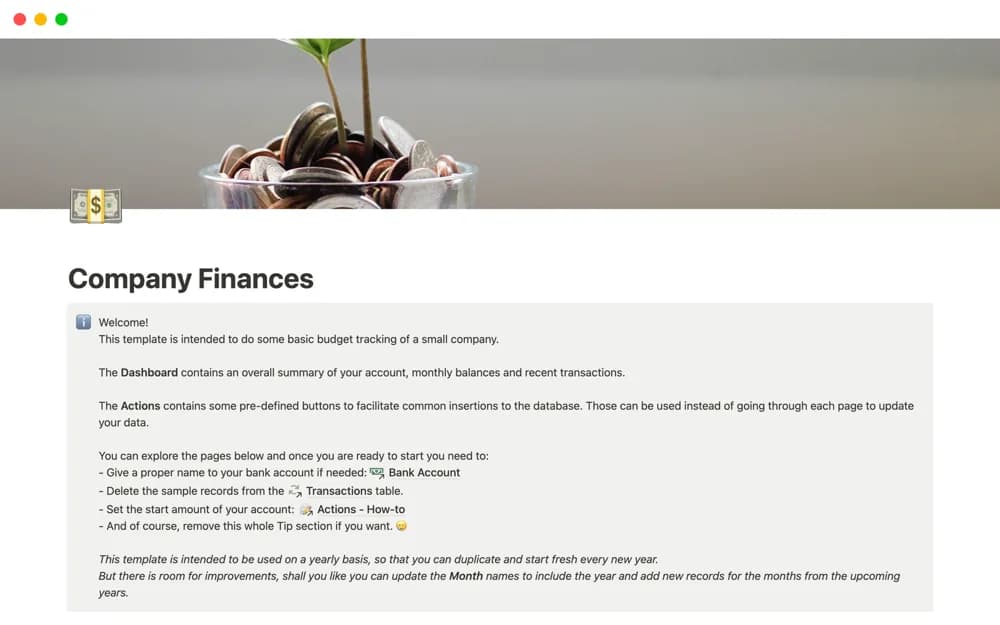
A simple business-budget dashboard with transaction-entry buttons, intended to begin fresh each year and provide an accessible starting point for recording company finances.
Compare the purpose and included features before choosing a workspace.
Small businesses and finance managers reviewing expected customer payments.
Finance teams, controllers, and founders reviewing performance against a plan.
Entrepreneurs and small-business teams wanting their financial planning and transaction context together.
11 working templates from 11 creators: 8 free and 3 paid, with paid options from $4 to $168.99. Links last checked October 11, 2026.
| Template | Best for | Price | Creator |
|---|---|---|---|
| Business Finance Management | Entrepreneurs and small-business teams wanting their financial planning and transaction context together. | $29 | Enigma |
| Cash Flow Forecast | Small businesses and finance managers reviewing expected customer payments. | Free | System4Business Co |
| Month-End Close Checklist | Finance teams, agencies, and freelancers coordinating repeated month-end administrative work. | Free | RunBook |
| Small Company Finances | Small-business owners who prefer a focused budget tracker over a multi-module finance workspace. | Free | Guilherme F Silva |
| Advanced Company Finance | Small businesses and founders who want planning calculations beside their recorded financial activity. | $4 | Made by Jacob |
| Agency Finance Tracker | Small agencies reviewing cash flow and the payments associated with clients and suppliers. | Free | Simo | Systems for Agencies & Businesses |
| CFO Budget vs Actual Tracker | Finance teams, controllers, and founders reviewing performance against a plan. | Free | ZikoTemplates |
| Interior Design Budget Tracker & Change Orders | Interior designers coordinating room budgets and documenting who pays for changes. | Free | NotoMantra |
Define which system owns the financial figures and use the workspace to organize review and follow-up. Keep period definitions and owners consistent across budget and cash records. Separate an estimate from an approved amount and a confirmed payment. Test sharing with the people who need to contribute, while restricting confidential details. Add a regular review so questions are resolved rather than accumulating beside stale totals.
Clear financial source systems
Owned reporting and follow-ups
Controlled access to records
About the directoryChoose a reporting period and agree where actual records, plans, forecasts, and commentary belong. Keep source links and definitions beside material figures. Assign owners to outstanding questions and distinguish preparation from review or approval. Test a completed period against authoritative records before widening the workspace to more teams.
Jump straight to any listing in the collection.
Use it for coordination, planning, and readable context where that helps. The organization's approved accounting systems remain responsible for authoritative records and controls. A dashboard total should remain traceable to the records and definitions that produced it.
It depends on the job you need it to do. Good starting points in this collection include Cash Flow Forecast (small businesses and finance managers reviewing expected customer payments), CFO Budget vs Actual Tracker (finance teams, controllers, and founders reviewing performance against a plan) and Business Finance Management (entrepreneurs and small-business teams wanting their financial planning and transaction context together). Compare the included features below, then try your first choice with a week of real information before moving everything across.
Yes. This collection currently includes 8 listings with a confirmed free creator offer, alongside 3 paid or freemium options. Use the Free filter to compare them. A free version can have different features from a creator’s paid upgrade, so check the original listing and current access terms before adding it to your workspace.