About Business OS | All-in-One Operations Dashboard
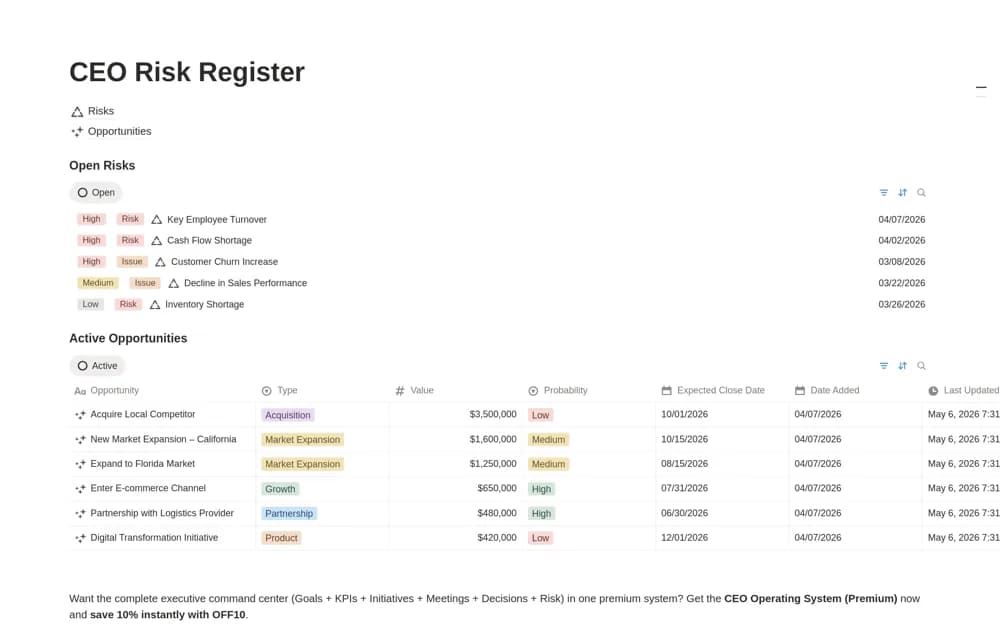
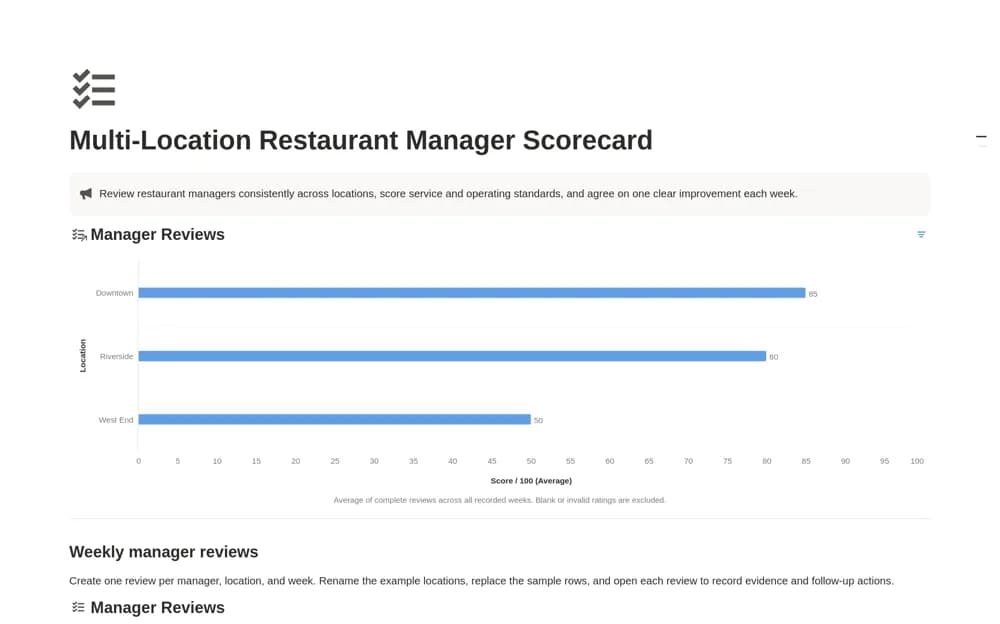
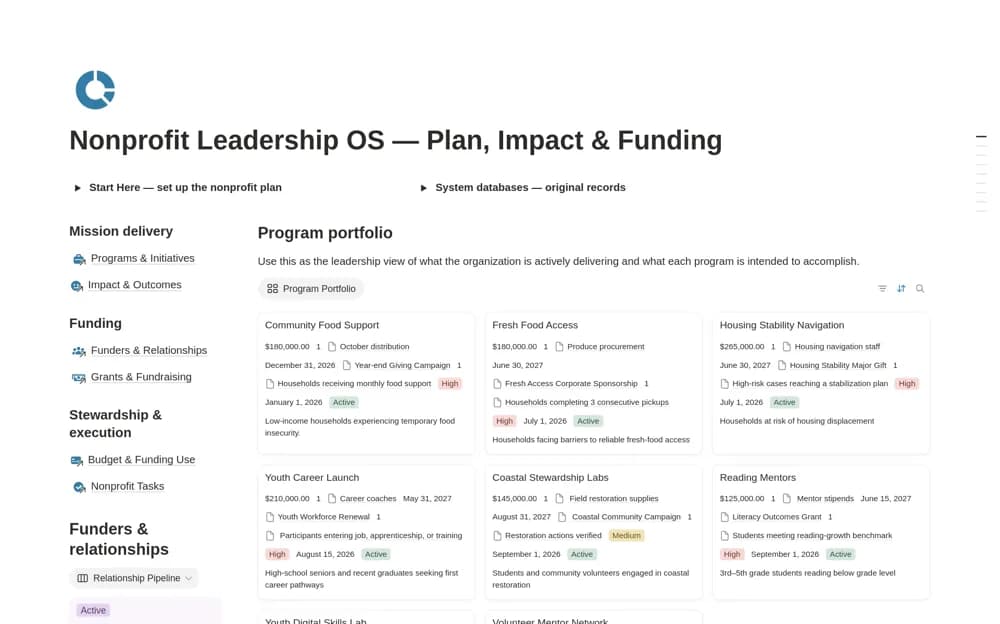
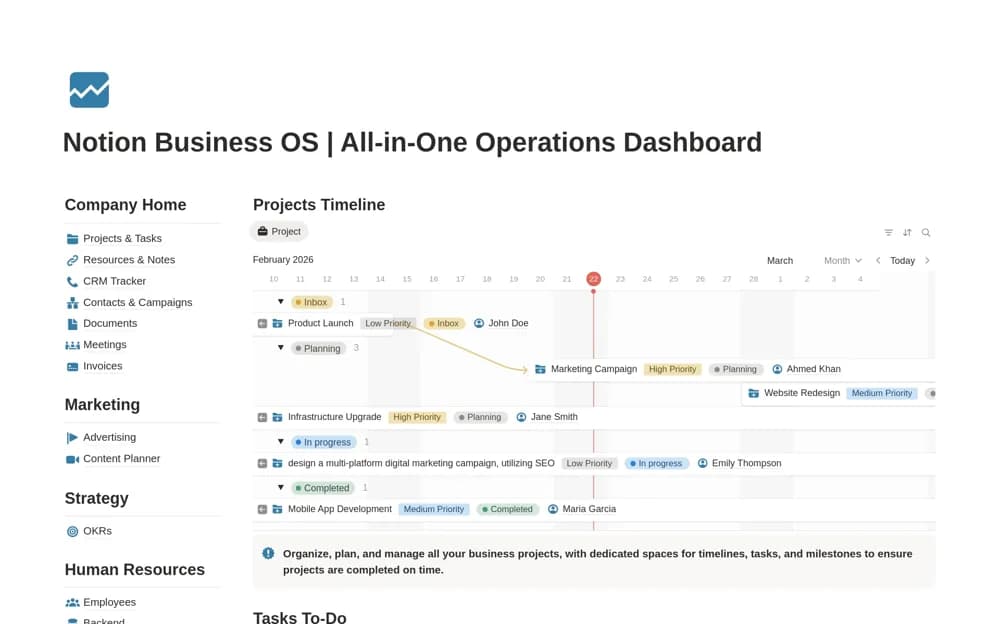
A broad business dashboard connecting projects, marketing, strategy, HR, clients, tasks, employee records, and sales opportunities through nine operating modules.
What’s included
- Company dashboard and project timeline
- Marketing, strategy, HR, and employee directory
- CRM, tasks, and deals pipeline
How to use it in practice
Begin with one shared project and a small group of team members. Link the client, tasks, and company objective, then check whether each person can find their next responsibility. Roll out additional modules only after the core records have a clear owner and a sustainable update routine.
Set it up in your workspace
- Open the original Notion Marketplace listing and add the template to your chosen workspace while signed in. Keep its example records until you understand how the pages connect.
- Begin with one shared project and a small group of team members.
- Try one complete example before adding a large backlog. Check that its views and any calculations show what you expect, then replace the sample content with your own.
Who it suits and what to consider
Growing service businesses and teams coordinating work across several functions in Notion. The scope is extensive. Confirm permissions before sharing employee or client information, and do not assume automatic connections to other business software.