About Nonprofit OS – All-in-One Nonprofit Management
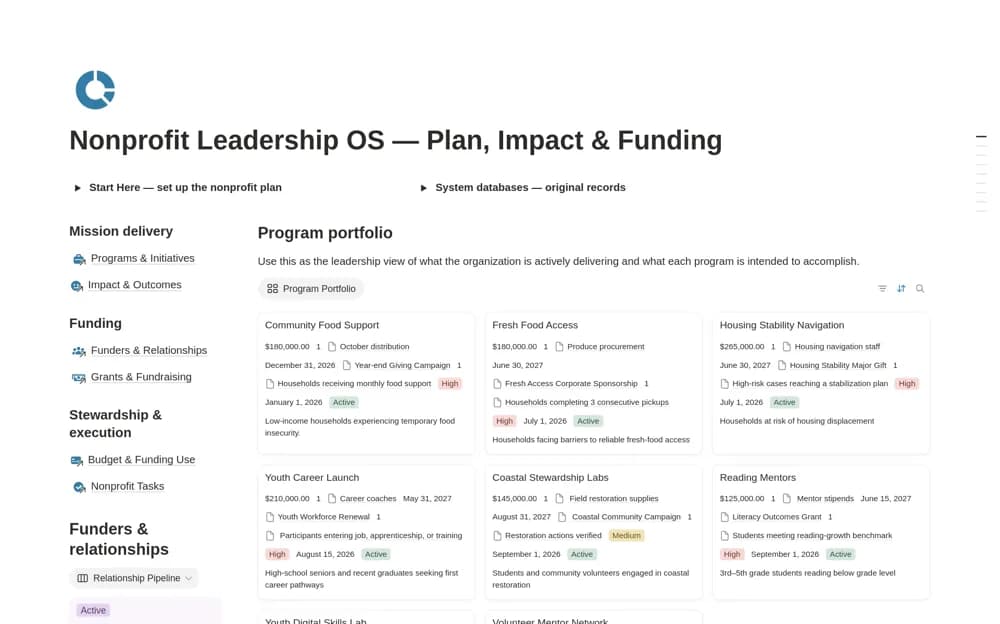
A nonprofit leadership workspace combining programs, funding, grants, budgets, outcomes, and operating tasks, with a program portfolio and evidence-backed impact measures.
What’s included
- Program Portfolio and roadmap
- Impact & Outcomes tracker
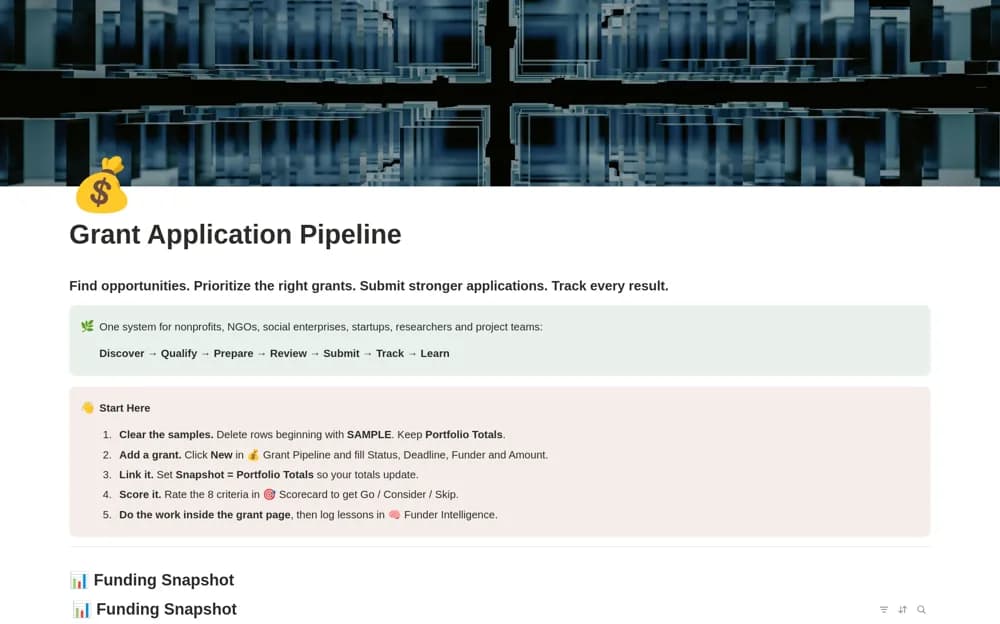
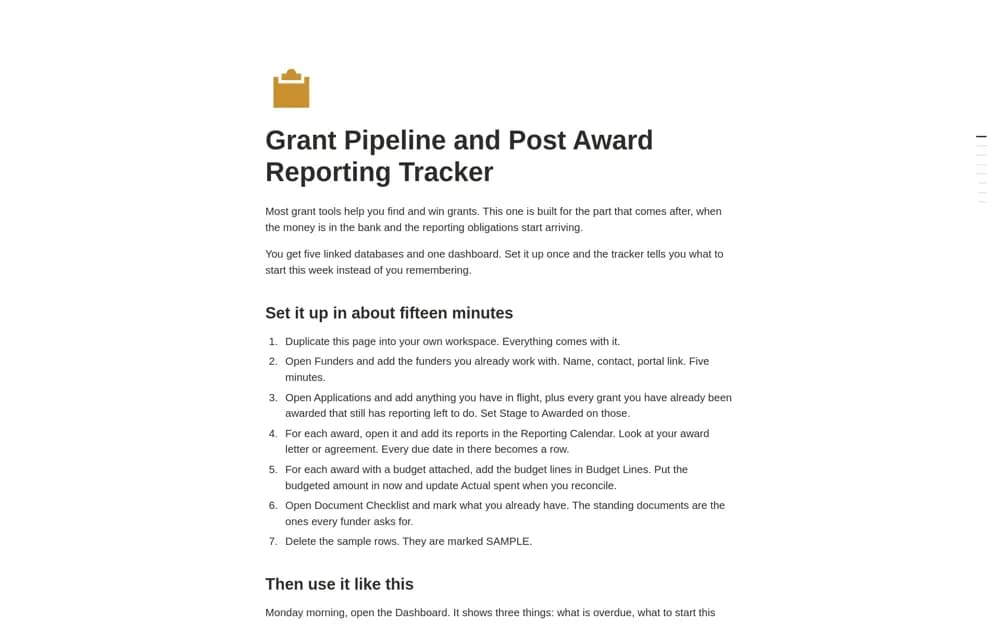
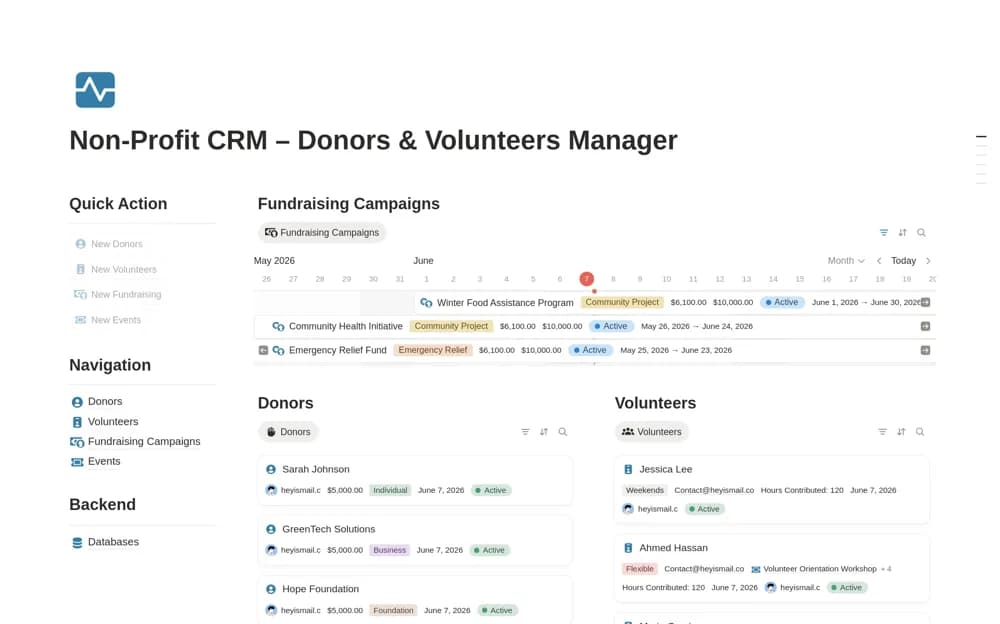
- Funder, grant, budget, and operating records
How to use it in practice
Set up one active program with its funding source, intended outcome, and reporting date. Add a measure with a clear definition and supporting evidence, then connect the next delivery tasks. Review progress with the people responsible before expanding the dashboard across every program in the organization.
Set it up in your workspace
- Open the original Notion Marketplace listing and add the template to your chosen workspace while signed in. Keep its example records until you understand how the pages connect.
- Set up one active program with its funding source, intended outcome, and reporting date.
- Try one complete example before adding a large backlog. Check that its views and any calculations show what you expect, then replace the sample content with your own.
Who it suits and what to consider
Executive directors and program managers reviewing delivery, funding, and intended outcomes together. Impact figures depend on measurement definitions and evidence you provide. The template does not verify outcomes or fulfill a funder’s reporting requirements automatically.