About Christmas Planner
Organize the holiday season in Notion with a gift list, a budget tracker with totals, guest RSVPs, a menu gallery, and a Christmas Eve and Day schedule.
What’s included
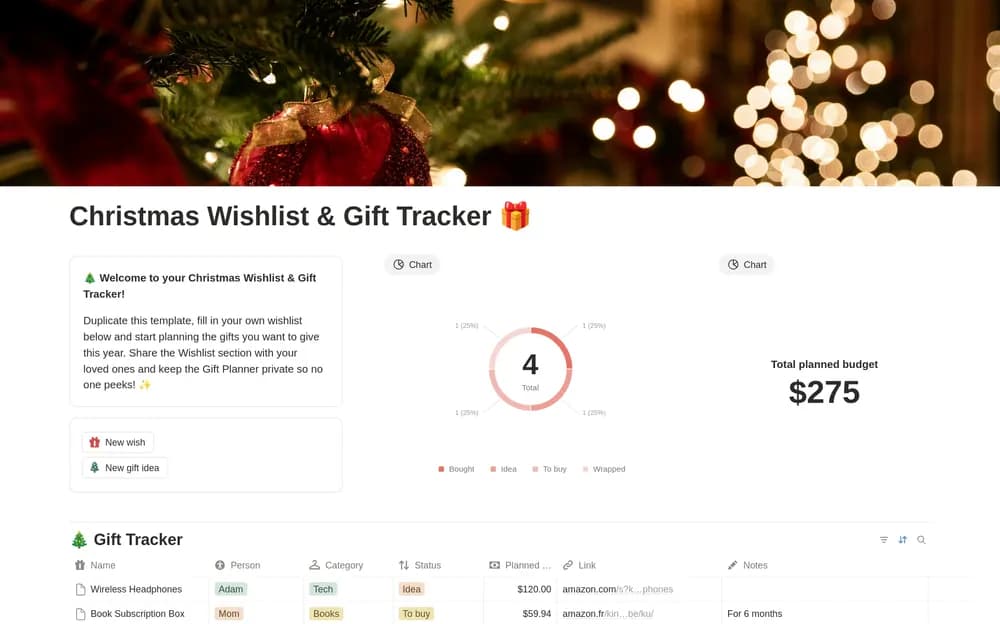
- Gift tracker with a status and priority for each item
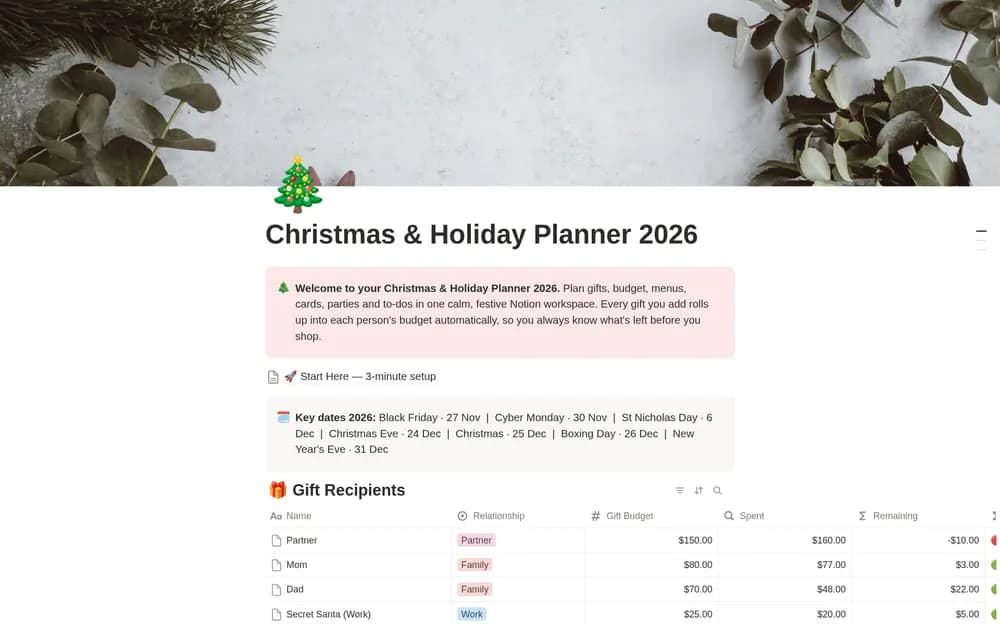
- Holiday budget that totals itself
- Weekly task timeline shown as a calendar and a board
- Guest list with invitations and RSVPs
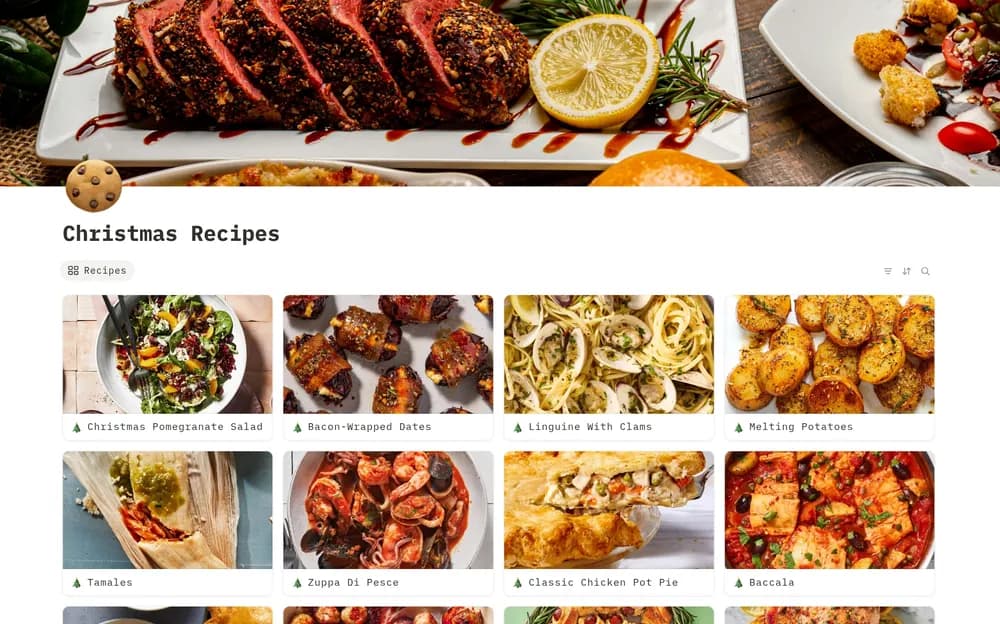
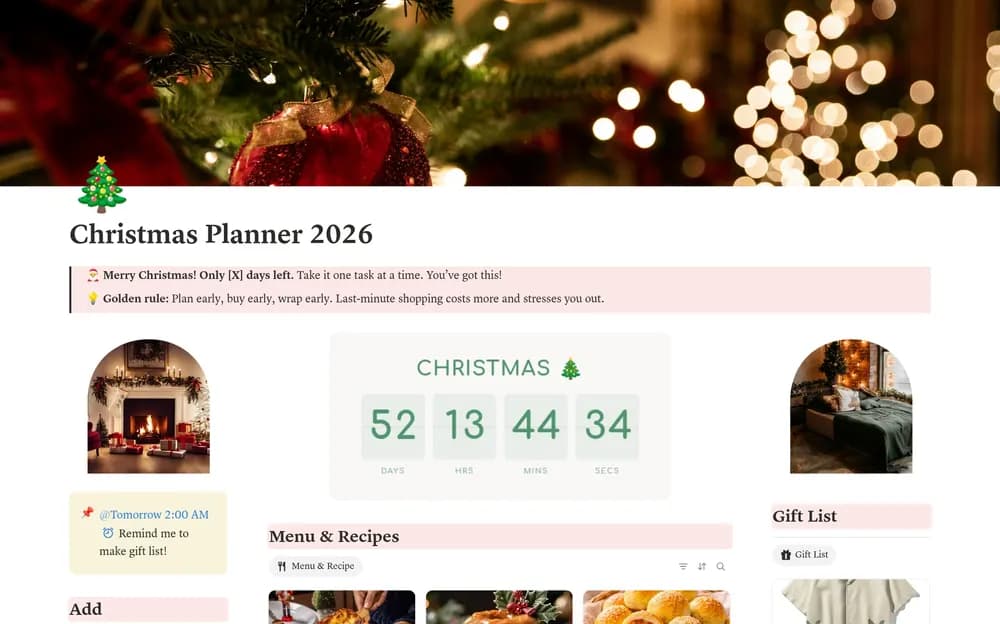
- Menu and recipe gallery with a December 24-25 schedule
How to use it in practice
Begin by listing everyone you plan to buy for and setting a rough amount for each gift. Add the guests you expect and note RSVPs as replies arrive. Draft the holiday menu in the recipe gallery, then schedule shopping and prep tasks in the weekly timeline so the last week before Christmas stays manageable.
Set it up in your workspace
- Open the original Notion Marketplace listing and add the template to your chosen workspace while signed in. Keep its example records until you understand how the pages connect.
- Begin by listing everyone you plan to buy for and setting a rough amount for each gift.
- Try one complete example before adding a large backlog. Check that its views and any calculations show what you expect, then replace the sample content with your own.
Who it suits and what to consider
Families and couples hosting or coordinating Christmas who want gifts, money, and plans in one place. Budget totals reflect only what you enter; nothing connects to a bank or store. The listing is labeled 2026, so adjust the schedule and timeline dates when reusing it in a later year.