About Cornell Notes
Take structured class notes in Notion with separate cues, lecture notes, and summaries using a reusable Cornell-style layout.
What’s included
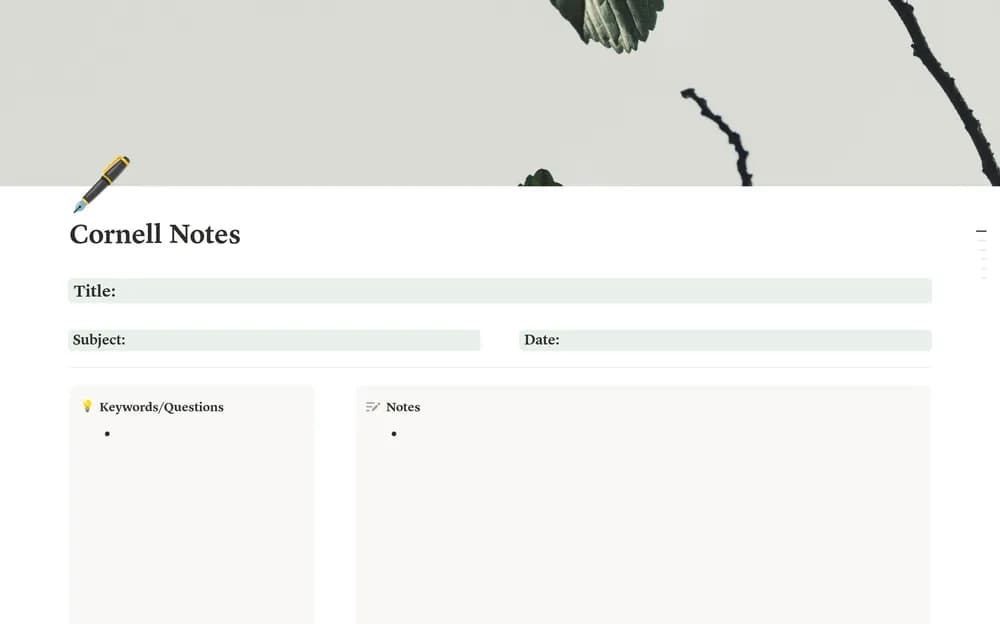
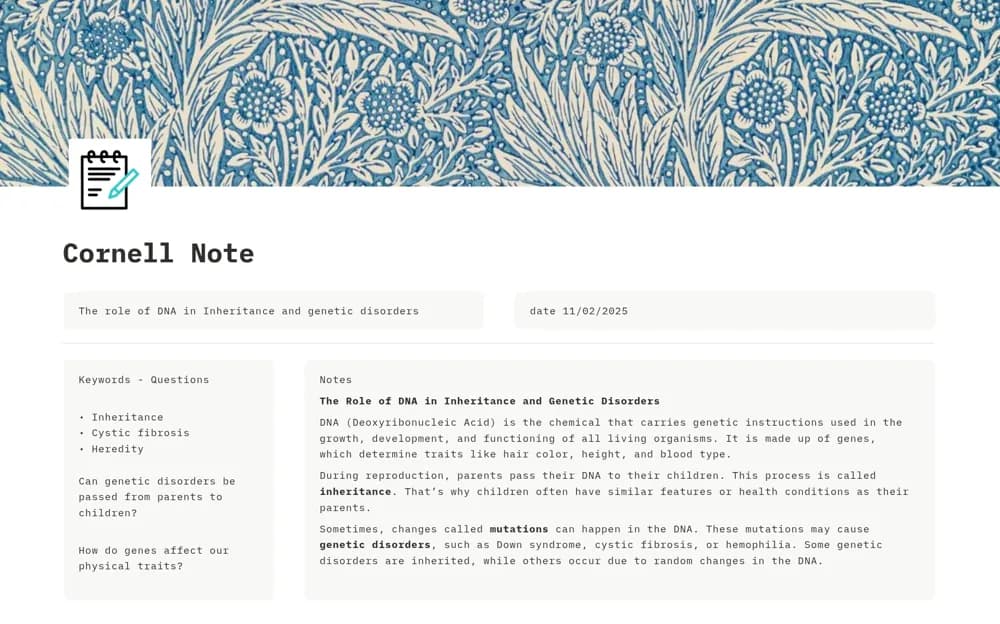
- Cue and question area
- Main note-taking section
- Lesson summary section
How to use it in practice
Create a page for one lecture and capture the main notes during class. Afterward, turn important points into questions in the cue area and write a short summary in your own words. Cover the notes while answering the questions to see what needs another review.
Set it up in your workspace
- Open the original Notion Marketplace listing and add the template to your chosen workspace while signed in. Keep its example records until you understand how the pages connect.
- Create a page for one lecture and capture the main notes during class.
- Try one complete example before adding a large backlog. Check that its views and any calculations show what you expect, then replace the sample content with your own.
Who it suits and what to consider
Students and independent learners who want a repeatable page for reviewing one lesson at a time. The template supplies a note structure. Assignment scheduling, automatic flashcards, and guaranteed learning outcomes are not documented.