 Free
FreeSchool & study
Class notes Notion templates
Keep lecture notes, useful references, and questions organized by course. Explore Notion note templates for classes and independent learning.
Showing 1–2 of 2 templates
A little structure goes a long way.Free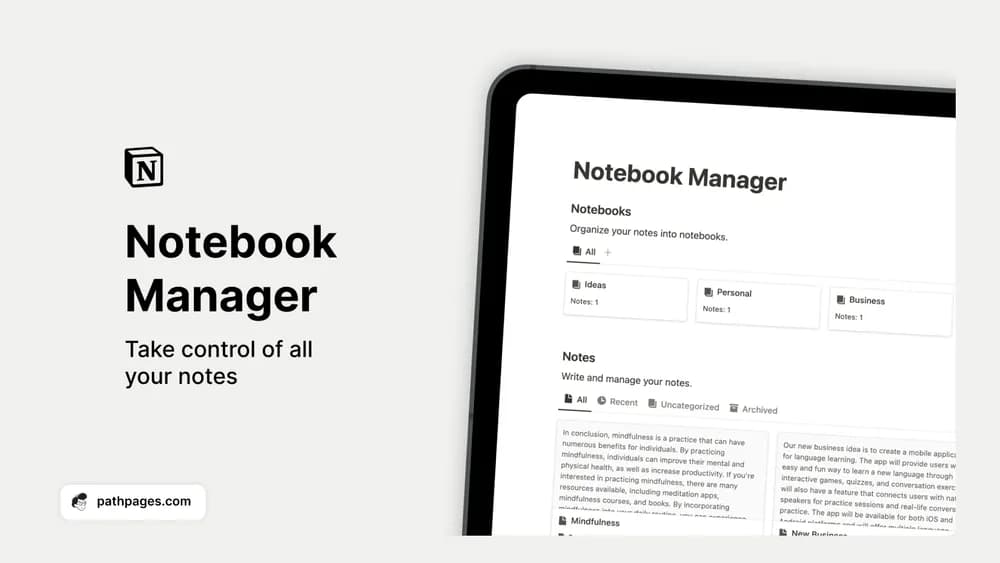 Free
FreeNotion Notebook Manager
Sort loose notes into notebooks you can actually find again.
A closer look at the collection
Which template fits your work?
Compare the purpose and included features before choosing a workspace.
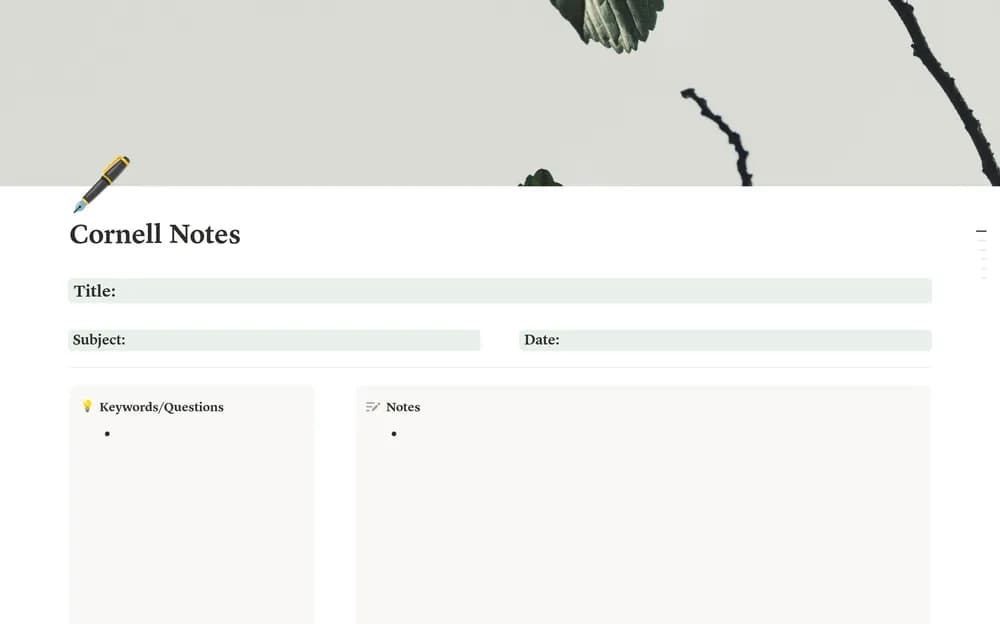
Aesthetic Cornell Notes
Students who like a structured note-taking page.
- Take structured class notes
- Add recall questions
- Summarize key ideas
Notion Notebook Manager
People with useful notes spread across several places.
- Capture notes
- Group notes into notebooks
- Revisit saved information
Choose something that fits
How to compare class notes templates
Look for a structure that makes taking notes easy during a real lesson. A consistent title, course link, and date may be enough to make material findable later. Leave room for questions and short summaries. Try revisiting a note a week later; if the main idea is hard to find, simplify the layout.
A few things to look for
Notes linked to a course
Questions and summaries
A findable archive
About the directoryPut it into practice
Make notes useful when you return to the material
Use a consistent course, date, and topic title so notes remain findable. Keep the main explanation separate from questions and your own summary. Link reading or lecture references where needed, then add a short review after class to identify what you still cannot explain.
Before you chooseQuestions about
Questions about
this collection
Should class notes include every word from a lecture?+
Choose the level of detail that supports understanding and later use. Key ideas, examples, questions, and a short summary can be more useful than a long transcript you never review.
Are there free templates in the class notes collection?+
Yes. This collection currently includes 2 listings with a confirmed free creator offer. Use the Free filter to compare them. A free version can have different features from a creator’s paid upgrade, so check the original listing and current access terms before adding it to your workspace.