About Notion Notebook Manager
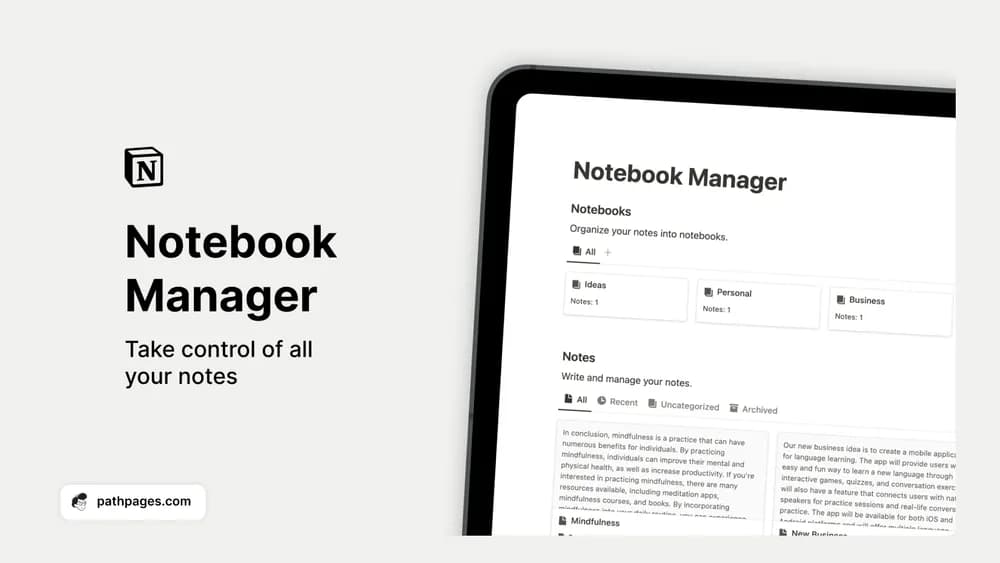
A notebook manager is a good fit when capture is easy but finding an old thought is difficult. This template offers a simple collection-based structure. A few notebooks with clear names can be easier to maintain than a complicated tagging system.
What’s included
- A collection for notes, ideas, and reference material
- Topics and tags for grouping related notes
- Filtering and search to find information again
How to use it in practice
Give each note a title that describes the question or subject it answers. Add the source link where relevant, then put your own summary near the top. Start with a few broad topics and add a new tag only when you have several notes that need it. During a review, connect useful notes to the project where you will use them.
Set it up in your workspace
- Get the template link from PathPages. Its free-template pages ask you to create an account for access. Open the delivered Notion page and duplicate it into your workspace.
- Create notebooks for your current commitments and move in five useful notes. Give each note a title you would search for later.
- Try one complete example before adding a large backlog. Check that its views and any calculations show what you expect, then replace the sample content with your own.
Who it suits and what to consider
People with useful notes spread across several places. Useful for a searchable notebook without a full project-management system. If you already have a notes database, compare the structure before creating a second place for the same material.