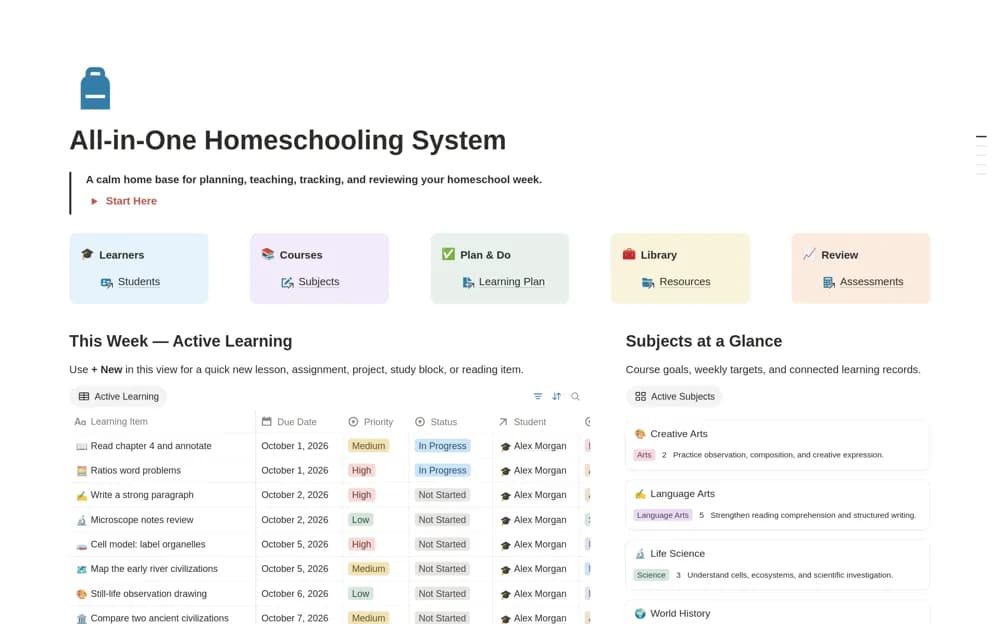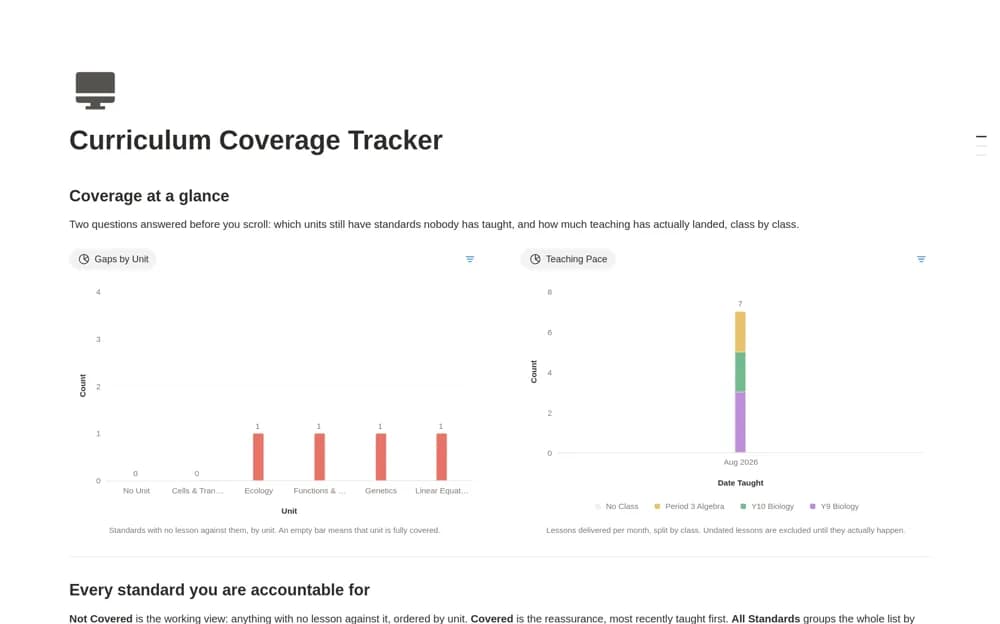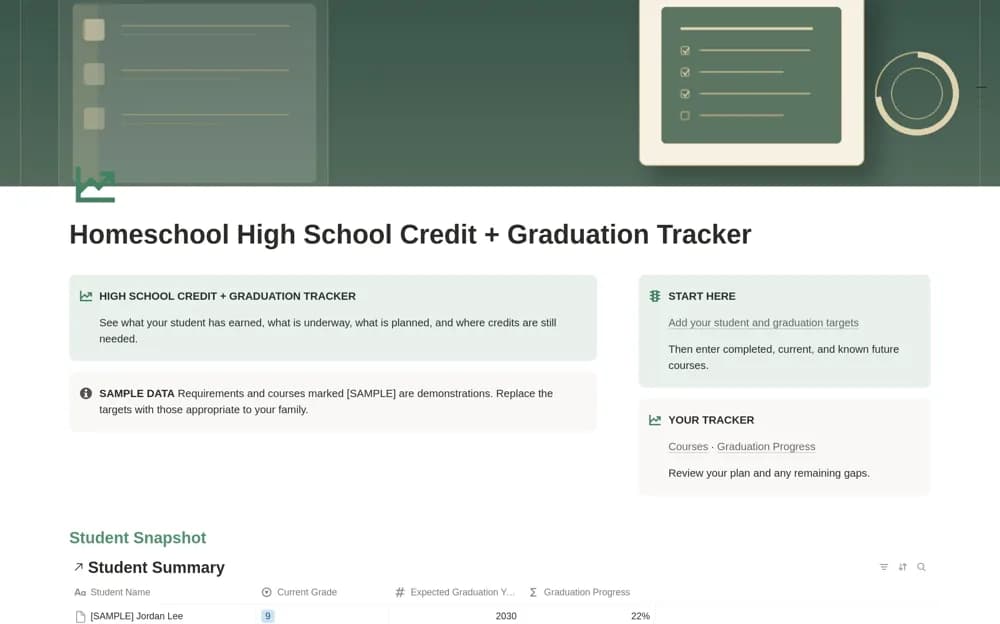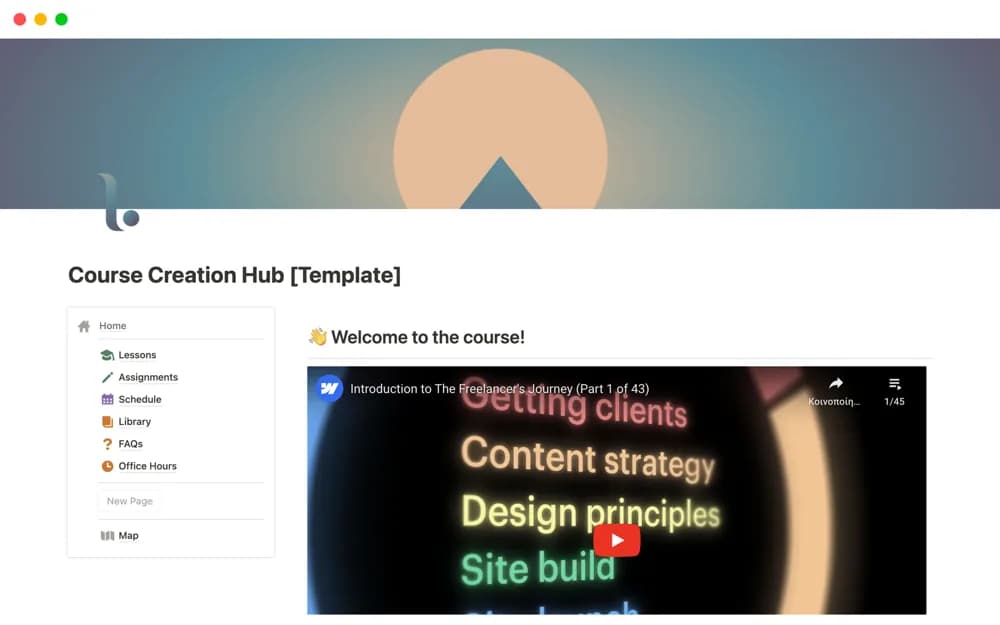
About Course Creation Hub
A course-building workspace for planning, creating, and organizing the delivery of an online course in Notion.
What’s included
- Course planning structure
- A workspace for creating course material
- An adaptable reference for course delivery
How to use it in practice
Start with a clear learning objective and prepare one short module. Check the learner’s navigation and resource access before building the rest of the course. Use feedback from a small trial to refine the structure, keeping any required assessment or enrollment process in an appropriate system.
Set it up in your workspace
- Open the original Notion Marketplace listing and add the template to your chosen workspace while signed in. Keep its example records until you understand how the pages connect.
- Start with a clear learning objective and prepare one short module.
- Try one complete example before adding a large backlog. Check that its views and any calculations show what you expect, then replace the sample content with your own.
Who it suits and what to consider
Educators and course creators preparing a shared learning resource. The short source description does not establish accredited delivery, payments, or learning-management integrations.