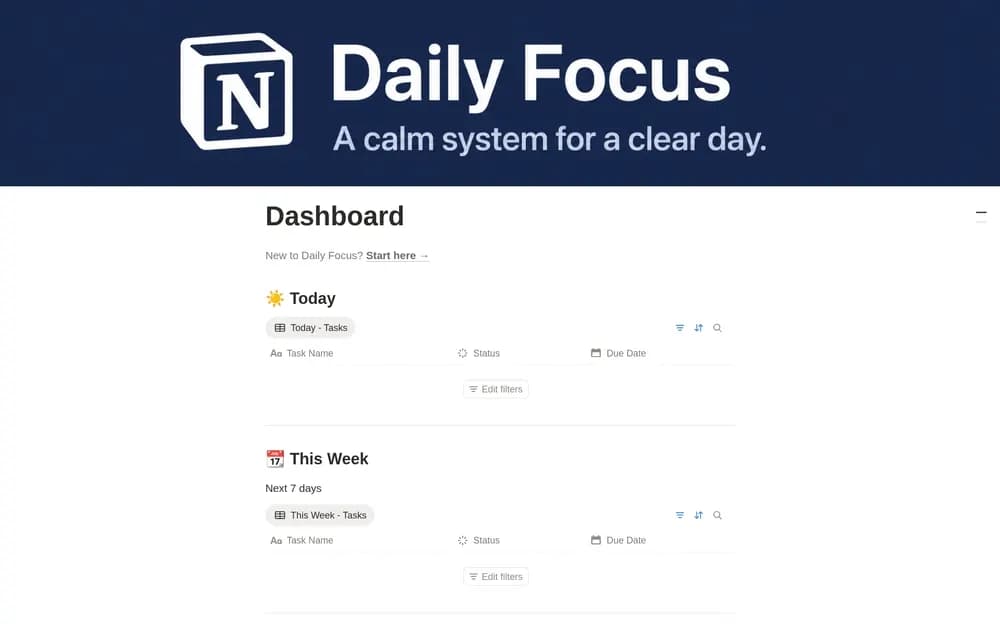
About Daily & Weekly To-Do: Simple Priority To-Do List
Sort to-dos in Notion by time of day, area, and traffic-light priority, with Today, This Week, Overdue, Up Next, and Completed views in one database.
What’s included
- Up Next gallery sorted by date and priority
- Today view grouped into Morning, Afternoon, Evening, and Anytime
- This Week and Overdue views
- Board grouped by life area, such as Work, Home, and Health
- Calendar and Completed views with sample to-dos
How to use it in practice
Delete the sample to-dos and add this week’s tasks with a date, time of day, and area. Mark no more than three per day as Must Do. Open Today each morning and work from the top, then use the calendar on Sunday to lay out the next week.
Set it up in your workspace
- Open the original Notion Marketplace listing and add the template to your chosen workspace while signed in. Keep its example records until you understand how the pages connect.
- Delete the sample to-dos and add this week’s tasks with a date, time of day, and area.
- Try one complete example before adding a large backlog. Check that its views and any calculations show what you expect, then replace the sample content with your own.
Who it suits and what to consider
Busy people, students, and parents who want a daily and weekly to-do list that takes seconds to update. There are no formulas or automations beyond moving done items to Completed, so overdue tasks need rescheduling by hand. Areas and times of day are editable, so adjust them before adding many tasks.