 Source listing
Life & everyday
Task management Notion templates
Get tasks out of your head and into a list you can act on. Find Notion task managers for daily work, projects, and personal plans.
Showing 1–14 of 14 templates
A little structure goes a long way.Source listing Free
Free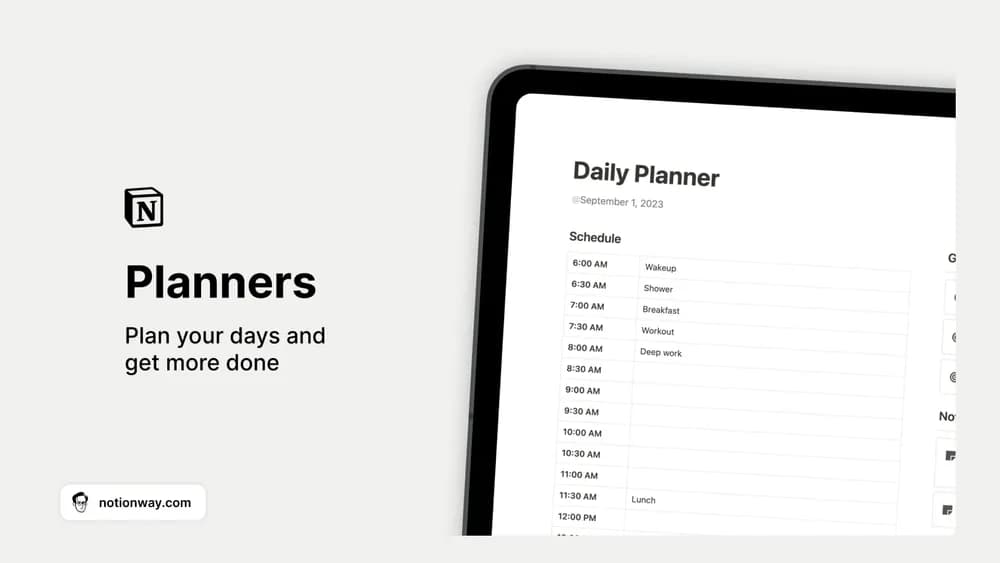 Free
FreeDaily, Weekly & Monthly Planners
Plan daily, weekly, and monthly work in one Notion collection.
 Free
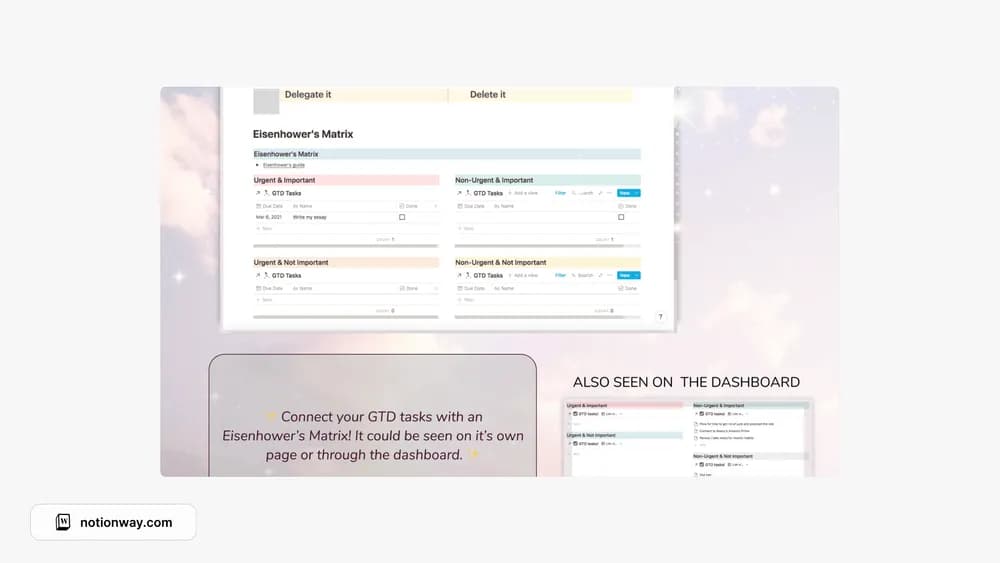
FreeEisenhower's Priority Matrix
Sort tasks by importance and urgency before choosing what to do.
 Free
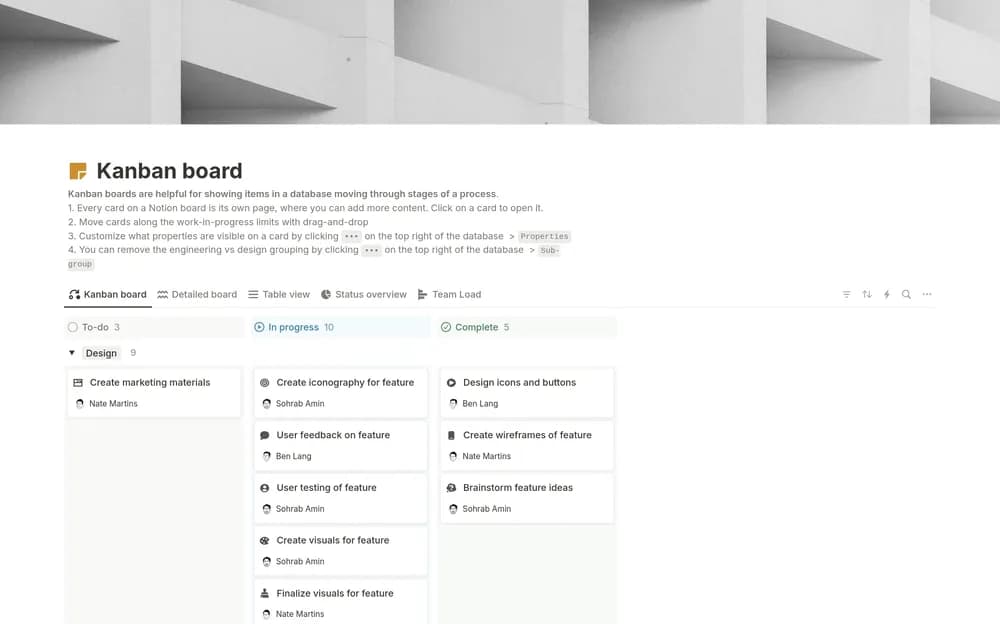
FreeKanban board (w/ Notion AI)
A Notion-made Kanban board for seeing work move through stages.
 Free
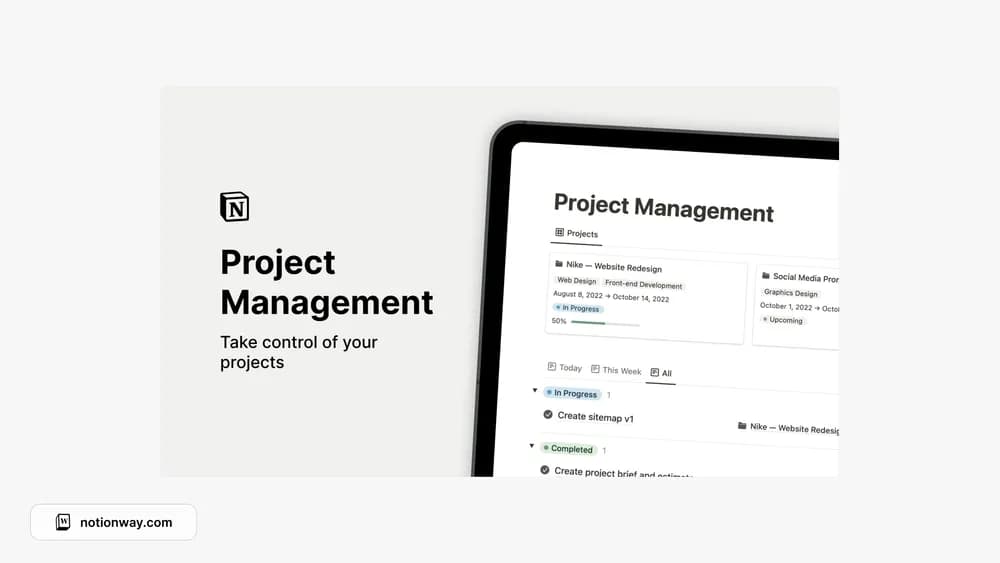
FreeNotion Project Management
Give projects and their next tasks a shared place to live.
 Free
Free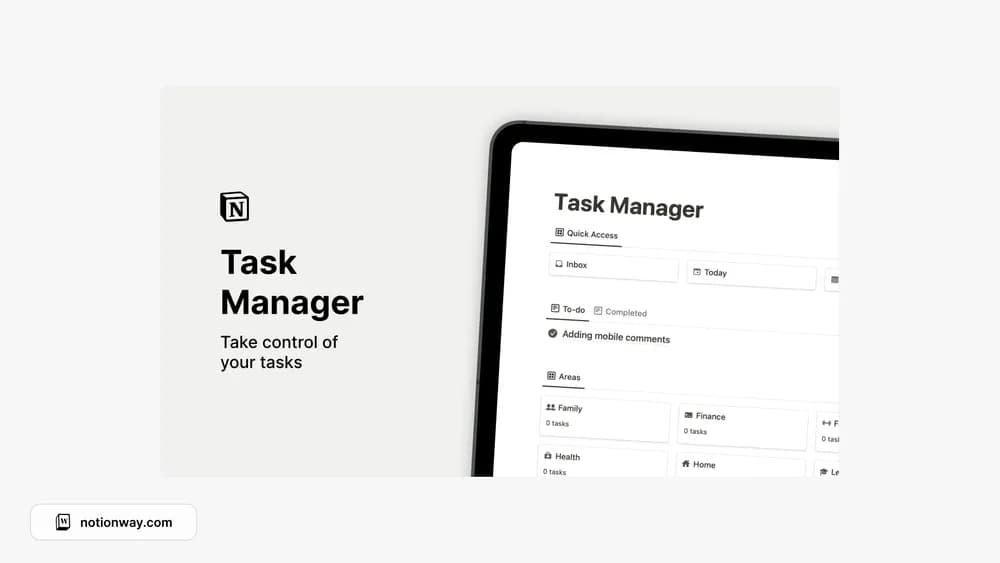 Free
Free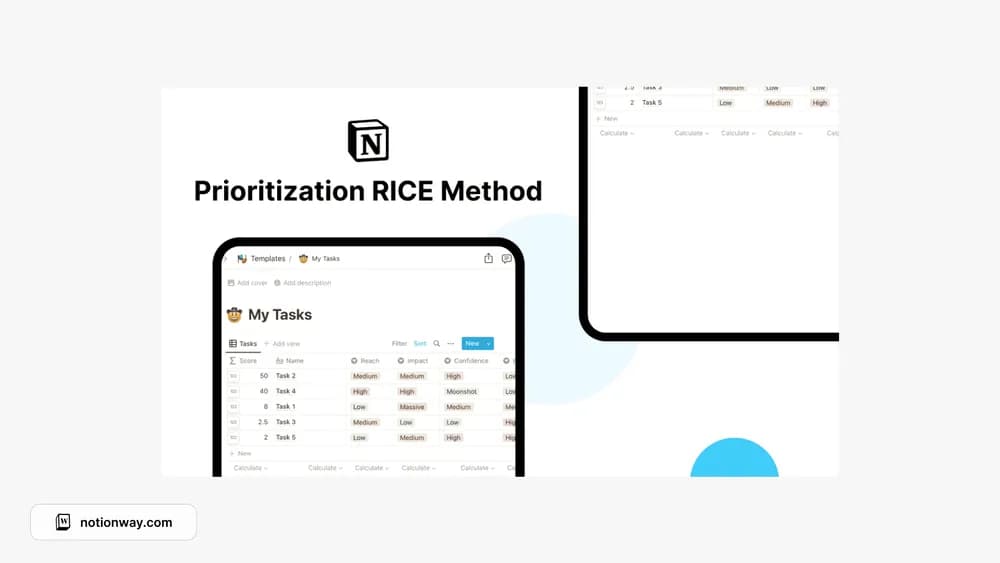 Paid
PaidPrioritization Rice Method
Compare work using reach, impact, confidence, and effort.
 Free
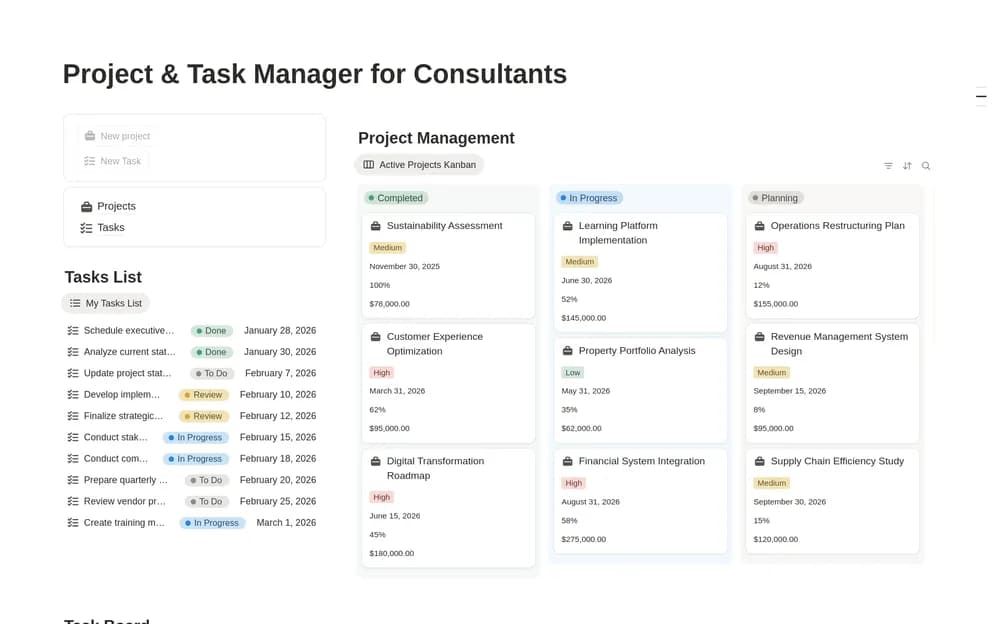
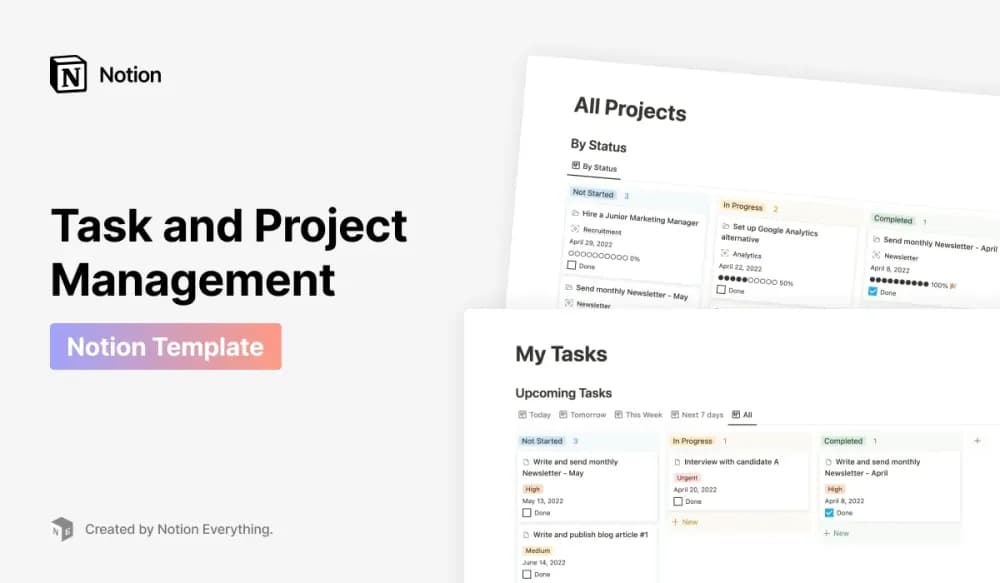
FreeProject & Task Manager for Consultants
Keep consulting engagements and their next tasks connected.
 Paid
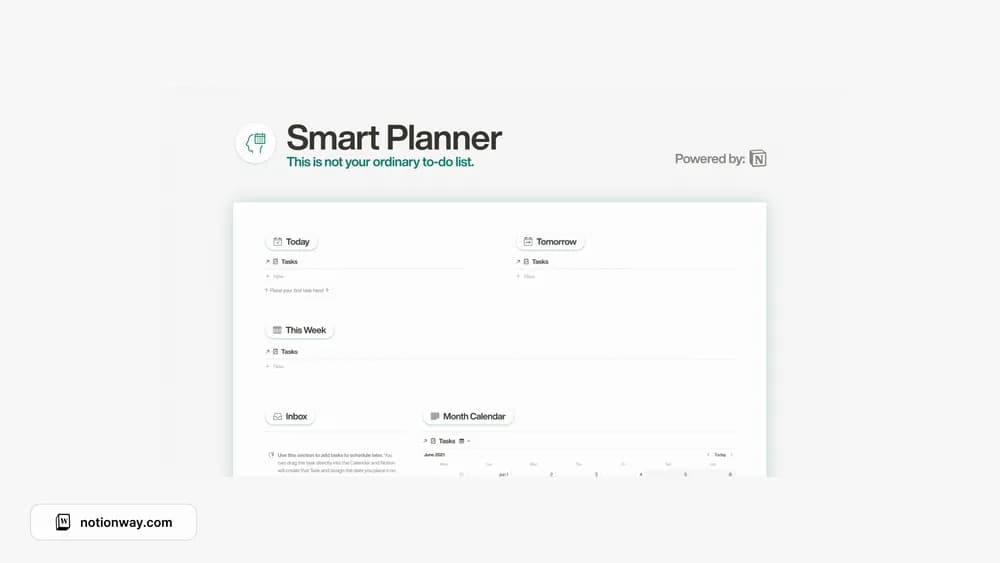
PaidProject Manager Pro
A connected Notion system for managing projects and the tasks behind them.
 Paid
Paid Free
Free Free
FreeA closer look at the collection
Which template fits your work?
Compare the purpose and included features before choosing a workspace.
Eisenhower's Priority Matrix
People who need help prioritizing a crowded task list.
- Compare importance and urgency
- Make prioritization visible
- Choose the next action
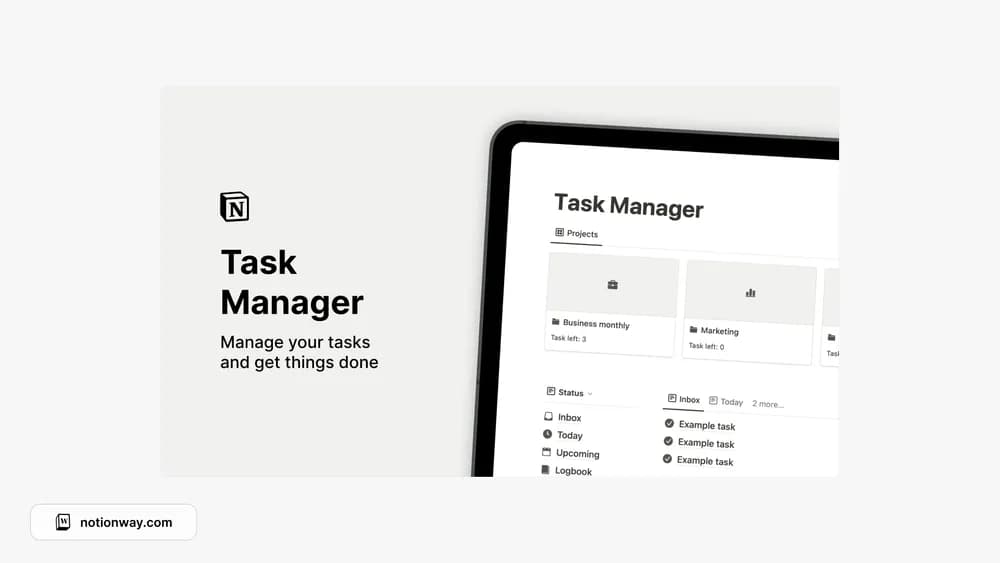
Notion Task Manager
People managing tasks across several projects.
- Track projects
- Record tasks
- Assign and filter work
Notion Task Manager 2
People who want tasks grouped by responsibility.
- Capture tasks
- Assign tasks to areas
- Review current work
Choose something that fits
How to compare task management templates
A task manager should be easy to add to and easy to review. Check that you can distinguish the next action from a broad project name. Dates are useful when they mean something; putting an arbitrary deadline on everything can make the whole list feel late. Start with today’s real commitments.
A few things to look for
Fast task capture
Clear next actions
Useful status and date fields
About the directoryPut it into practice
Write an action someone can actually take
Keep capture quick and separate broad projects from concrete next steps. Use dates for real commitments and status for work in progress. Review old tasks before adding more, and move inactive ideas out of the daily view so the list remains a useful guide to current work.
Before you chooseQuestions about
Questions about
this collection
Should every task have a deadline?+
Use deadlines when timing matters. Arbitrary dates on every task can make the whole list feel overdue and obscure real commitments. Priorities and next actions can be useful without an invented due date.
Are there free templates in the task management collection?+
Yes. This collection currently includes 10 listings with a confirmed free creator offer, alongside 3 paid or freemium options. Use the Free filter to compare them. A free version can have different features from a creator’s paid upgrade, so check the original listing and current access terms before adding it to your workspace.