About Designer's Creative Brief for Clients
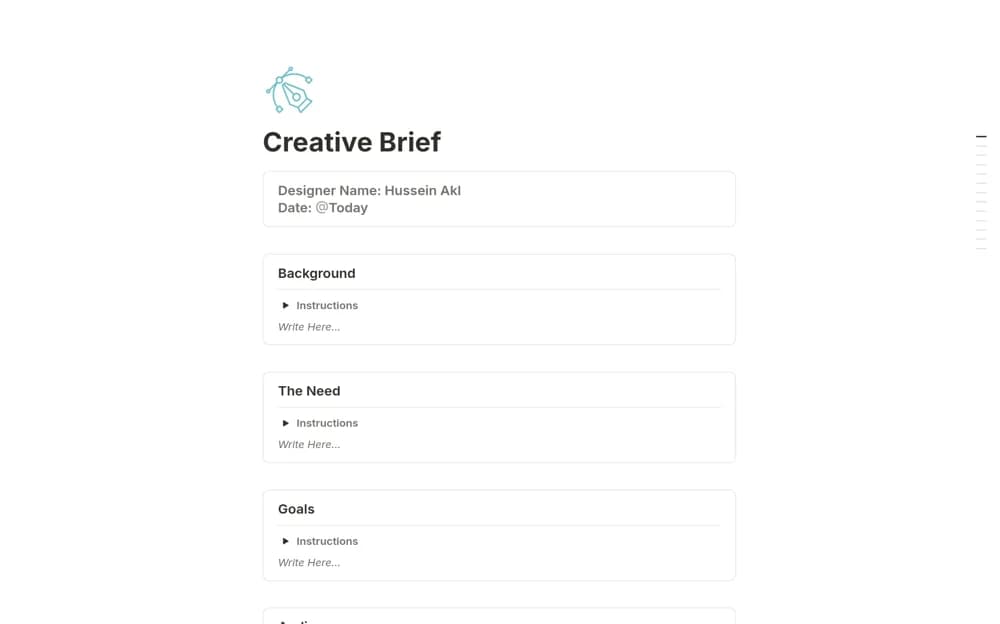
A client-facing creative brief for capturing project contacts, goals, audience, messaging, and deliverables.
What’s included
- Centralized project and client information
- Structured questions on goals, audience, and key message
- Deliverable context for a shared creative reference
How to use it in practice
Complete the brief with the client and replace vague preferences with concrete examples. Summarize the agreed deliverables and review points, then send the finished brief for a clear response. Refer to it when discussing a new request or a proposed change.
Set it up in your workspace
- Open the original Notion Marketplace listing and add the template to your chosen workspace while signed in. Keep its example records until you understand how the pages connect.
- Complete the brief with the client and replace vague preferences with concrete examples.
- Try one complete example before adding a large backlog. Check that its views and any calculations show what you expect, then replace the sample content with your own.
Who it suits and what to consider
Designers and creative freelancers clarifying an assignment before production. A brief supports agreement about the creative work; check your separate commercial and contractual arrangements where needed.