 Free
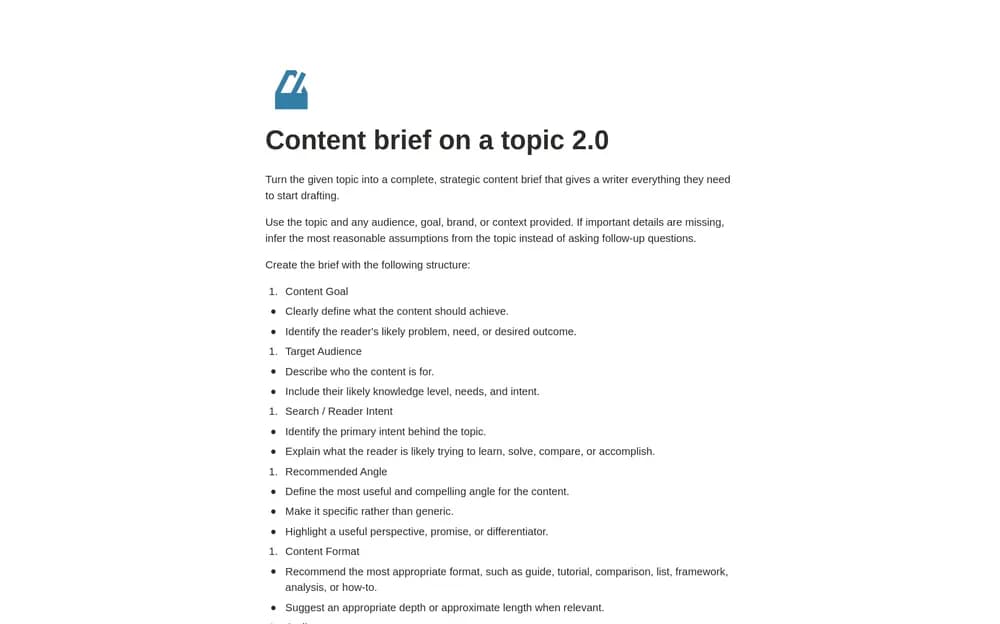
Content Brief from a Topic 2.0
Generate a full content brief from a single topic with Notion AI, covering audience, intent, angle, outline, SEO keywords, titles, and research needs.
Make a writing assignment easier to begin and assess. Browse Notion content briefs for reader questions, the angle, source material, structure, requirements, and a clear editing handoff.
Showing 1–4 of 4 templates
FreeGenerate a full content brief from a single topic with Notion AI, covering audience, intent, angle, outline, SEO keywords, titles, and research needs.
 Free
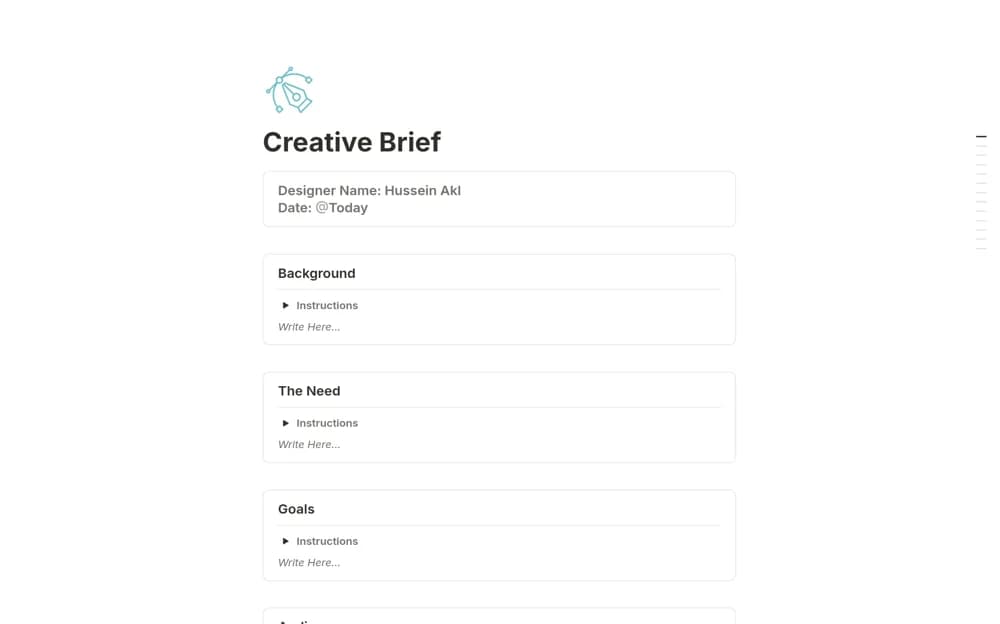
A client-facing creative brief for capturing project contacts, goals, audience, messaging, and deliverables.
 Paid
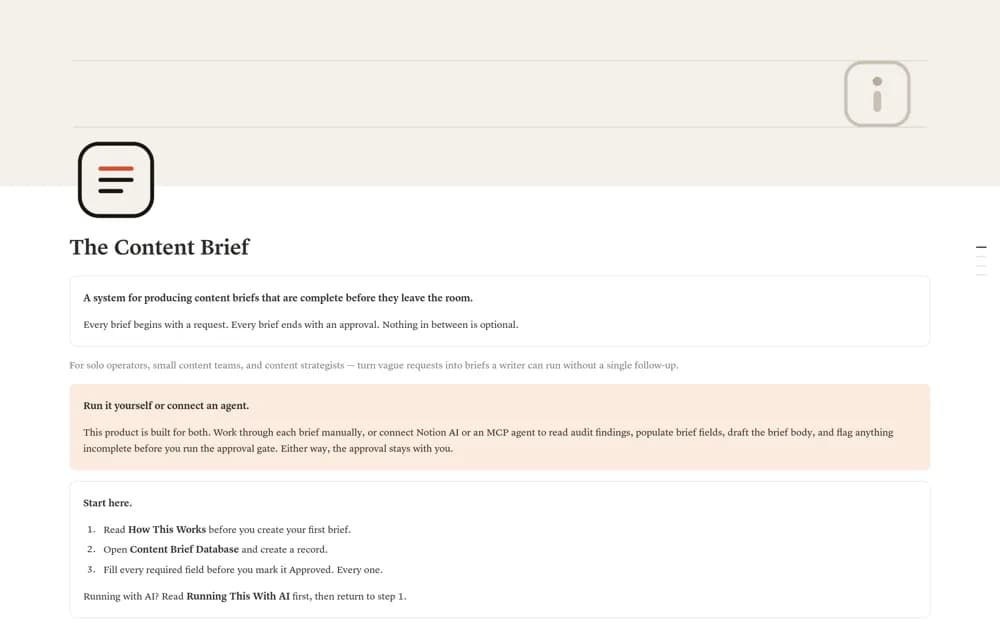
A content briefing workflow with six database views, a completeness checklist, and a separate approval field.
 Free
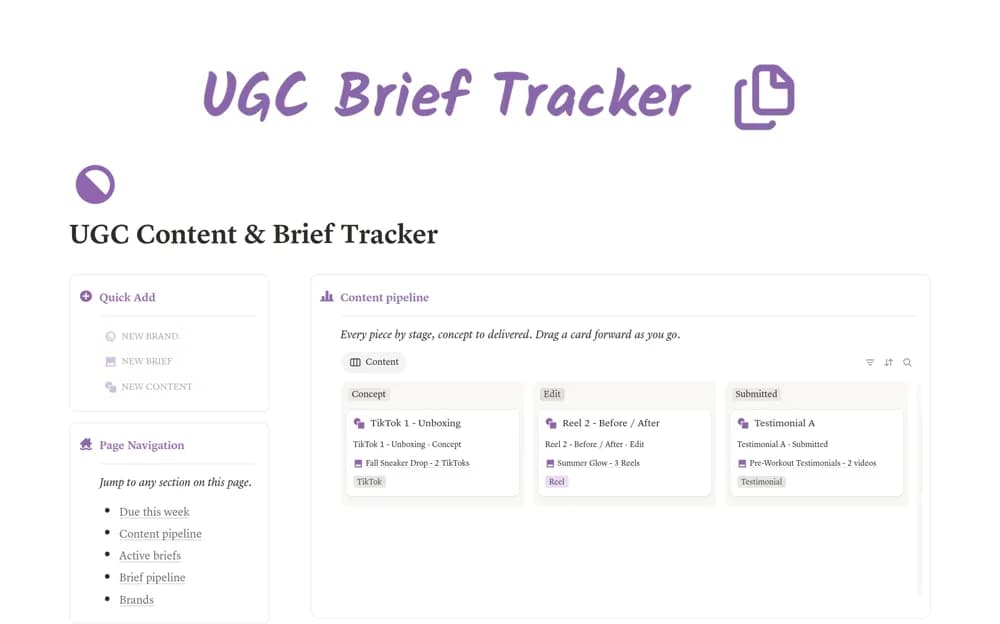
Keep UGC brands, briefs, and content connected in Notion, with weekly deadlines, delivery progress, and flags for briefs at risk.
Compare the purpose and included features before choosing a workspace.
Bloggers, SEO writers, and content marketers who use Notion AI and want a consistent planning step before drafting.
UGC creators managing several brand deliverables and keeping the brief beside production work.
Designers and creative freelancers clarifying an assignment before production.
4 working templates from 4 creators: 3 free and 1 paid, with paid options from $19. Links last checked November 22, 2026.
| Template | Best for | Price | Creator |
|---|---|---|---|
| Content Brief from a Topic 2.0 | Bloggers, SEO writers, and content marketers who use Notion AI and want a consistent planning step before drafting. | Free | Akshay Raveendran |
| UGC Content & Brief Tracker for Creators | UGC creators managing several brand deliverables and keeping the brief beside production work. | Free | NotoMantra |
| Designer's Creative Brief for Clients | Designers and creative freelancers clarifying an assignment before production. | Free | Hussein Akl |
| The Content Brief | Editors and copywriters who need an explicit brief-to-approval handoff. | $19 | Fully Inhabit |
Explain what the reader should understand or be able to do after reading. Supply useful sources and constraints without scripting every sentence for the writer. Agree on the intended format and what evidence needs checking. Keep examples and approval notes with the brief, then update it if the assignment changes during research rather than judging the draft against an outdated request.
A clear reader need
Useful sources and scope
An agreed review process
About the directoryDescribe the reader, the question the piece should answer, the intended action, and the evidence available. Separate necessary points from optional angles. Agree the format, scope, reviewer, and source expectations before drafting. Keep feedback tied to the brief so a later change in audience or purpose is visible as a change in the assignment.
Jump straight to any listing in the collection.
An outline arranges the piece's sections. A brief explains why the piece exists, who it serves, and what it must achieve. A good outline follows that context; headings alone do not establish the audience or the quality of the evidence.
It depends on the job you need it to do. Good starting points in this collection include Content Brief from a Topic 2.0 (bloggers, SEO writers, and content marketers who use Notion AI and want a consistent planning step before drafting), UGC Content & Brief Tracker for Creators (uGC creators managing several brand deliverables and keeping the brief beside production work) and Designer's Creative Brief for Clients (designers and creative freelancers clarifying an assignment before production). Compare the included features below, then try your first choice with a week of real information before moving everything across.
Yes. This collection currently includes 3 listings with a confirmed free creator offer, alongside 1 paid or freemium option. Use the Free filter to compare them. A free version can have different features from a creator’s paid upgrade, so check the original listing and current access terms before adding it to your workspace.