About The Content Brief
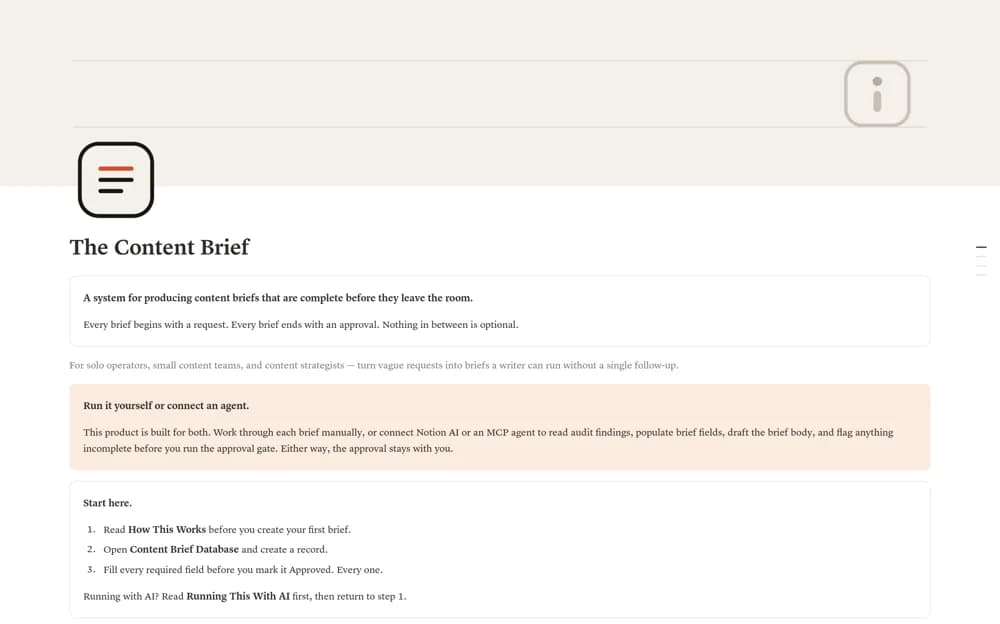
A content briefing workflow with six database views, a completeness checklist, and a separate approval field.
What’s included
- Content Brief Database with six views
- A twelve-item completeness checklist
- Field guidance and a fully worked brief example
How to use it in practice
Use an actual request to complete one brief, then review every checklist item against the record. Keep approval separate from workflow status and name the reviewer. Adjust fields to your editorial process before making the brief the standard handoff for writers.
Set it up in your workspace
- Open the original Notion Marketplace listing and add the template to your chosen workspace while signed in. Keep its example records until you understand how the pages connect.
- Use an actual request to complete one brief, then review every checklist item against the record.
- Try one complete example before adding a large backlog. Check that its views and any calculations show what you expect, then replace the sample content with your own.
Who it suits and what to consider
Editors and copywriters who need an explicit brief-to-approval handoff. The creator includes optional AI-assisted working instructions; the described approval boundary still requires a person’s decision.