About Freelance Hub — Client, Time & Invoice Tracker
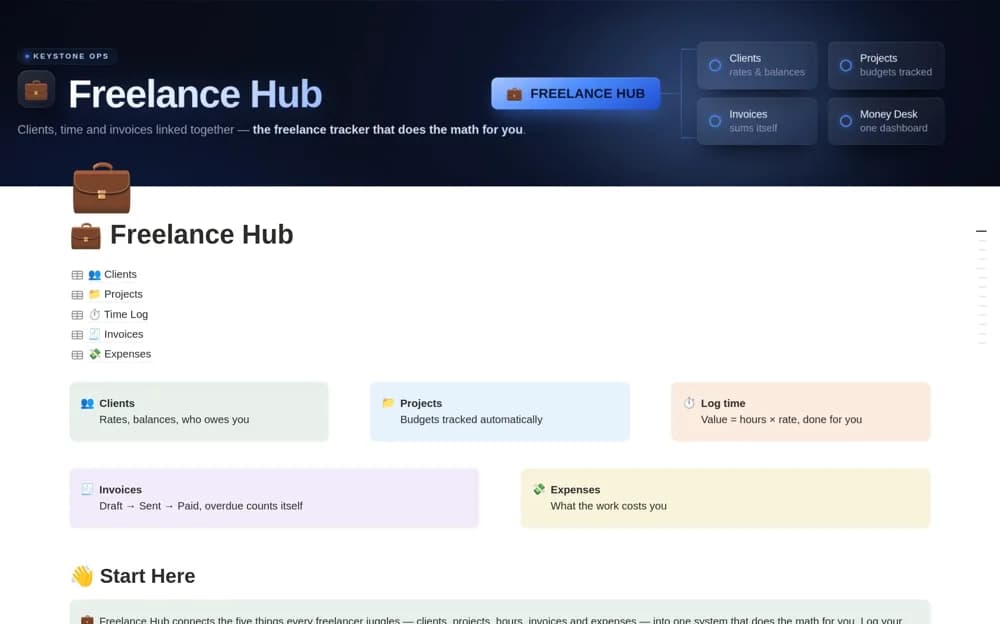
A connected freelance system for clients, projects, logged time, invoices, expenses, and outstanding work value.
What’s included
- Client and project databases with rate and budget context
- Time logs linked to invoice totals
- Expenses and a Money Desk for unpaid and unbilled work
How to use it in practice
Test a small completed project, including its rate, time entries, invoice, and payment. Check the calculated totals before entering live billing work. Use a regular money review to catch unbilled sessions and reconcile paid invoices with actual receipts.
Set it up in your workspace
- Open the original Notion Marketplace listing and add the template to your chosen workspace while signed in. Keep its example records until you understand how the pages connect.
- Test a small completed project, including its rate, time entries, invoice, and payment.
- Try one complete example before adding a large backlog. Check that its views and any calculations show what you expect, then replace the sample content with your own.
Who it suits and what to consider
Freelancers who bill time or manage several commercial project arrangements. Different hourly, fixed, and retainer arrangements need formula checks against your own agreement.