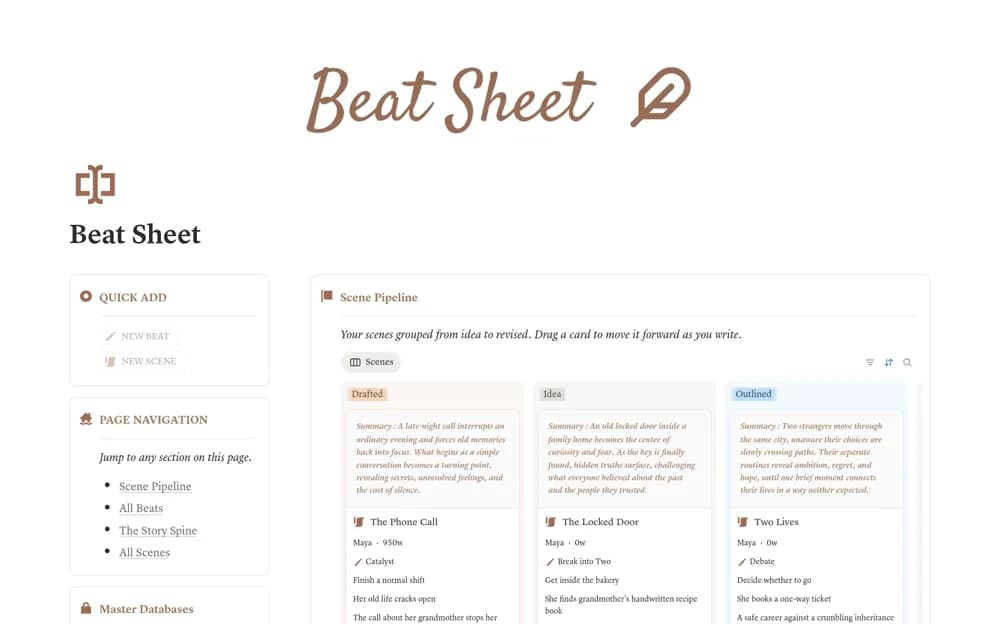
 Free
FreeBeat Sheet: Story Structure for Screenwriters
A fiction-planning template with fifteen story beats, an act-based board, scene planning, target word or page positions, rollups, and a short craft reference.
Turn loose ideas into a publishing plan. Explore Notion templates for editorial calendars, content pipelines, and the business of creating.
Showing 1–18 of 43 templates
A little structure goes a long way.FreeA fiction-planning template with fifteen story beats, an act-based board, scene planning, target word or page positions, rollups, and a short craft reference.
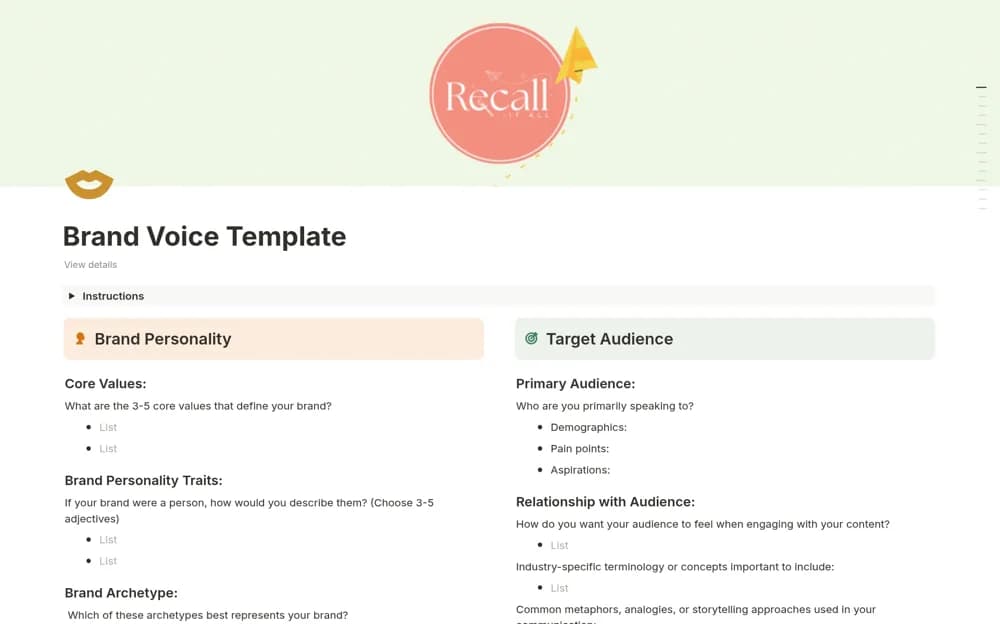 Free
FreeA brand-voice questionnaire for documenting personality and communication choices so staff, freelancers, and other writing tools have a clearer reference for producing consistent copy.
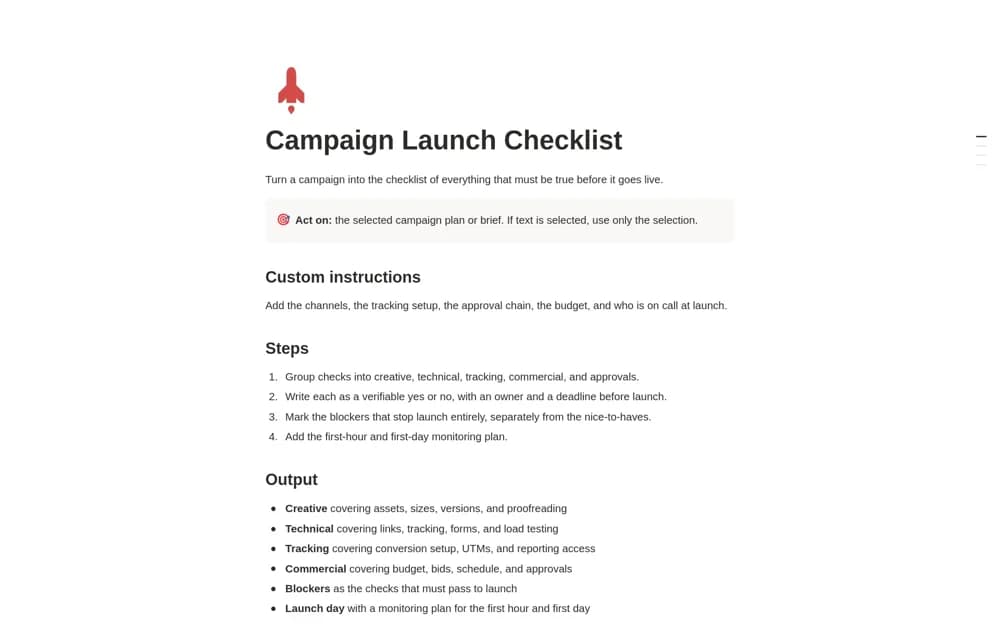 Free
FreeA Notion AI skill that drafts a campaign launch checklist with verifiable checks, owners, deadlines, launch blockers, and an initial monitoring or rollback plan.
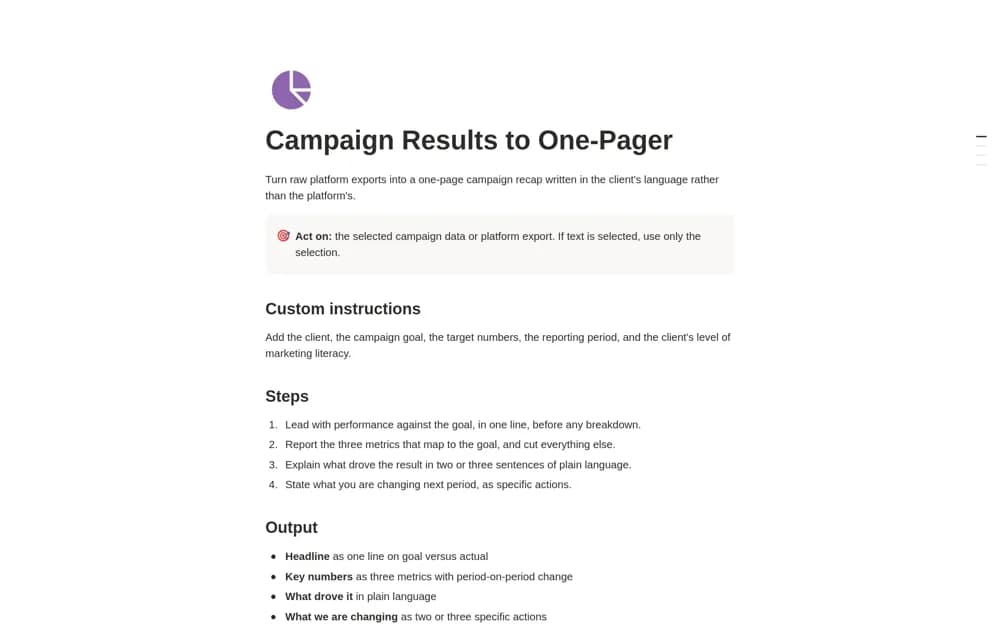 Free
FreeA Notion AI reporting skill that turns supplied campaign data into a concise recap covering the goal, three relevant metrics, likely drivers, next actions, and any client request.
 Free
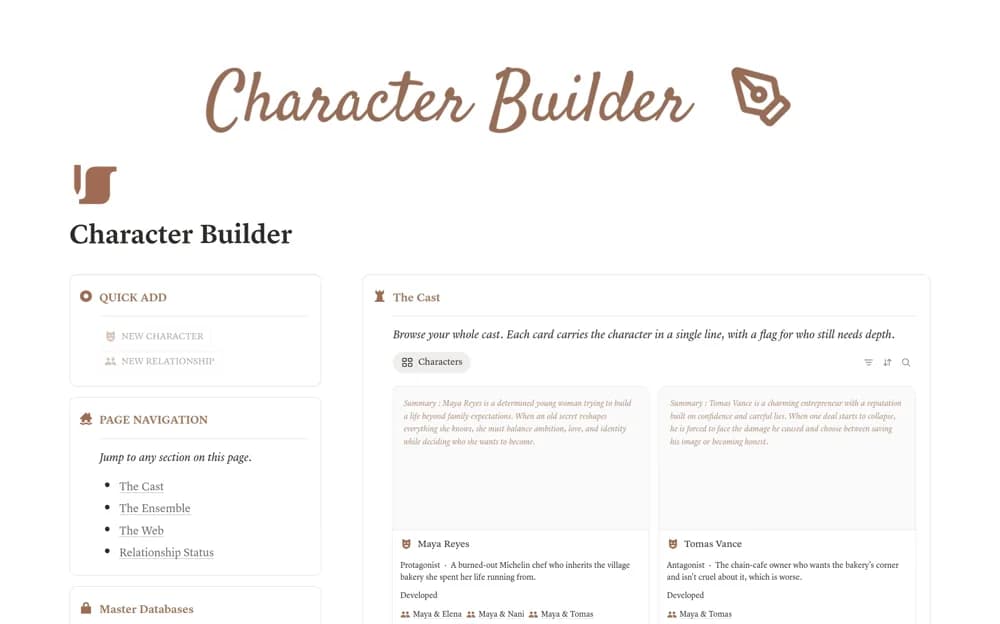
FreeA character-development workspace combining deeper profiles with a linked relationship web, cast roles, relationship status, connection counts, and prompts for further development.
 Free
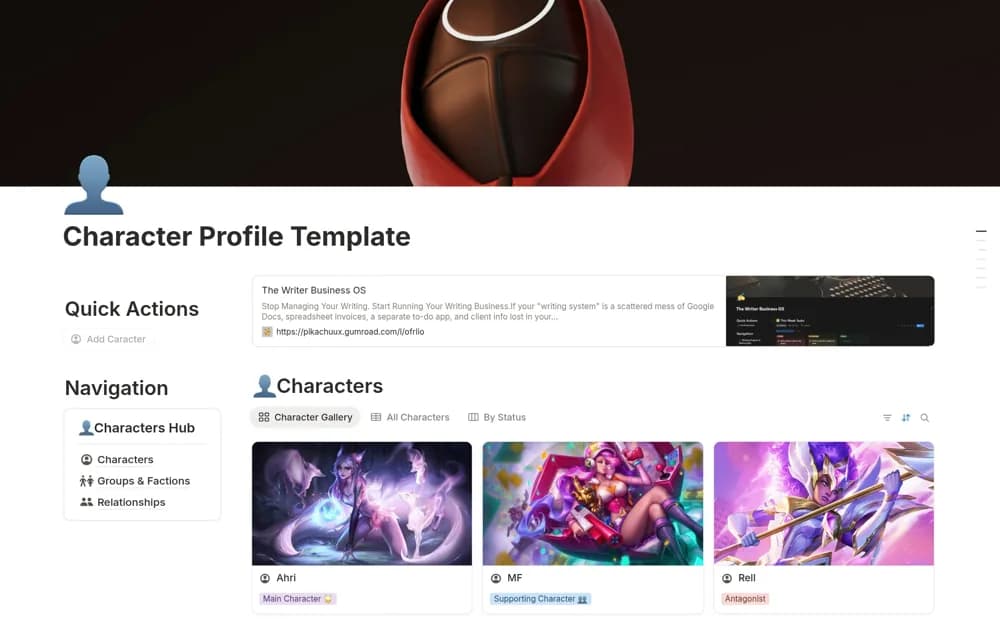
FreeA fiction-writing system for character profiles, relationship records, groups, and story continuity.
 Free
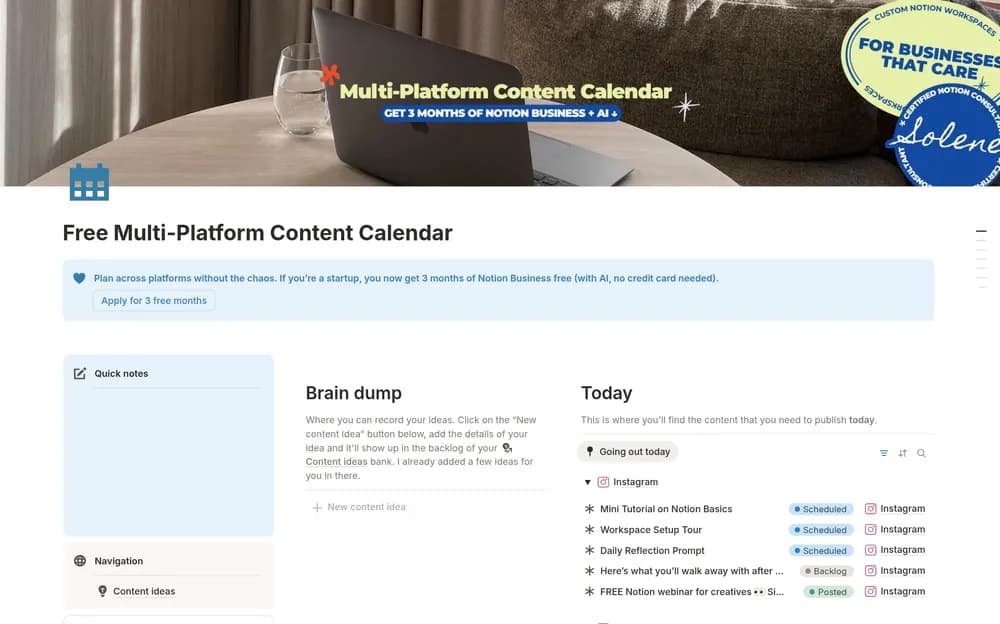
FreePlan publishing across channels with a multi-platform content calendar.
 Source listing
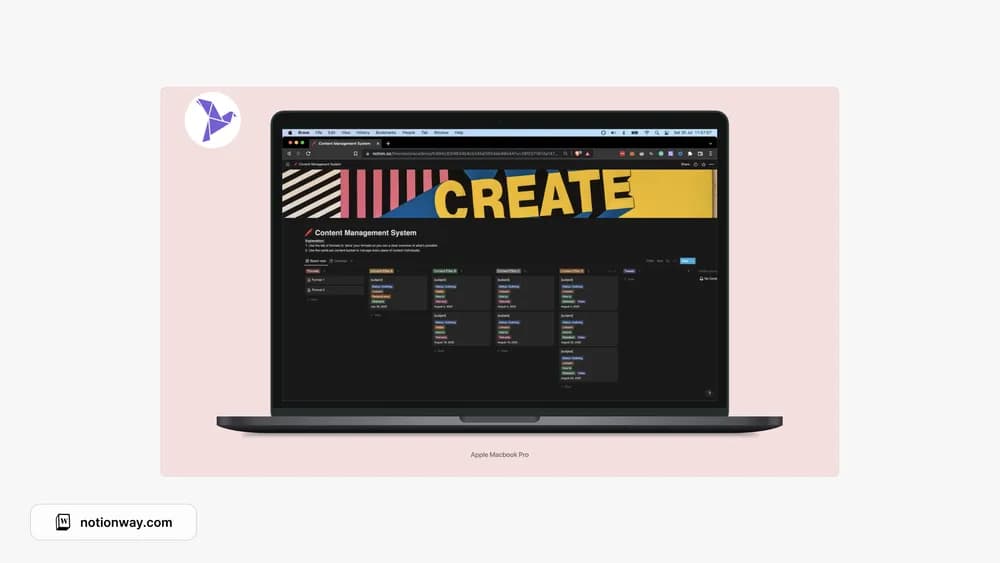
A content-management template shown in the PathPages collection.
 Paid
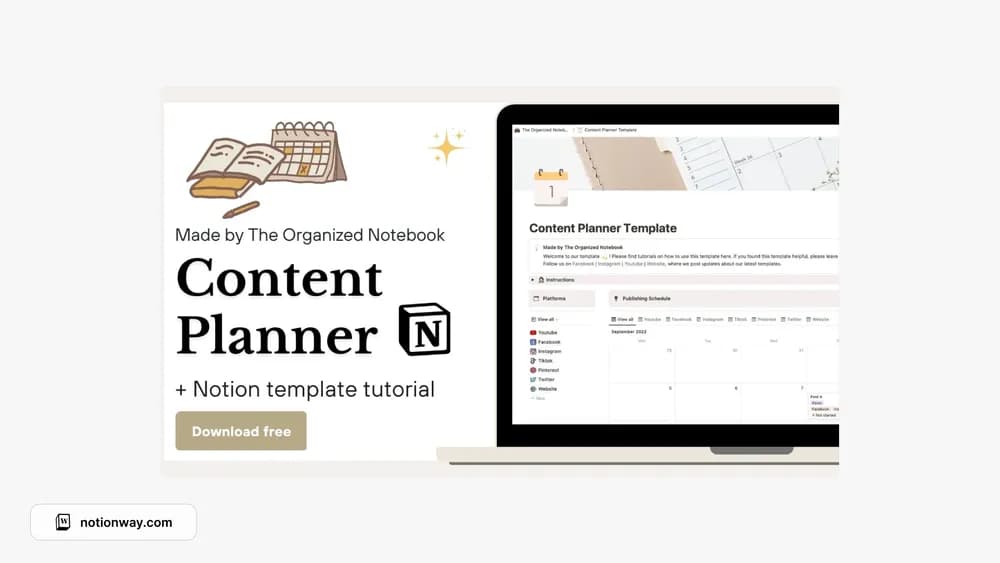
PaidThe Organized Notebook’s template for a clearer content plan.
 Free
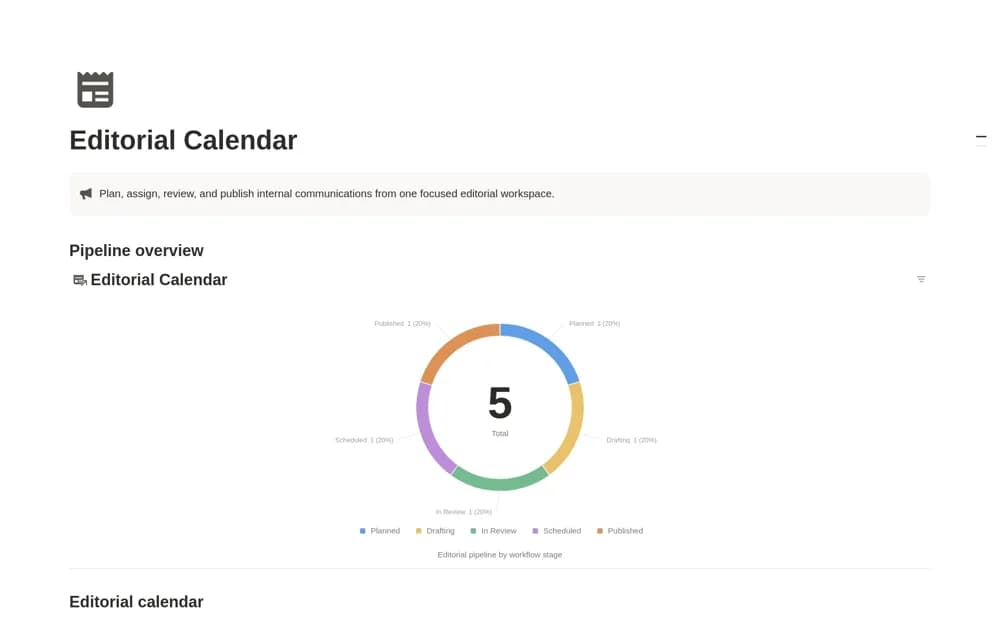
FreeAn internal-communications calendar moving content through idea, planning, drafting, review, scheduling, and publication, with owners, audiences, channels, dates, and final links.
 Free
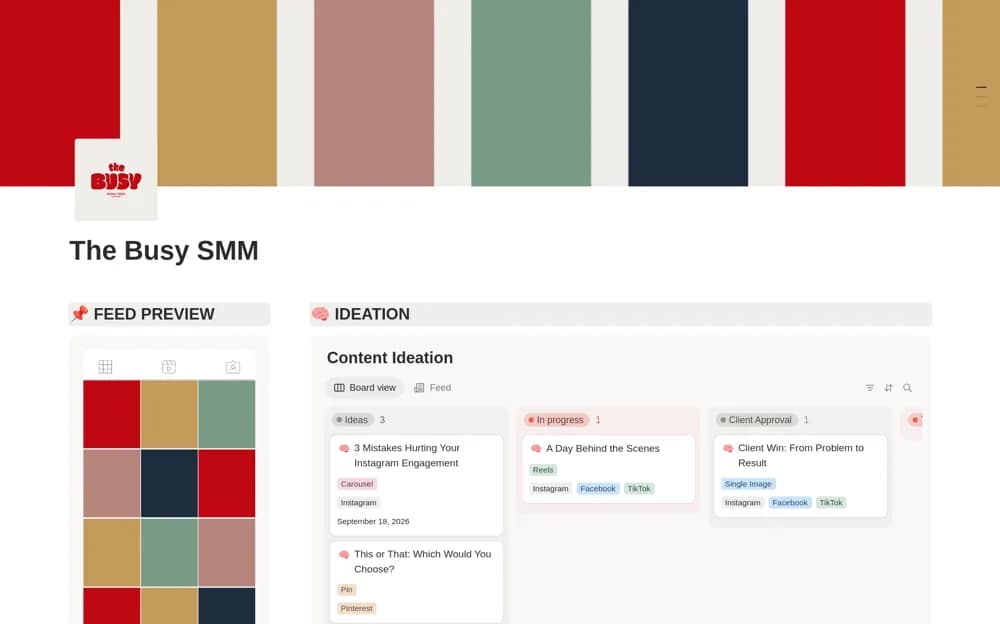
FreeA social media dashboard connecting content ideas, calendar planning, feed previews, and weekly production tasks.
 Free
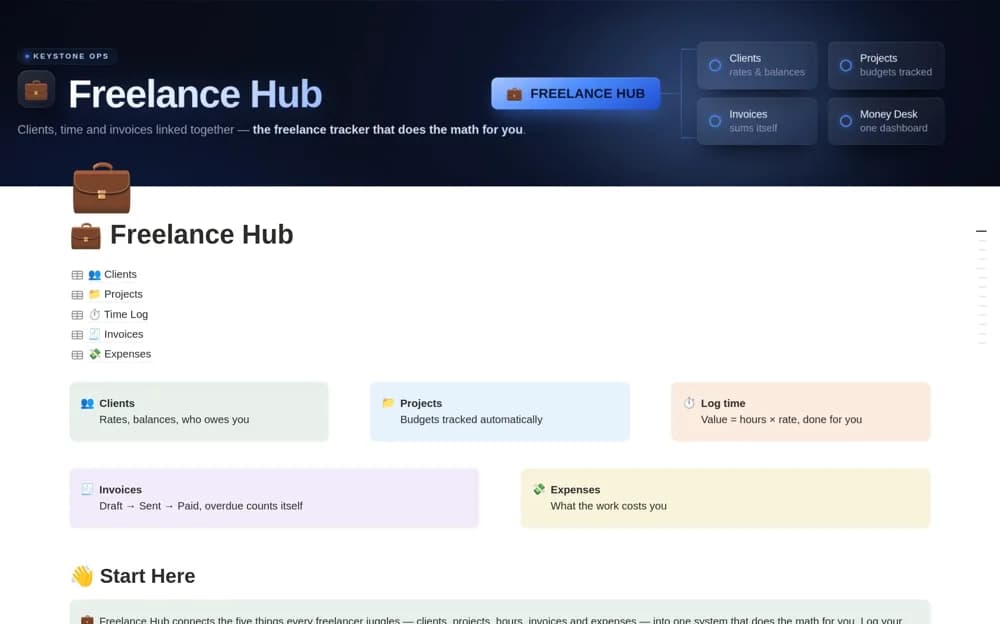
FreeA connected freelance system for clients, projects, logged time, invoices, expenses, and outstanding work value.
 Free
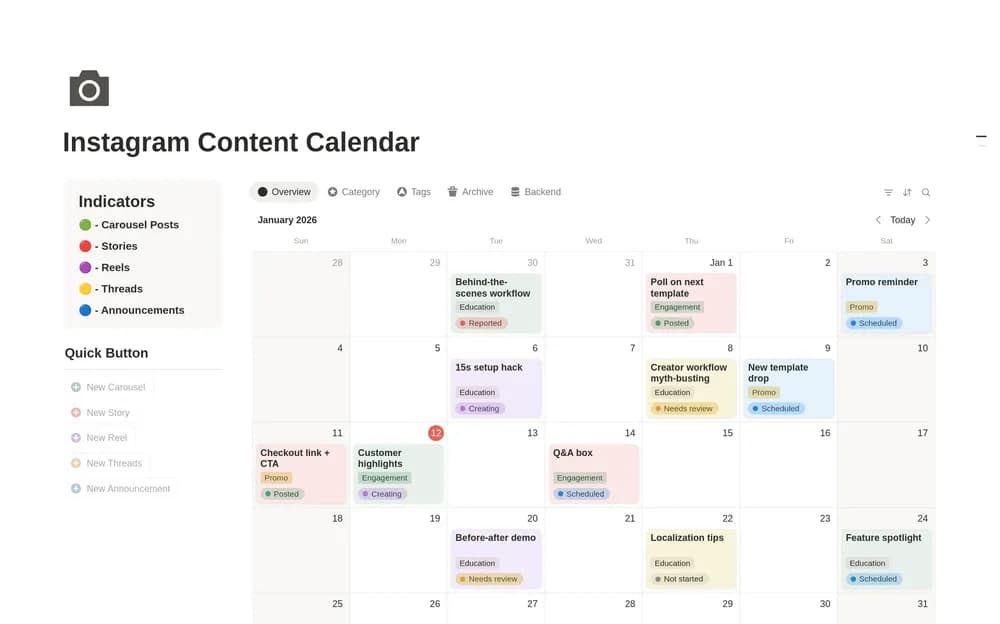
FreeGive Instagram ideas, production, and publication dates a shared home.
 Free
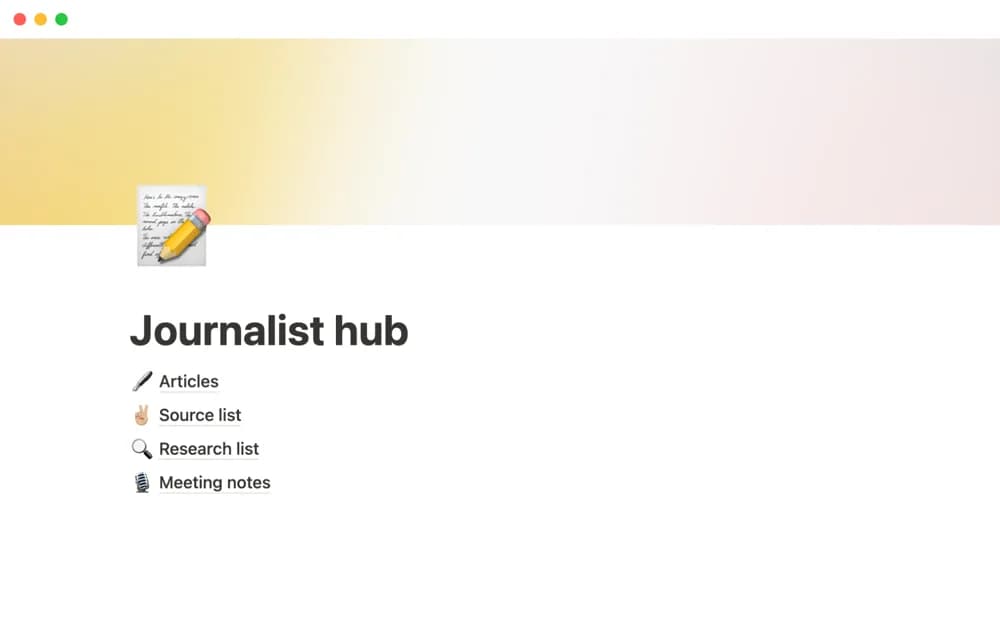
FreeA reporting workspace connecting interviews, sources, research notes, article drafts, and source-contact history.
 Free
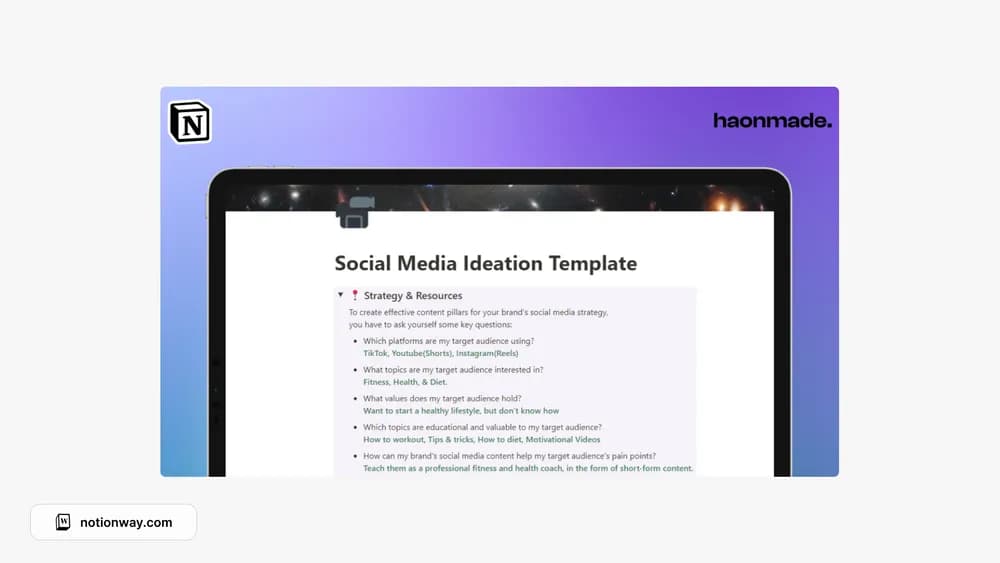
FreeA place to develop social media ideas before they become posts.
 Free
Free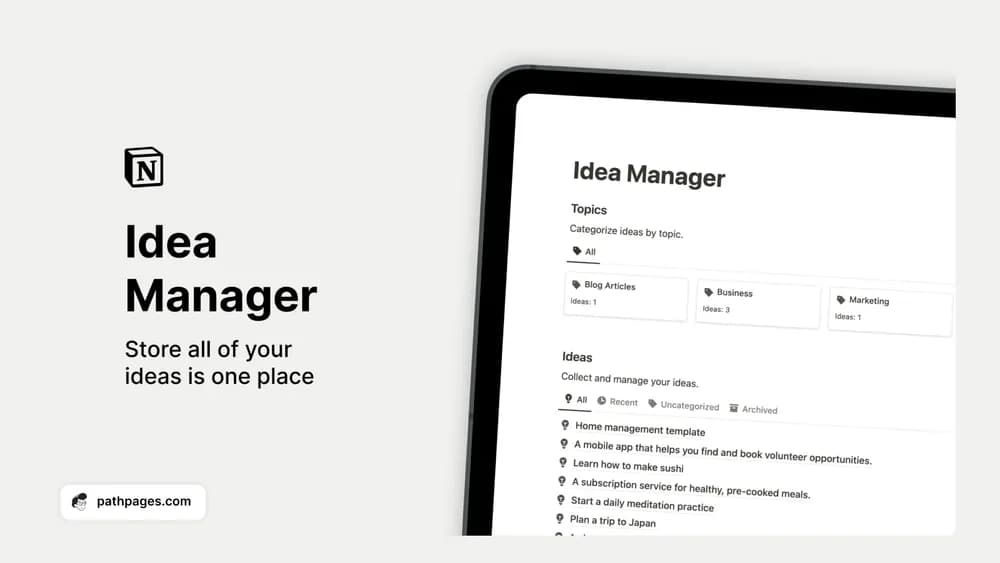 Free
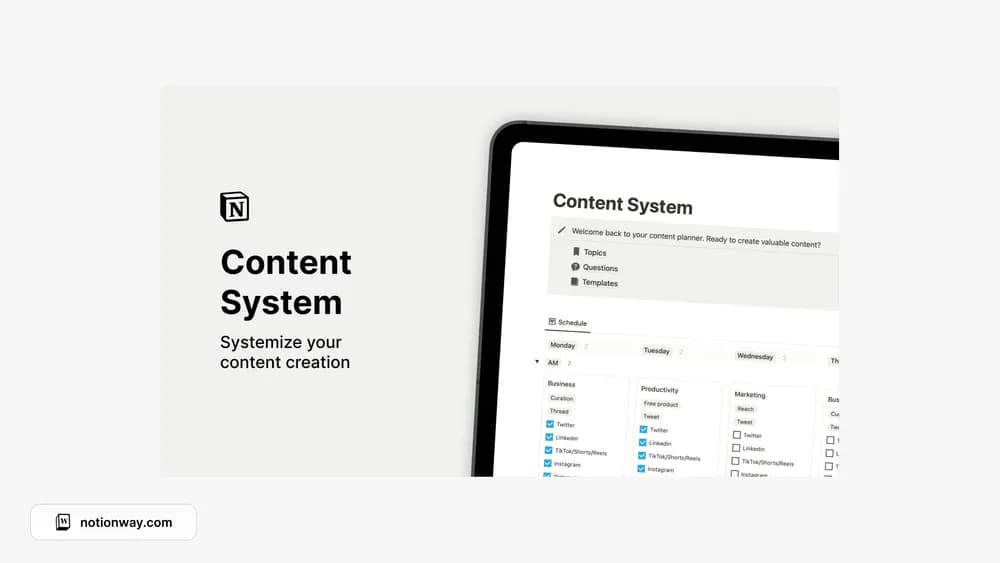
FreeCatch an idea while it is fresh and give it enough context to use later.
 Source listing
Compare the purpose and included features before choosing a workspace.
Creators coordinating material for more than one channel.
Creators who want an approachable editorial workspace.
Creators who want a repeatable publishing routine.
The best content setup connects an idea to a brief, a draft, and a publishing date. Check whether the template suits one channel or several. A calendar alone can hide stalled work, so look for a way to see each piece’s status. Test the workflow with your next three pieces before adding your entire backlog.
An idea inbox
A visible production pipeline
A realistic publishing calendar
About the directoryChoose an audience and purpose for each piece before assigning a publication date. Keep research, drafts, assets, and approval notes linked to the same record. Review unfinished work by status as well as date so a missed deadline does not make the piece disappear inside a calendar.
A calendar helps with timing, but a production pipeline also shows whether a piece is researched, drafted, reviewed, or ready. Choose the template around the stages you need to coordinate, particularly if more than one person contributes.
Yes. This collection currently includes 37 listings with a confirmed free creator offer, alongside 3 paid or freemium options. Use the Free filter to compare them. A free version can have different features from a creator’s paid upgrade, so check the original listing and current access terms before adding it to your workspace.