About Gift Giving Guide
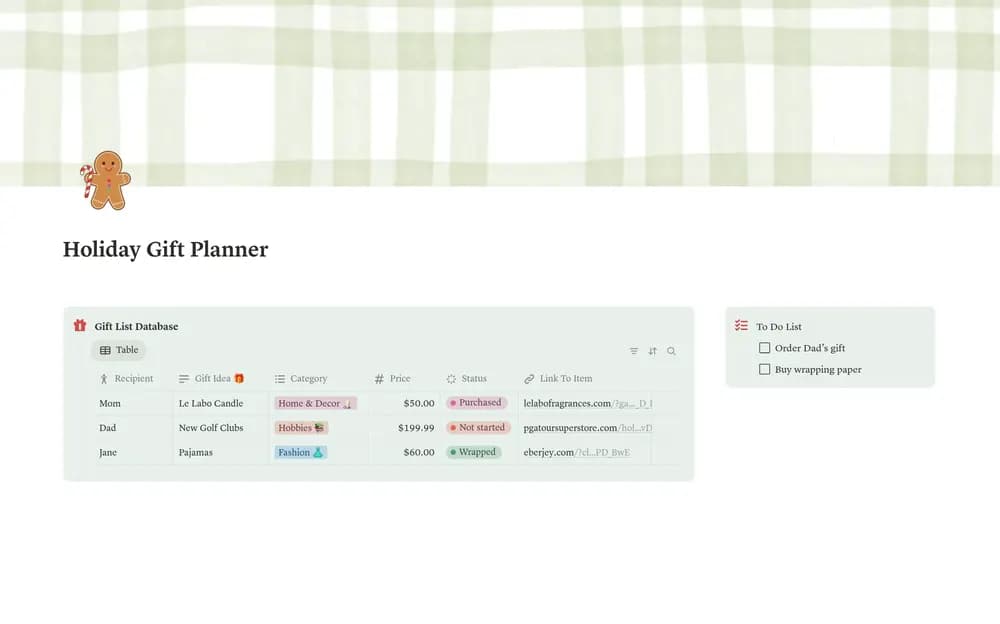
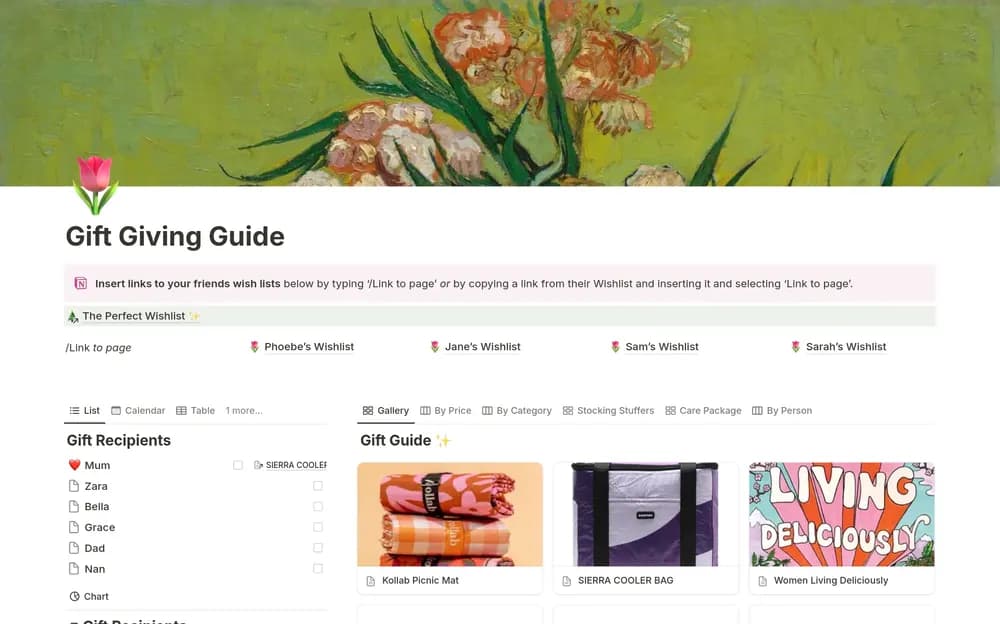
Browse gift ideas in a Notion gallery grouped by price, category, or recipient, and track each person’s budget, due date, and gift status.
What’s included
- Gallery of potential gifts grouped by price, category, recipient, or theme
- Recipient tracker with due dates and budgets
- Statuses such as not started, picked, shipped, and wrapped
- Calendar and timeline views
How to use it in practice
Add the people you need gifts for in the next month with their dates and budgets. Fill the gallery with ideas, grouping a few as stocking stuffers or care packages. Check the timeline this week to see which gifts need ordering first, and update statuses as items ship.
Set it up in your workspace
- Open the original Notion Marketplace listing and add the template to your chosen workspace while signed in. Keep its example records until you understand how the pages connect.
- Add the people you need gifts for in the next month with their dates and budgets.
- Try one complete example before adding a large backlog. Check that its views and any calculations show what you expect, then replace the sample content with your own.
Who it suits and what to consider
Thoughtful gift-givers planning presents for birthdays, holidays, or care packages. Ideas, prices, and dates are entered manually, and the listing does not describe shopping links or budget totals.