 Free
FreeGithub Synced Database
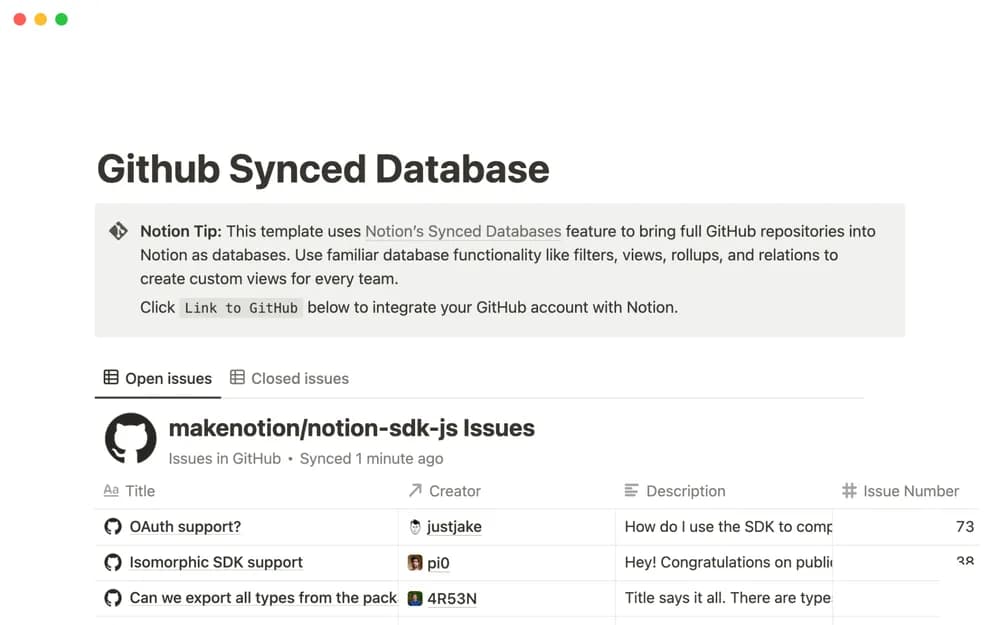
Notion’s template for exploring a GitHub-synced database workflow.
Organize the connections between Notion and your other tools. Explore templates for documenting automations, linked workflows, and integration setups.
Showing 1–1 of 1 templates
A little structure goes a long way.FreeNotion’s template for exploring a GitHub-synced database workflow.
Compare the purpose and included features before choosing a workspace.
Teams connecting GitHub context with Notion work.
Read the requirements before duplicating an integration-related template. A Notion page that documents an automation is different from a working automation. Check which external accounts, permissions, and paid plans are needed. Keep a record of who owns each connection and what should happen if a step fails.
Documented requirements
Connection ownership
A clear setup path
About the directoryRecord the tools, accounts, permissions, trigger, expected result, and responsible owner for an integration. Keep setup instructions separate from evidence that the connection has been tested. Describe what should happen if a step fails and how a teammate can investigate without exposing credentials in the documentation.
No. Some templates document a workflow or provide a starting structure. Confirm the actual connector, setup steps, required plans, and permissions before assuming that duplicating a page activates the connection.
Yes. This collection currently includes 1 listing with a confirmed free creator offer. Use the Free filter to compare them. A free version can have different features from a creator’s paid upgrade, so check the original listing and current access terms before adding it to your workspace.