About Grant Tracker for Nonprofits
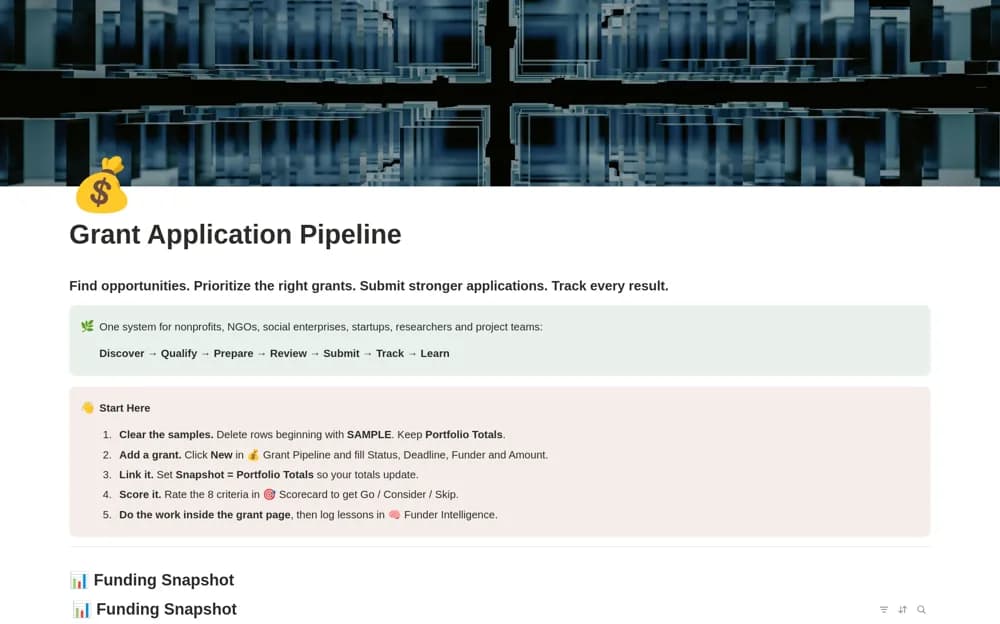
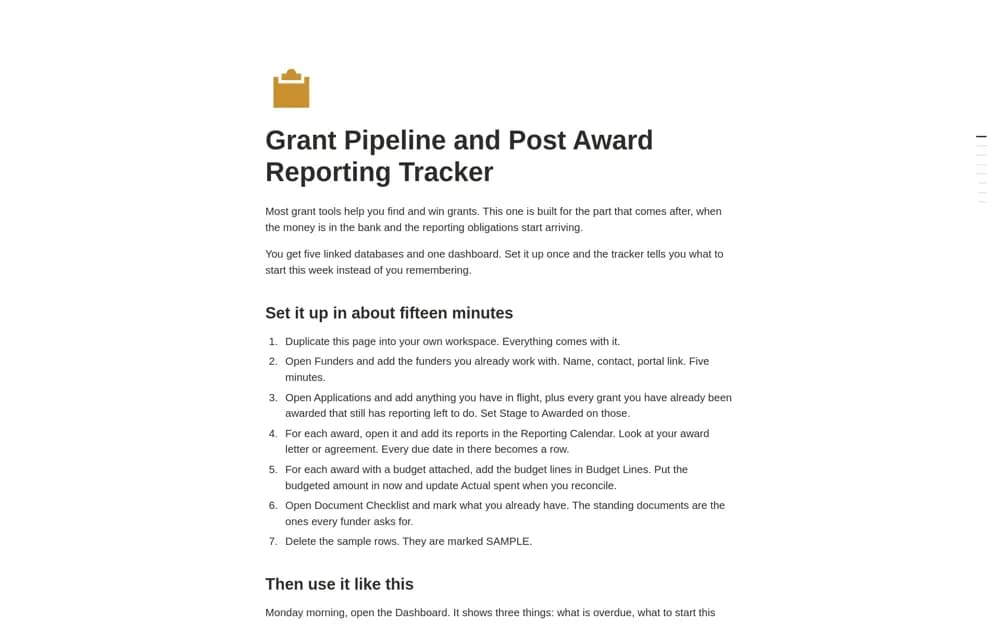
A paid grant workspace emphasizing post-award reporting, with linked funders, applications, awards, reports, and spending, plus lead-time deadlines and award document checklists.
What’s included
- Five linked grant databases
- Reporting calendar with configurable lead times
- Restricted-spend records, award document checklists, and dashboard
How to use it in practice
Set up an award using the actual agreement and reporting dates, then choose realistic lead times for preparing each report. Enter spending against the approved budget line and keep supporting documents linked. Review the award checklist before a submission so completed administration reflects what the funder actually received.
Set it up in your workspace
- Open the original Notion Marketplace listing and add the template to your chosen workspace while signed in. Keep its example records until you understand how the pages connect.
- Set up an award using the actual agreement and reporting dates, then choose realistic lead times for preparing each report.
- Try one complete example before adding a large backlog. Check that its views and any calculations show what you expect, then replace the sample content with your own.
Who it suits and what to consider
Nonprofit teams managing grant reporting and restricted-fund context after an award is accepted. The creator describes delivery through a Gumroad template link and use with a free Notion account. Restricted-fund treatment and reporting obligations still need checking against the grant agreement and your accounts.