 Paid
PaidFreelancingFeatured
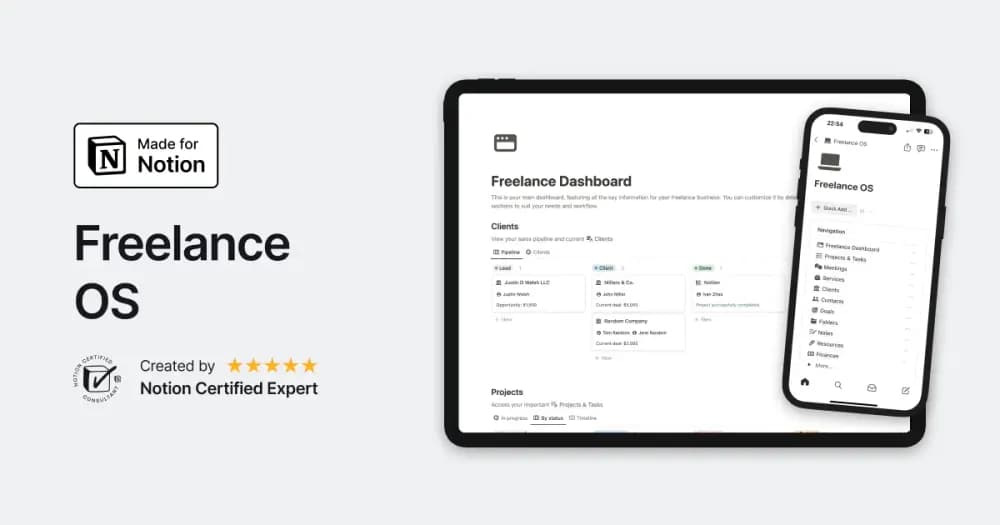
Freelance OS
Notion Everything’s workspace for running the client side of independent work.
Bring clients, proposals, projects, and invoices into one place. Browse Notion templates for the practical side of independent work.
Showing 1–18 of 38 templates
A little structure goes a long way.PaidNotion Everything’s workspace for running the client side of independent work.
 Free
Free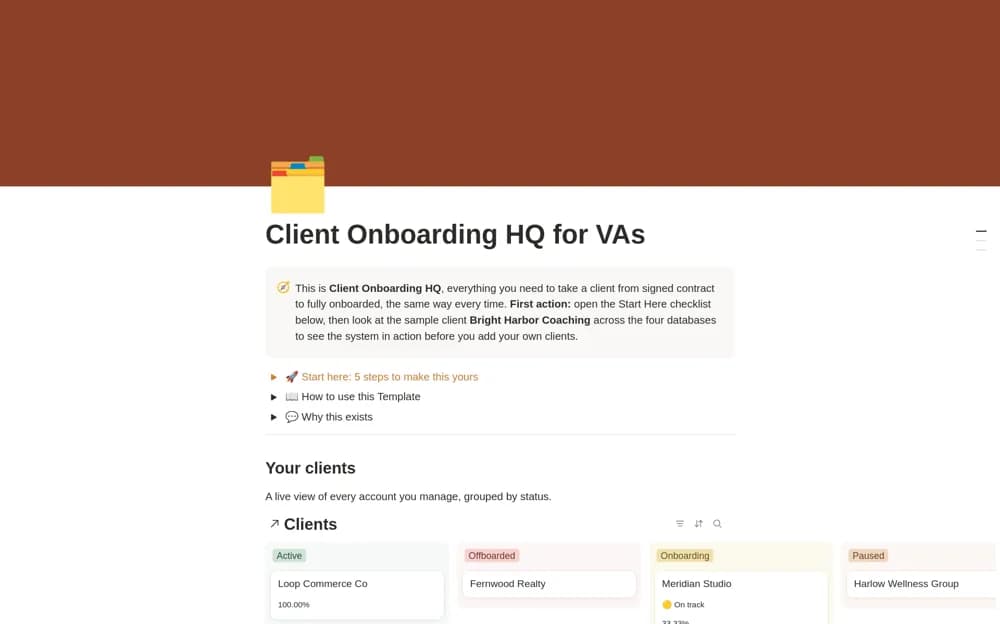 Paid
PaidA paid virtual-assistant onboarding workspace with a built-in Notion intake form, client records, a repeatable onboarding workflow, and realistic examples for setup.
 Free
Free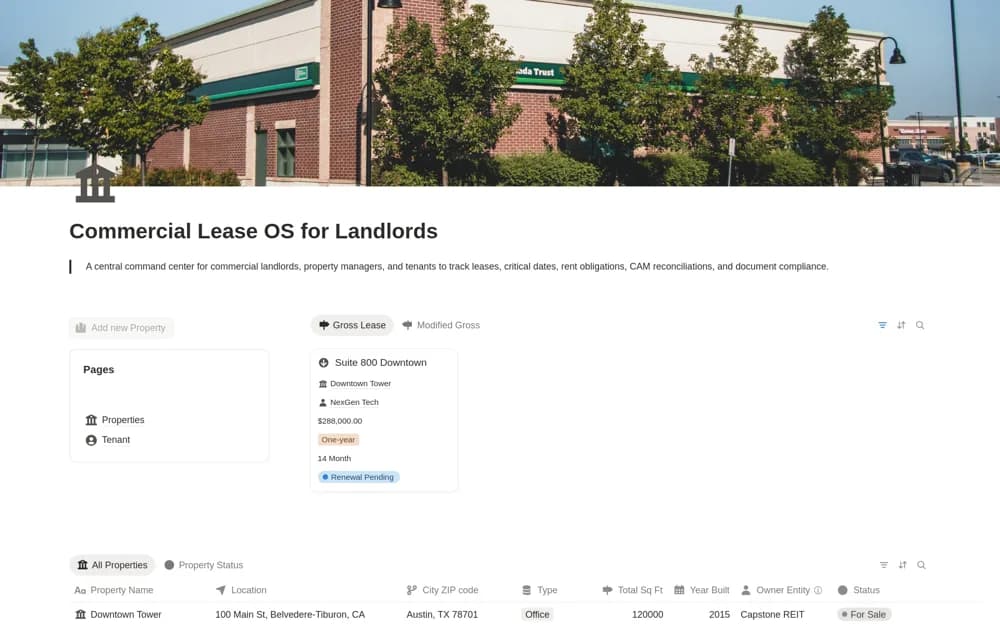 Paid
PaidA paid commercial-property workspace for leases, renewal or expiration dates, rent obligations, common-area maintenance reconciliations, and related compliance documents.
 Free
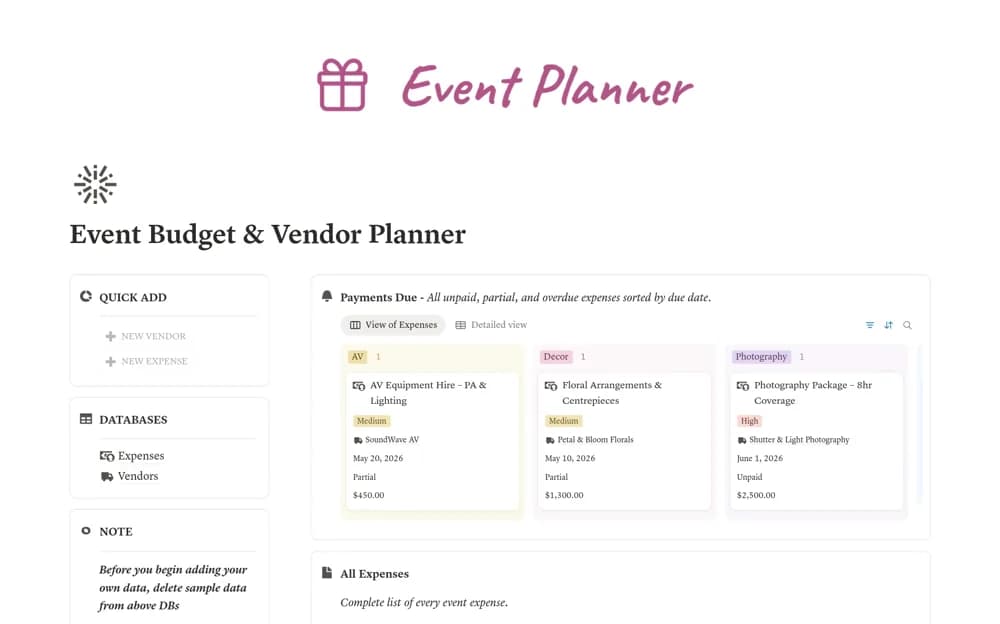
FreeAn event cost ledger linking vendors, payment deadlines, paid amounts, remaining balances, and spending categories.
 Free
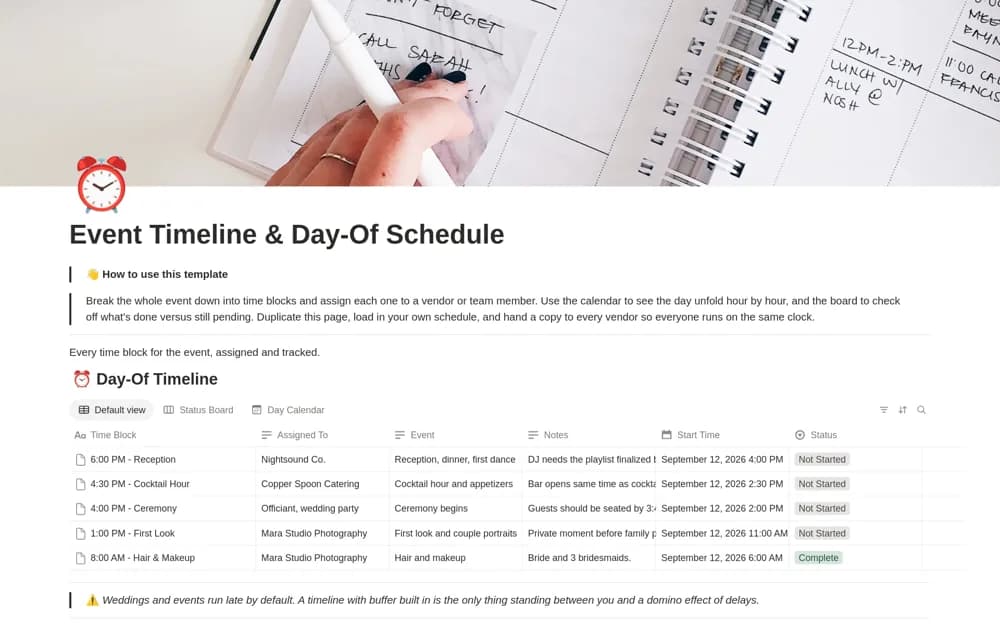
FreeA day-of-event schedule with time blocks, assigned responsibilities, and calendar and progress-board views.
 Free
Free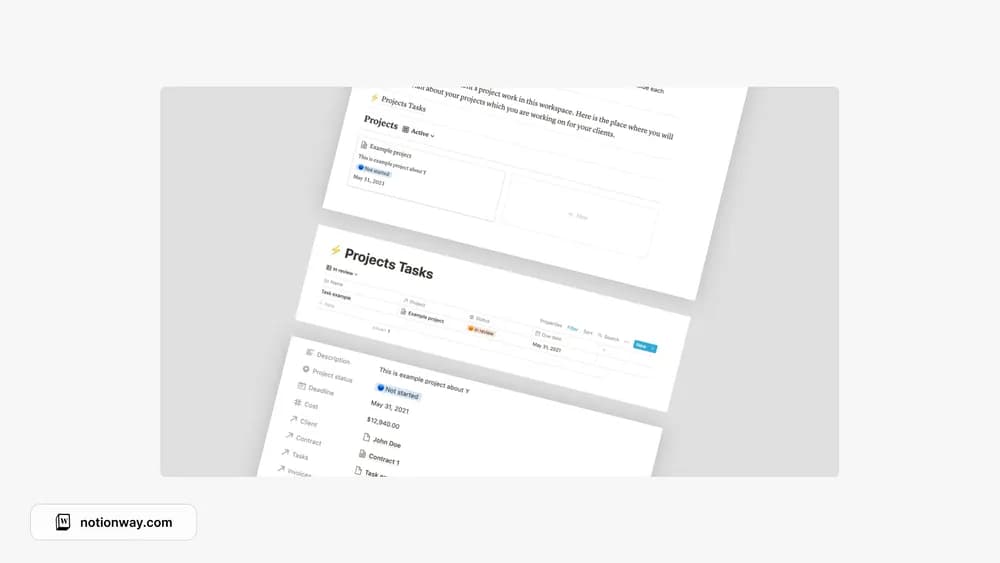 Free
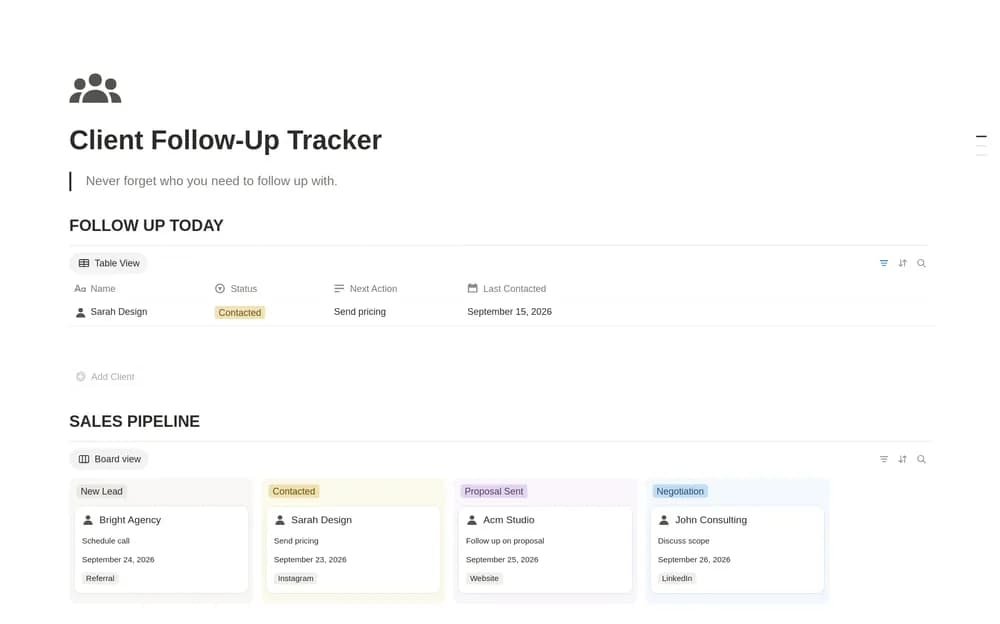
FreeA project workspace for the practical side of freelance delivery.
 Paid
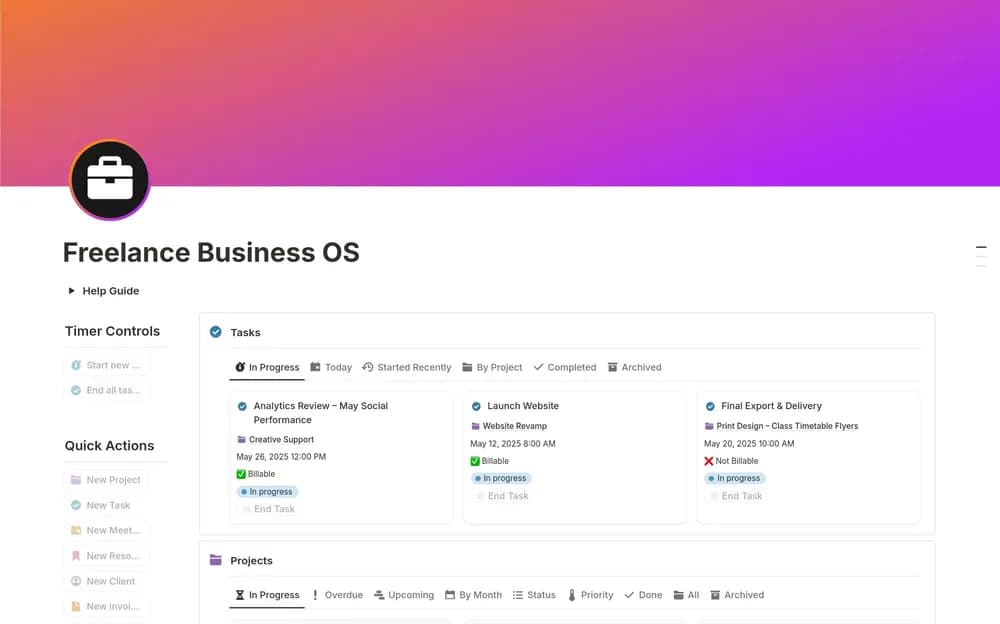
PaidKeep freelance clients, projects, and invoice records within reach.
 Free
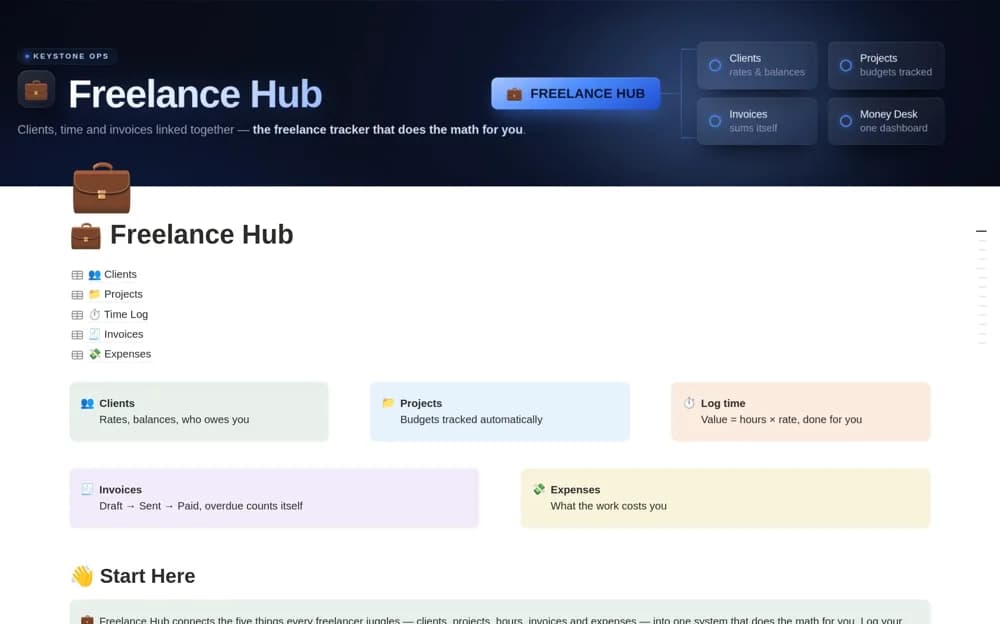
FreeA connected freelance system for clients, projects, logged time, invoices, expenses, and outstanding work value.
 Free
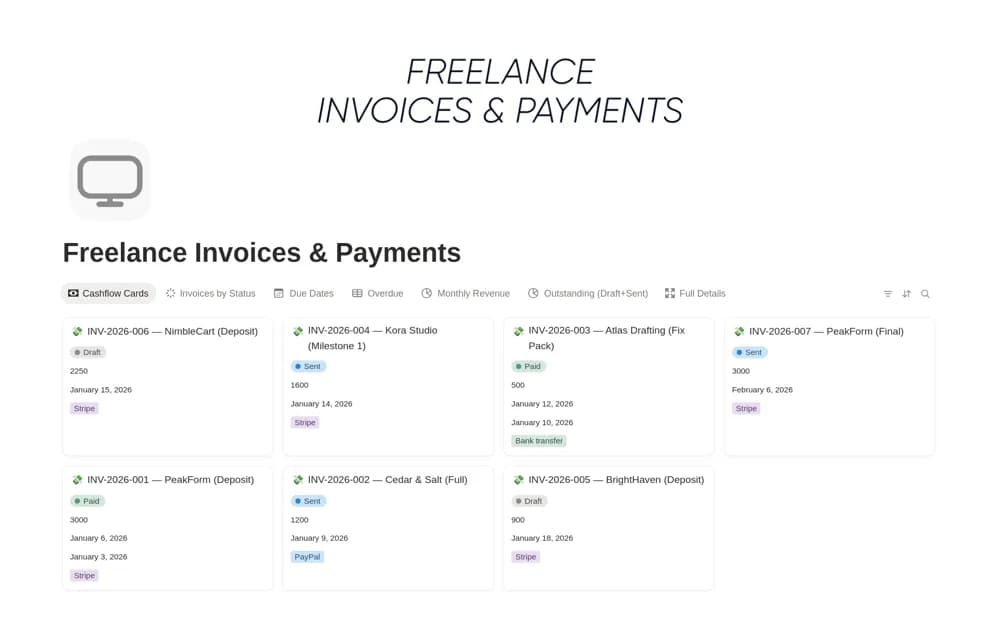
FreeA freelance invoice register tracking the client, amount, due date, payment status, and follow-up notes, with links to projects and views for overdue or approaching payments.
 Free
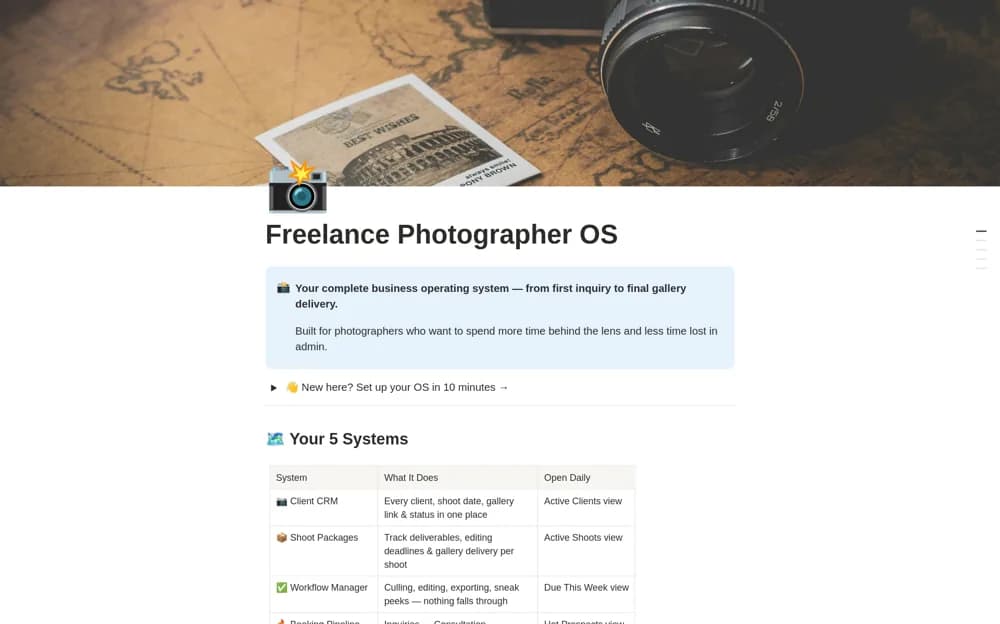
FreeA photography-business workspace combining client records, shoot packages, production tasks, a booking pipeline, and a library for shot lists, pricing guides, scripts, and contracts.
 Paid
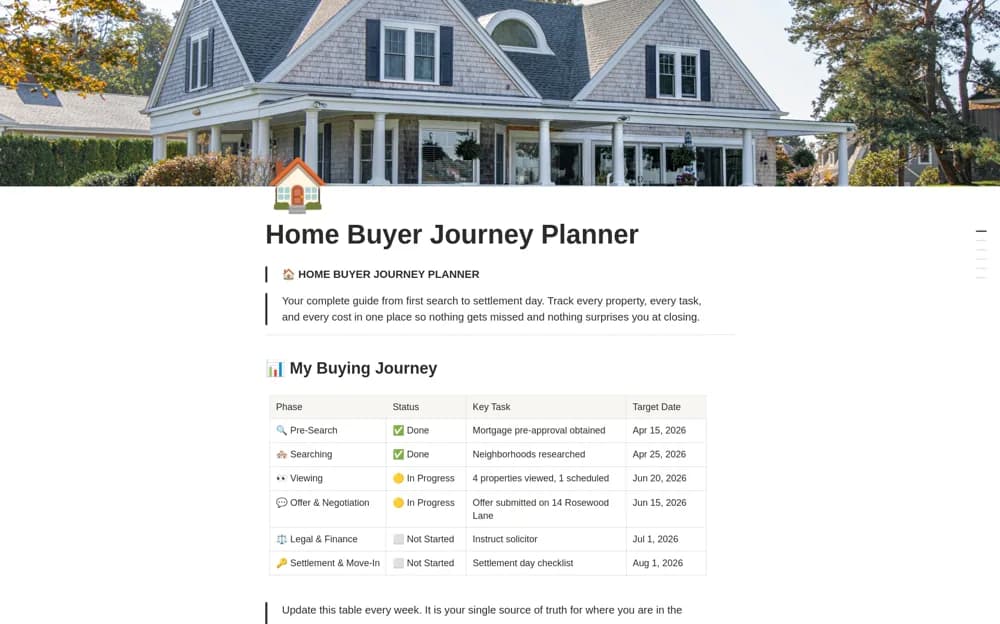
PaidA homebuying planner connecting property shortlists, viewing dates, phase-based tasks, buying costs, and a journey timeline.
 Free
Free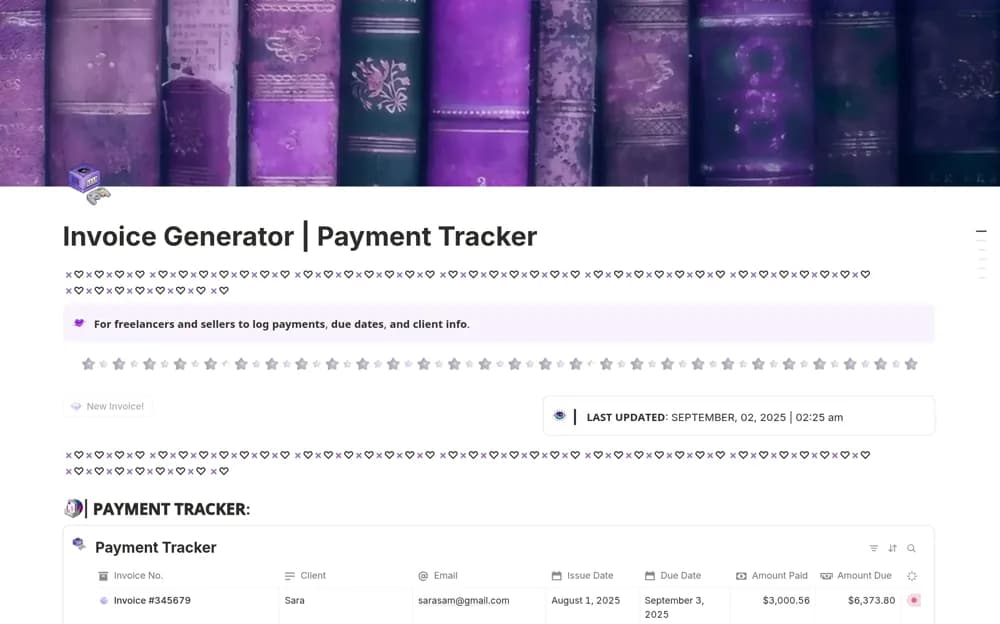 Free
FreeA modular invoice add-on with a button that creates an editable invoice page, a payment-status dashboard, linked invoice records, and setup guidance for a creator workspace.
 Free
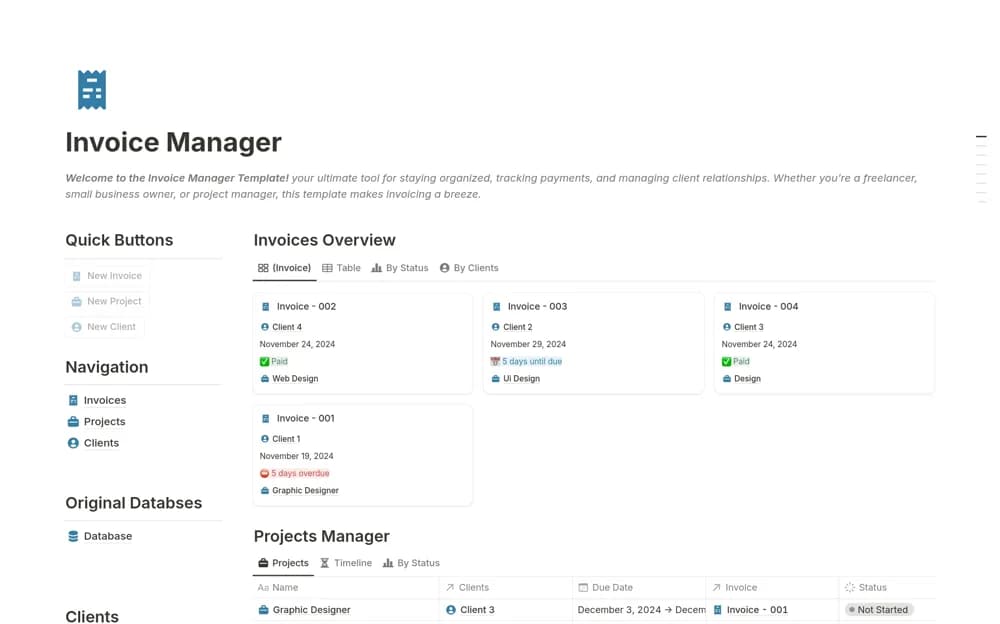
FreeAn invoice tracker connecting clients, projects, payment history, invoice states, and outstanding totals.
 Free
FreeA reporting workspace connecting interviews, sources, research notes, article drafts, and source-contact history.
Compare the purpose and included features before choosing a workspace.
Freelancers managing several client engagements.
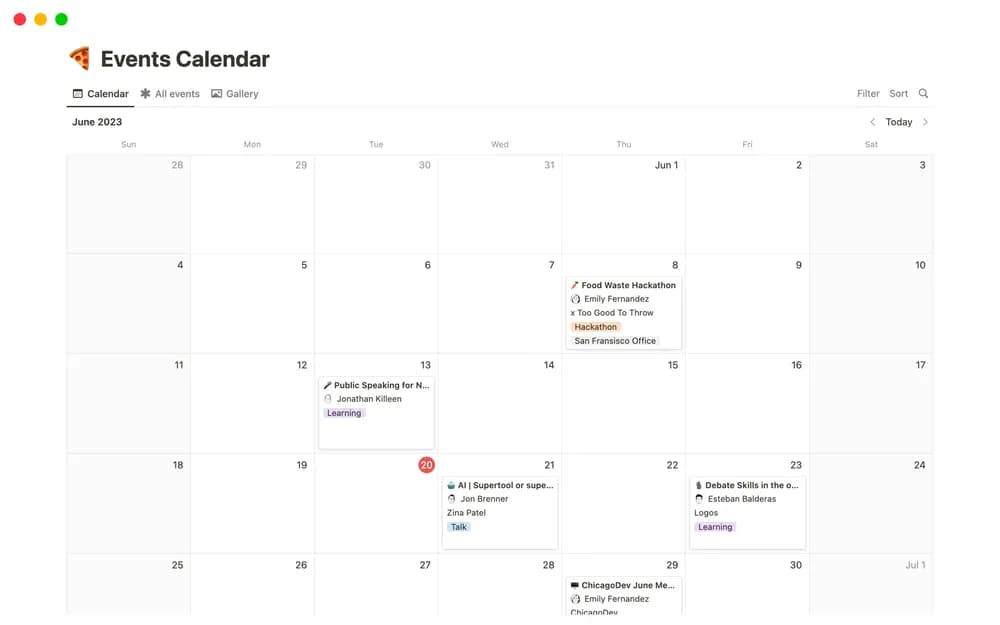
Teams and individuals coordinating upcoming events.
Freelancers managing tasks, briefs, and project context.
Choose a template that matches the kind of work you sell. A designer, a writer, and a consultant may need different project stages. Look for a clear handoff from inquiry to agreed scope to delivery. If clients will see part of the workspace, test that view separately before sharing a real project.
Client context
Scope and deliverables
A clear delivery workflow
About the directoryKeep the client, proposed work, deliverables, deadlines, and approval route together. Separate work you have agreed to do from new requests that need a scope discussion. Track delivery and payment as different stages, and test any client-facing page before sharing it.
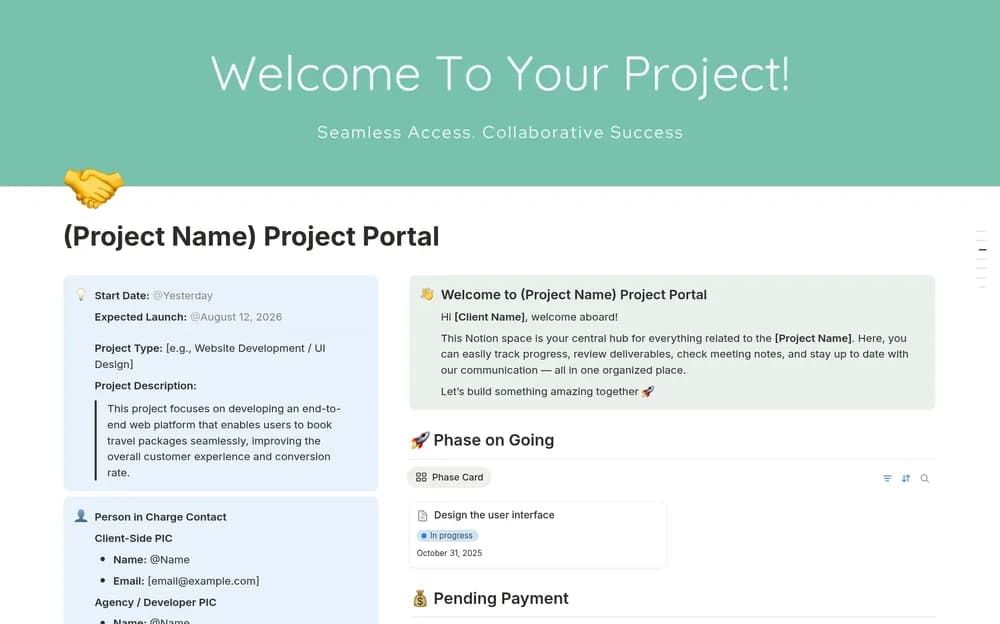
A dashboard supports your internal work; a portal gives the client a clear view of selected information. Choose according to the immediate problem, and check whether a larger template keeps those two audiences appropriately separate.
Yes. This collection currently includes 30 listings with a confirmed free creator offer, alongside 8 paid or freemium options. Use the Free filter to compare them. A free version can have different features from a creator’s paid upgrade, so check the original listing and current access terms before adding it to your workspace.