About Keynote Speaker Dashboard
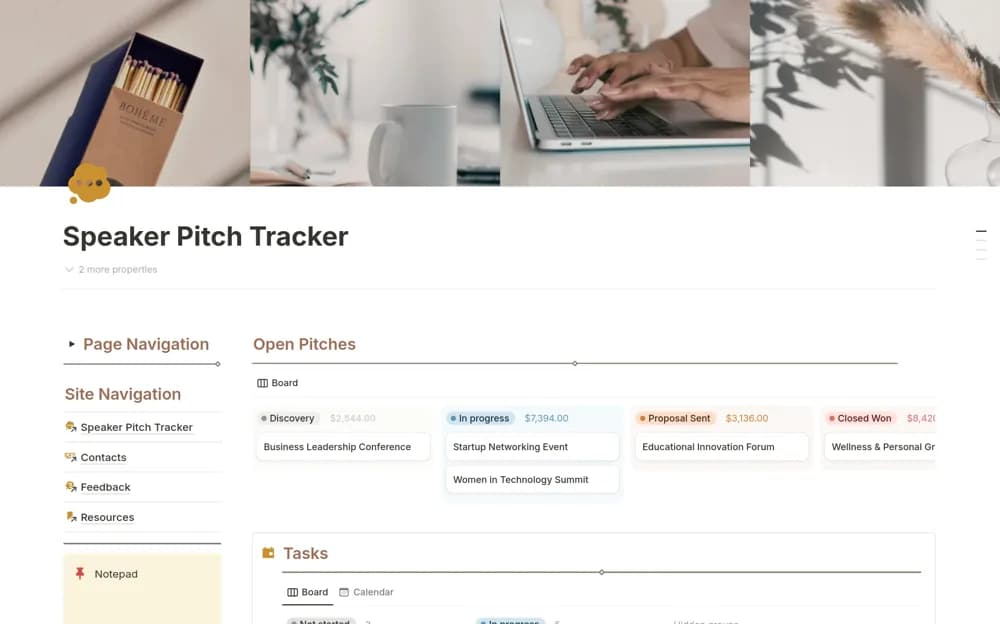
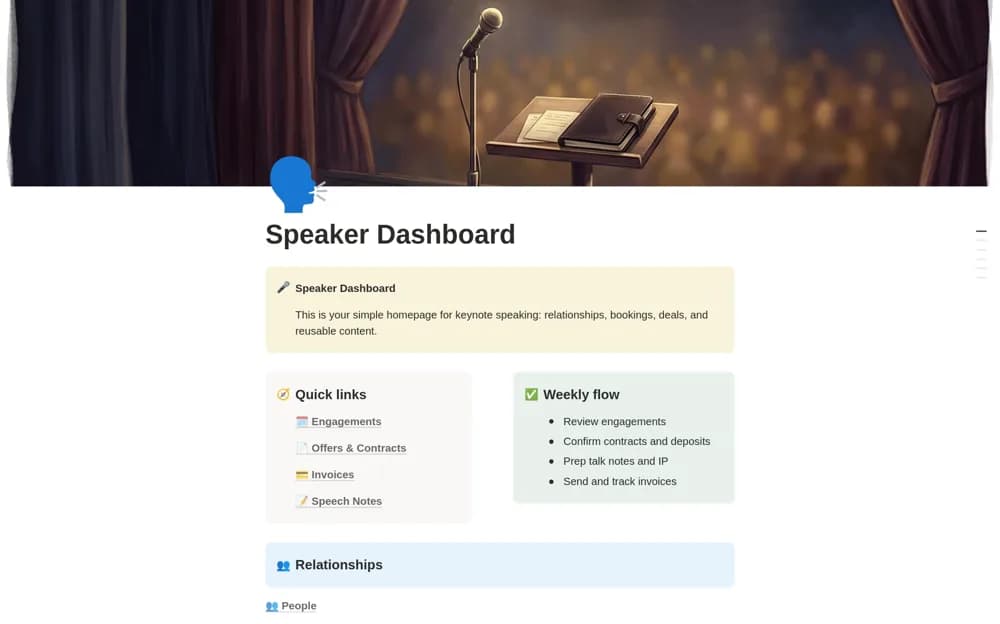
A speaking-business workspace connecting engagements, clients, offers, contracts, invoices, speech notes, and an intellectual-property library, with calendar, pipeline, and money views.
What’s included
- People, Clients, and Engagements
- Offers, contracts, documents, and invoices
- Speech Notes, IP Library, and fictional demo records
How to use it in practice
Follow a demo engagement from an offer to a confirmed date before entering your own commitments. Connect the event-specific talk notes to the reusable material in the IP library. Review hold dates, contracts, and invoice status separately so an attractive pipeline does not become an accidental double booking.
Set it up in your workspace
- Open the original Notion Marketplace listing and add the template to your chosen workspace while signed in. Keep its example records until you understand how the pages connect.
- Follow a demo engagement from an offer to a confirmed date before entering your own commitments.
- Try one complete example before adding a large backlog. Check that its views and any calculations show what you expect, then replace the sample content with your own.
Who it suits and what to consider
Professional speakers and their assistants coordinating bookings and reusable talk material. The workspace records the coordination around speaking. It does not sign contracts, collect fees, or confirm an event booking automatically.