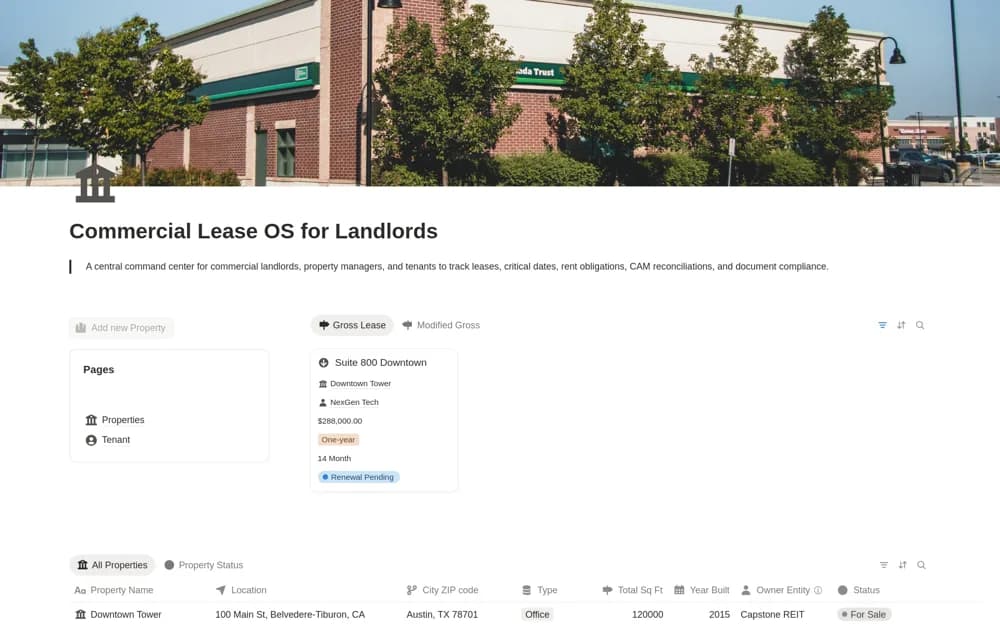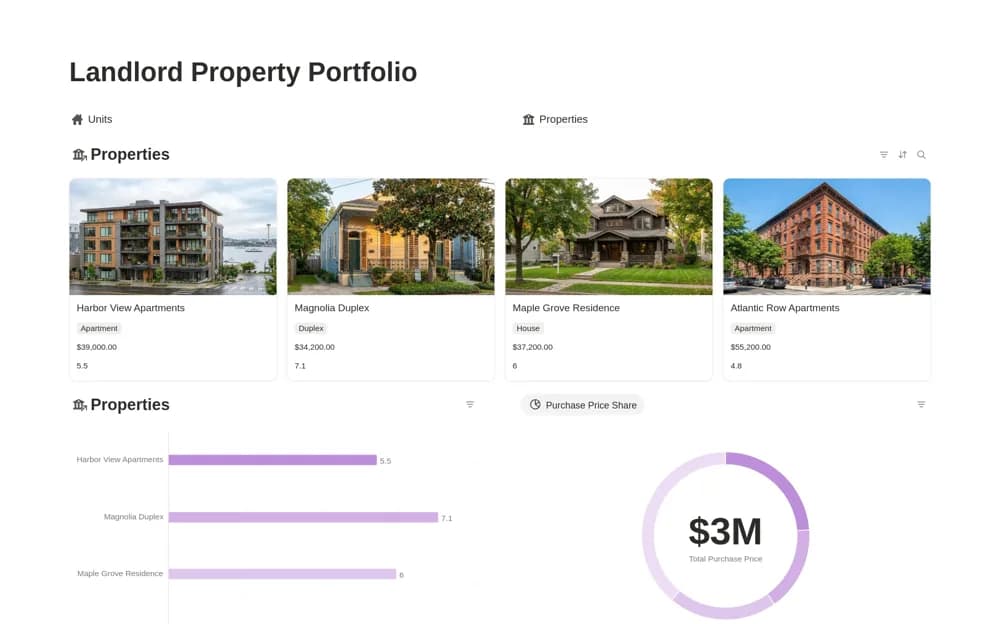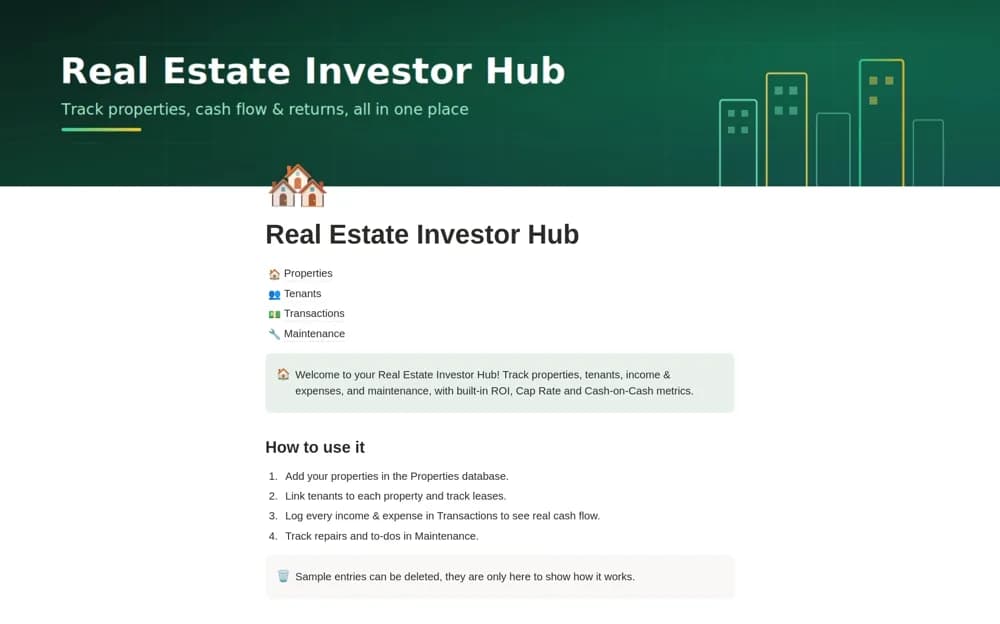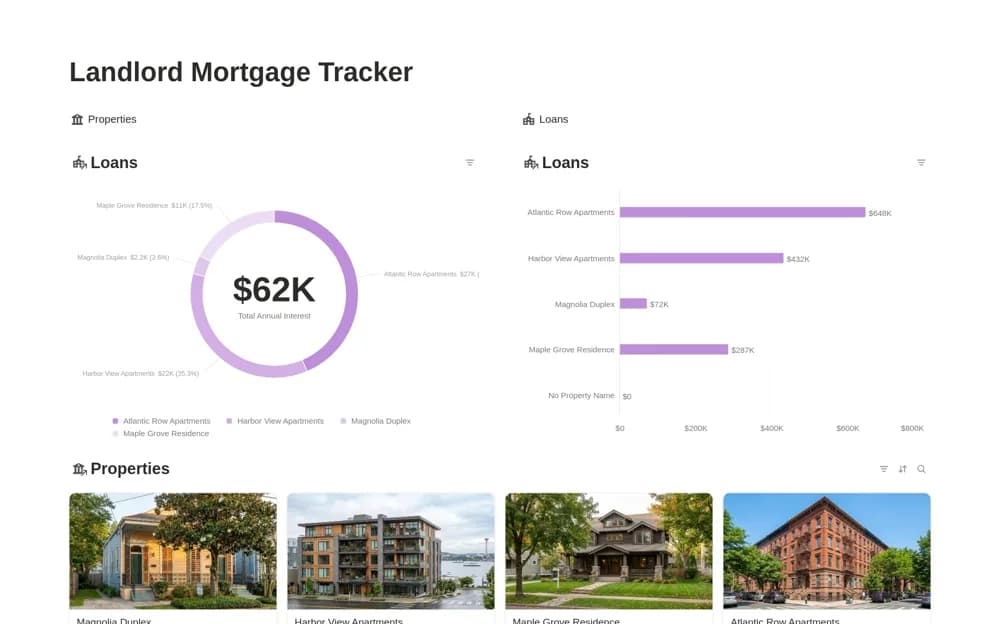
About Landlord Mortgage Tracker
Track property loans in Notion with outstanding-balance estimates, repayment progress, payment dates, and interest views grouped by property.
What’s included
- Loans linked to property records
- Entered repayment and interest figures
- Payment calendar and timeline
- Balance and annual-interest charts
How to use it in practice
Add a property and its loan using the lender’s current statement. Check how the template calculates outstanding balance and interest, then compare the result with the statement before using the overview. Update the repayment figure regularly and keep the original loan terms accessible for anything the simplified record does not explain.
Set it up in your workspace
- Open the original Notion Marketplace listing and add the template to your chosen workspace while signed in. Keep its example records until you understand how the pages connect.
- Add a property and its loan using the lender’s current statement.
- Try one complete example before adding a large backlog. Check that its views and any calculations show what you expect, then replace the sample content with your own.
Who it suits and what to consider
Landlords maintaining a high-level manual overview of several property loans. The formulas use entered amounts and rates. They are not a lender statement or a verified amortization schedule for changing rates and fees.