About Meal Planner & Grocery List
Decide the whole week’s meals once in Notion, then shop from a checkable grocery list, guided by tips on using what is already in the fridge.
What’s included
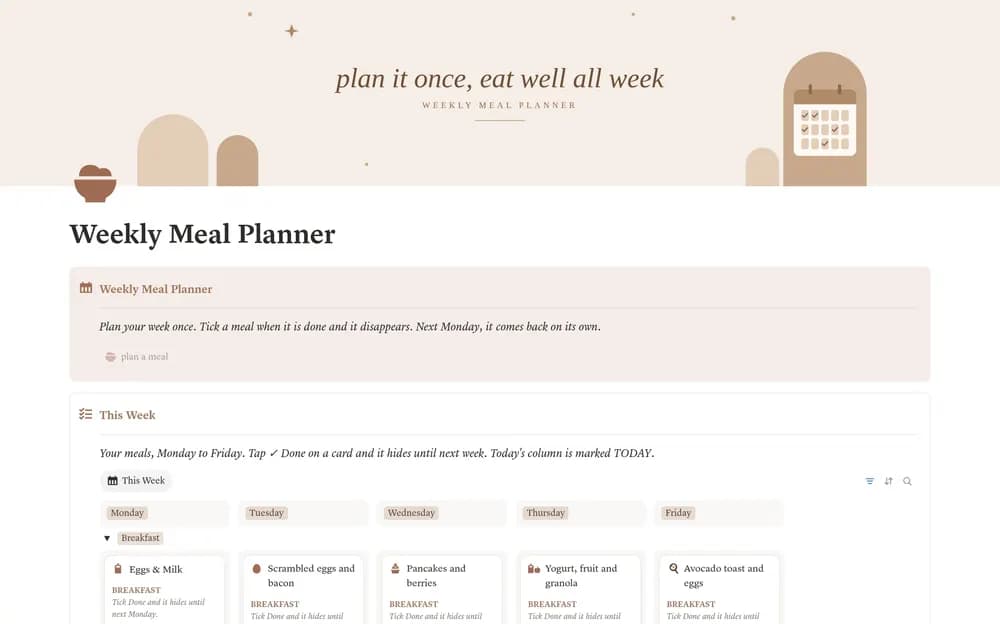
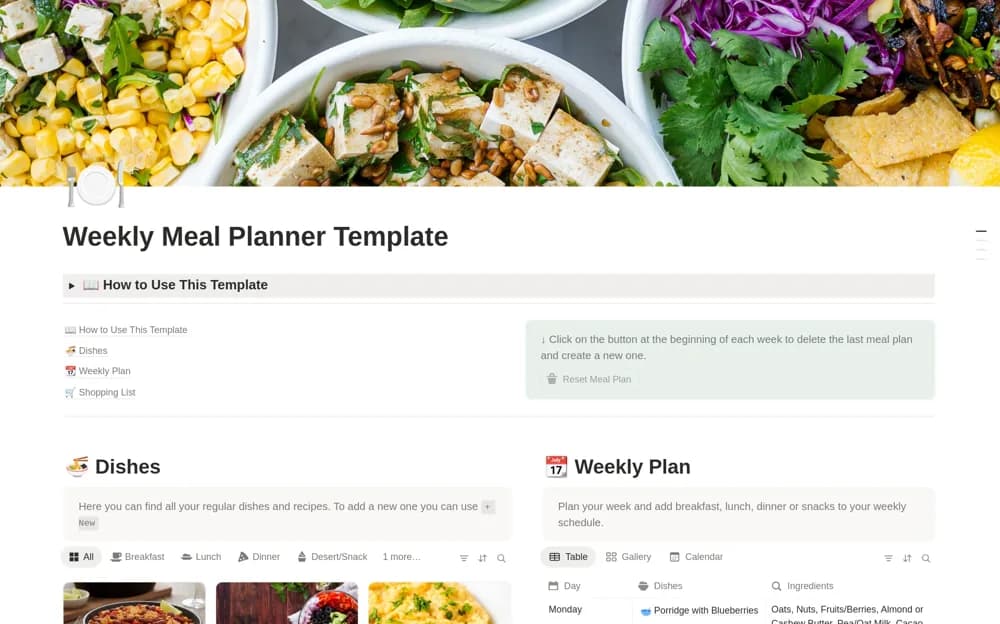
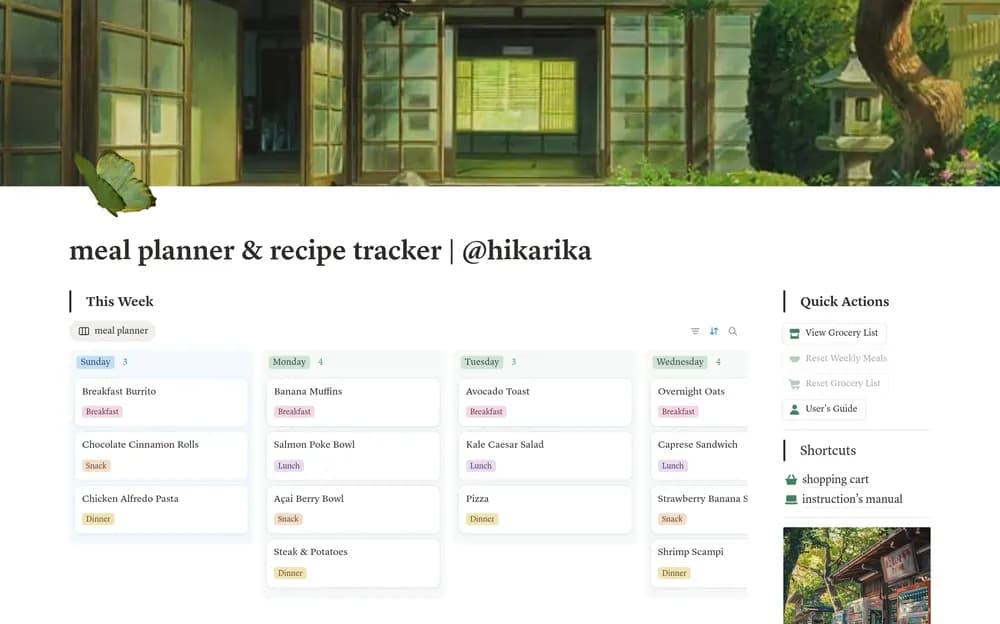
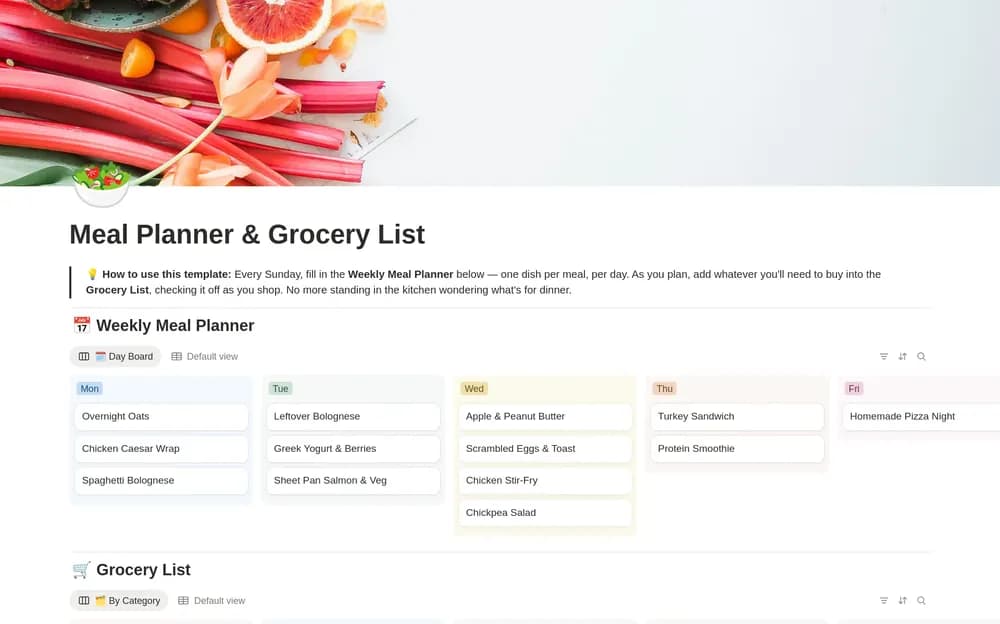
- Weekly meal planner with every meal on one page
- Grocery list you add to while planning and check off in the store
- Built-in tips on planning around fridge contents
- Cook-once, eat-twice guidance
How to use it in practice
On Sunday, look in the fridge first and plan two meals around what needs using. Fill in the rest of the week’s meals on the planner, adding missing ingredients to the grocery list as you go. Shop from the list and check items off in the store. By midweek, note which planned meals you actually cooked and adjust next week’s plan.
Set it up in your workspace
- Open the original Notion Marketplace listing and add the template to your chosen workspace while signed in. Keep its example records until you understand how the pages connect.
- On Sunday, look in the fridge first and plan two meals around what needs using.
- Try one complete example before adding a large backlog. Check that its views and any calculations show what you expect, then replace the sample content with your own.
Who it suits and what to consider
Households tired of last-minute dinner decisions who want a quick weekly planning ritual. The listing does not mention a recipe library or nutrition information, so recipes live elsewhere. The grocery list is filled in by hand as you plan.