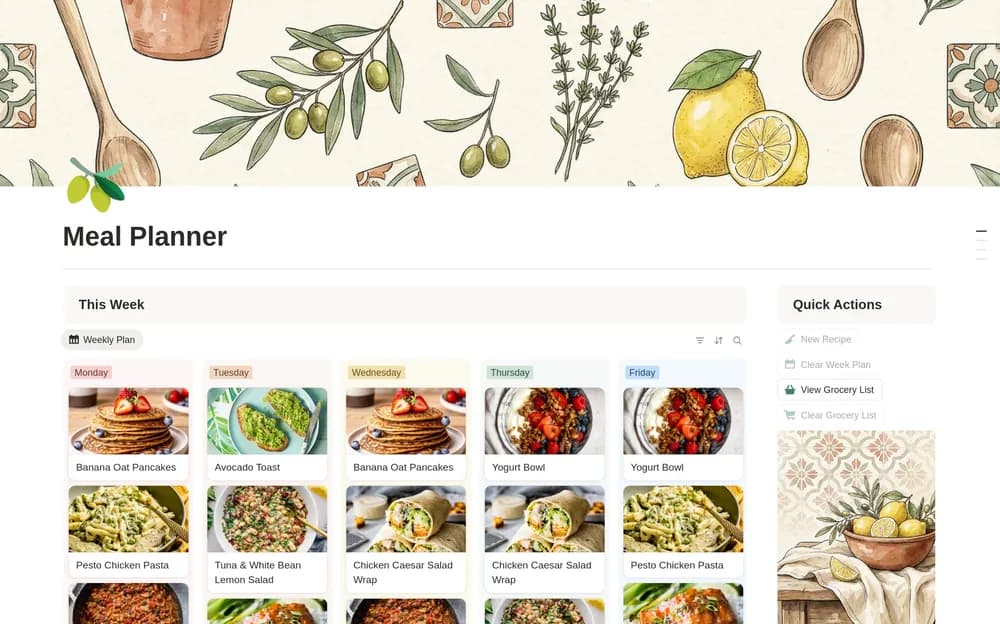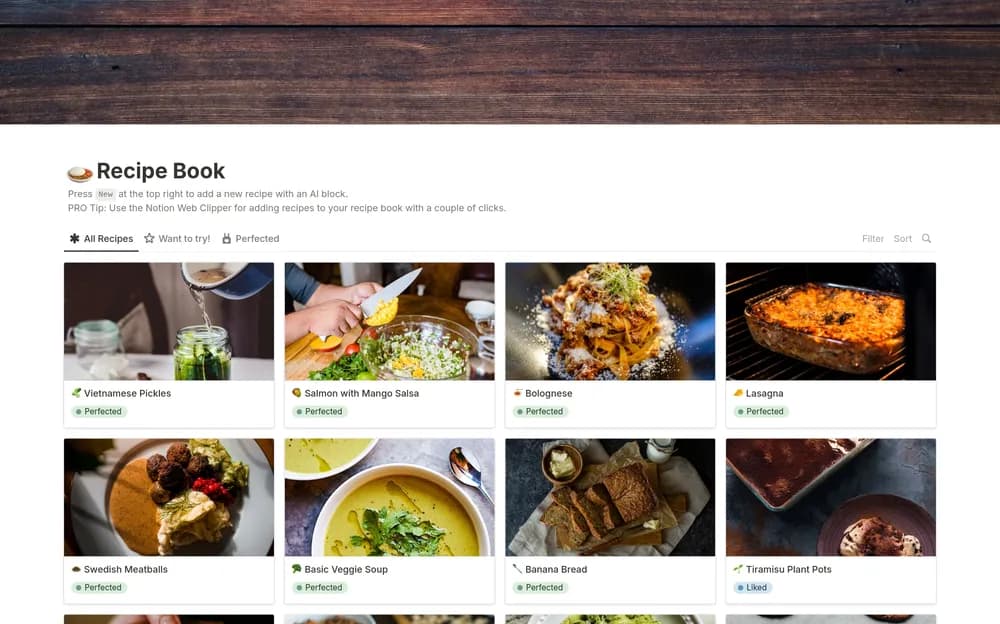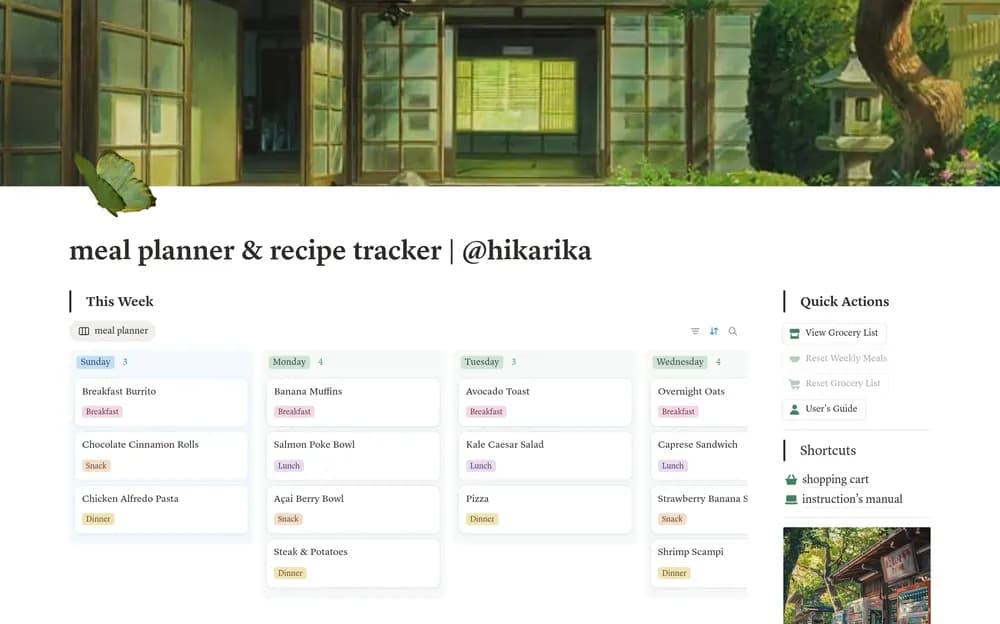
About Meal Planner & Recipe Tracker
Track meals and recipes in Notion, keep a running grocery list, and sort favorites by meal type, prep and cook time, dietary tags, or rating.
What’s included
- Meal and recipe tracking
- Grocery list
- Recipe properties for meal type, prep and cook time, and dietary tags
- Ratings and favorites sorting
- User guide
How to use it in practice
Read the included guide, then add four recipes you cook regularly with their times and dietary tags. Plan the next few days of meals from that list and add the missing ingredients to the grocery list. Rate each recipe after cooking so the favorites view becomes useful.
Set it up in your workspace
- Open the original Notion Marketplace listing and add the template to your chosen workspace while signed in. Keep its example records until you understand how the pages connect.
- Read the included guide, then add four recipes you cook regularly with their times and dietary tags.
- Try one complete example before adding a large backlog. Check that its views and any calculations show what you expect, then replace the sample content with your own.
Who it suits and what to consider
Home cooks who want a compact meal and recipe tracker with a shopping list. The listing is short, so details such as calendar views or nutrition data are not documented; check the layout after duplicating.