About Meal & Recipe Planner
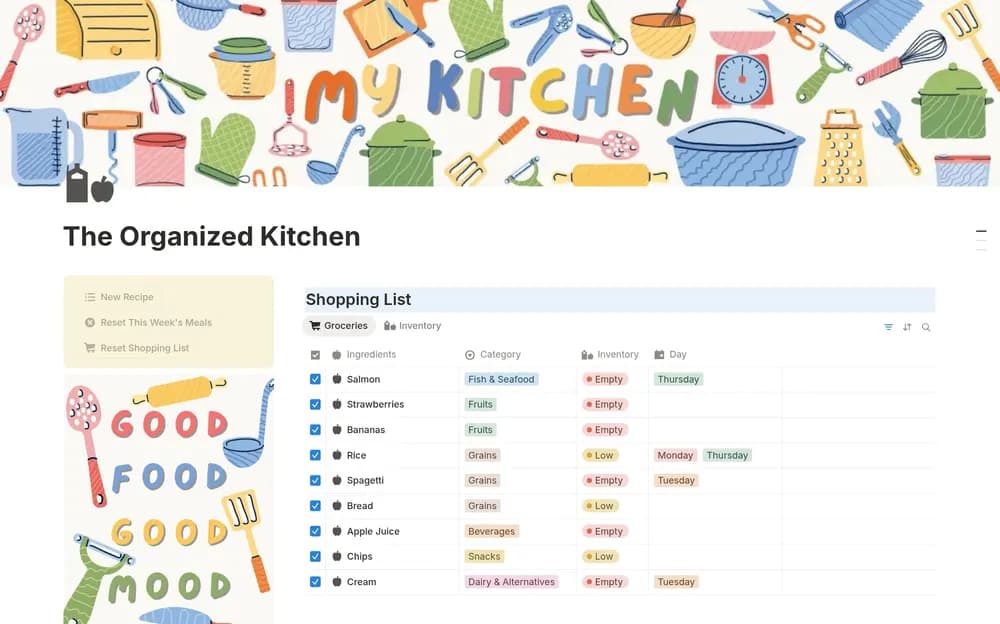
Link recipes to an ingredients database in Notion that tracks pantry stock, upcoming use in the weekly plan, and a shopping list you check off.
What’s included
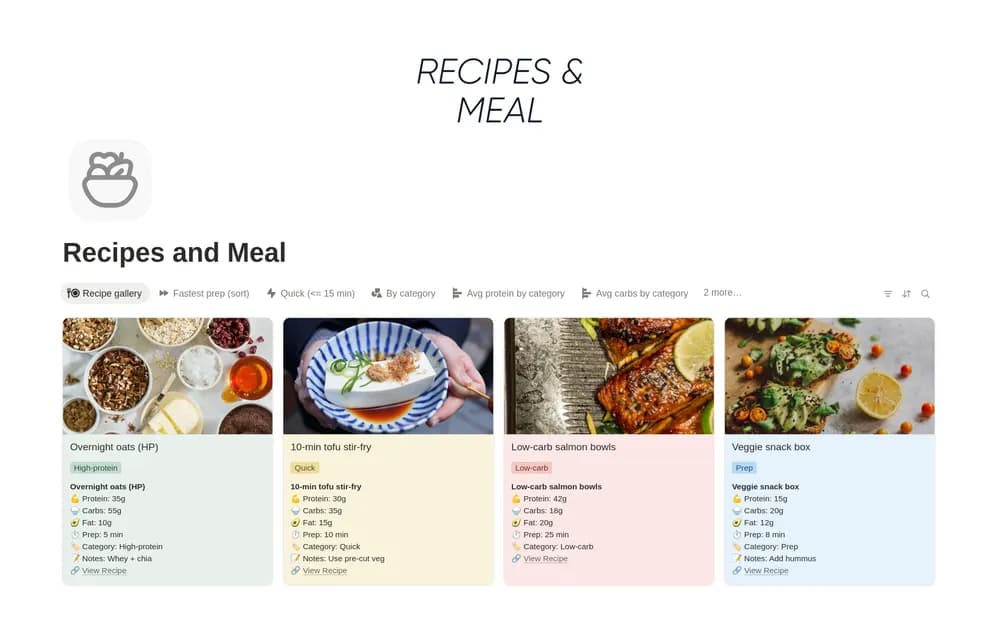
- Ingredients database with categories and stock levels
- Links showing which recipes use each ingredient and when
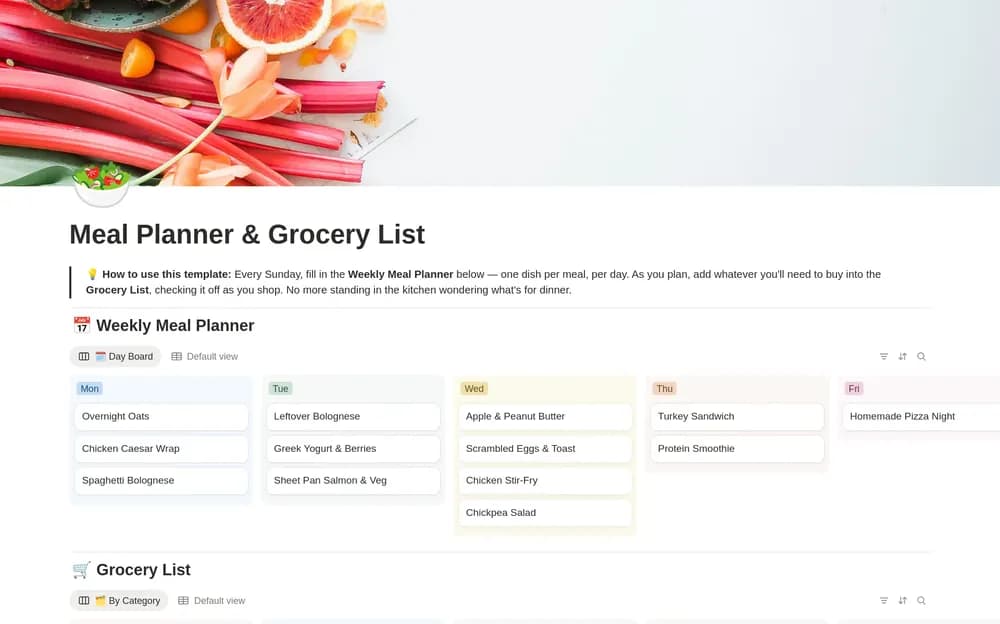
- Built-in shopping list for restocking
- Recipes database with ingredient quantities, instructions, and tags
- Favorite checkbox for go-to dishes
How to use it in practice
Add three recipes you cook often, creating their ingredients as you go and noting what you already have in stock. Put those recipes into this week’s meal plan and check when each ingredient will be needed. Mark low items for the shopping list and tick them off as you restock. At the end of the week, favorite the recipes worth keeping.
Set it up in your workspace
- Open the original Notion Marketplace listing and add the template to your chosen workspace while signed in. Keep its example records until you understand how the pages connect.
- Add three recipes you cook often, creating their ingredients as you go and noting what you already have in stock.
- Try one complete example before adding a large backlog. Check that its views and any calculations show what you expect, then replace the sample content with your own.
Who it suits and what to consider
Home cooks who want recipes, pantry stock, and shopping connected rather than kept in separate lists. Stock levels only stay accurate if you update them after cooking and shopping. Building ingredient links for every recipe takes time upfront.