About Minimalist Quick Links: Link-in-Bio System
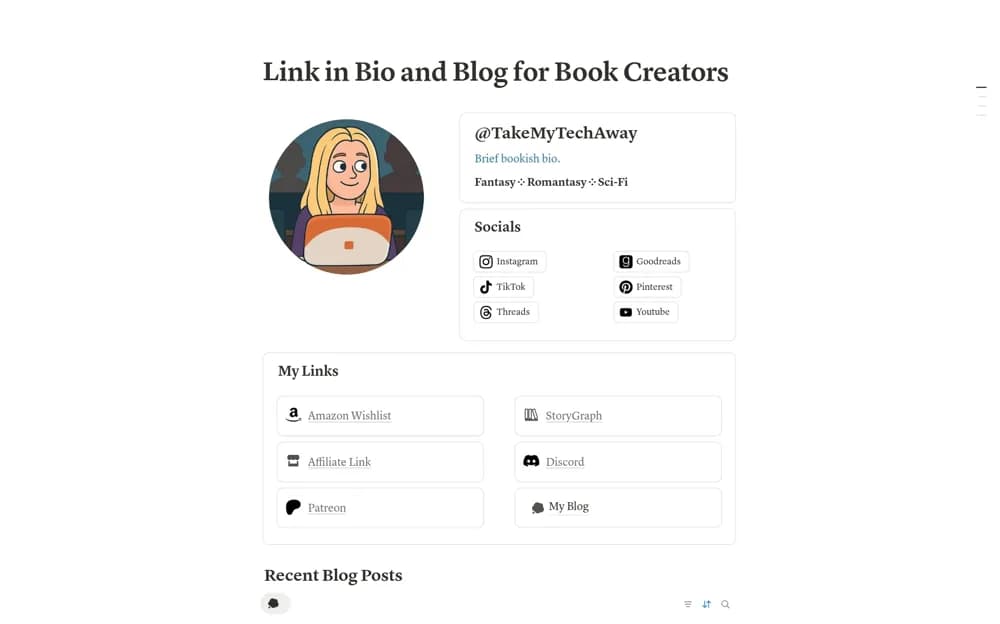
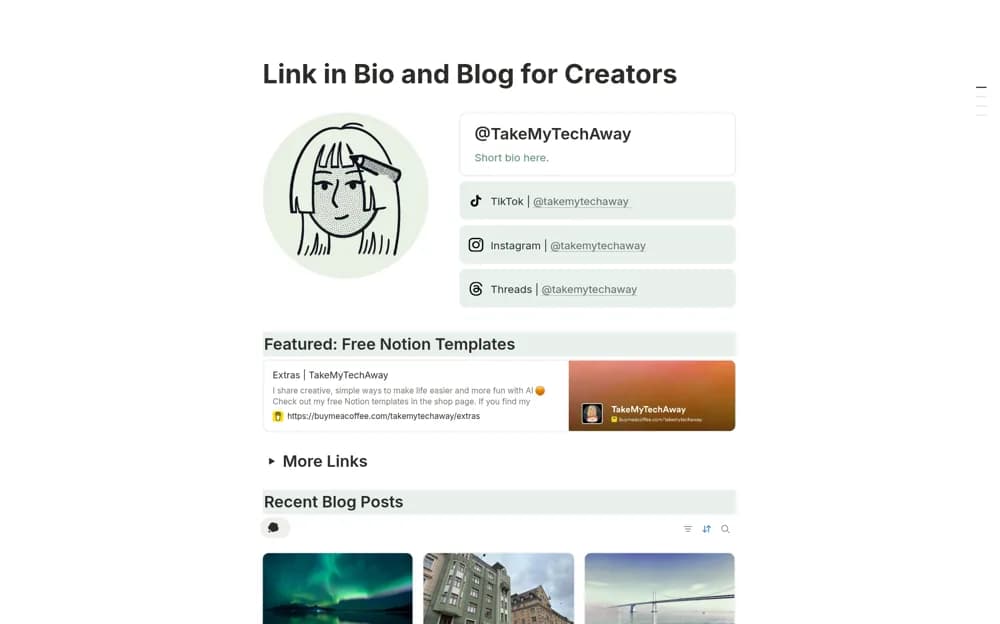
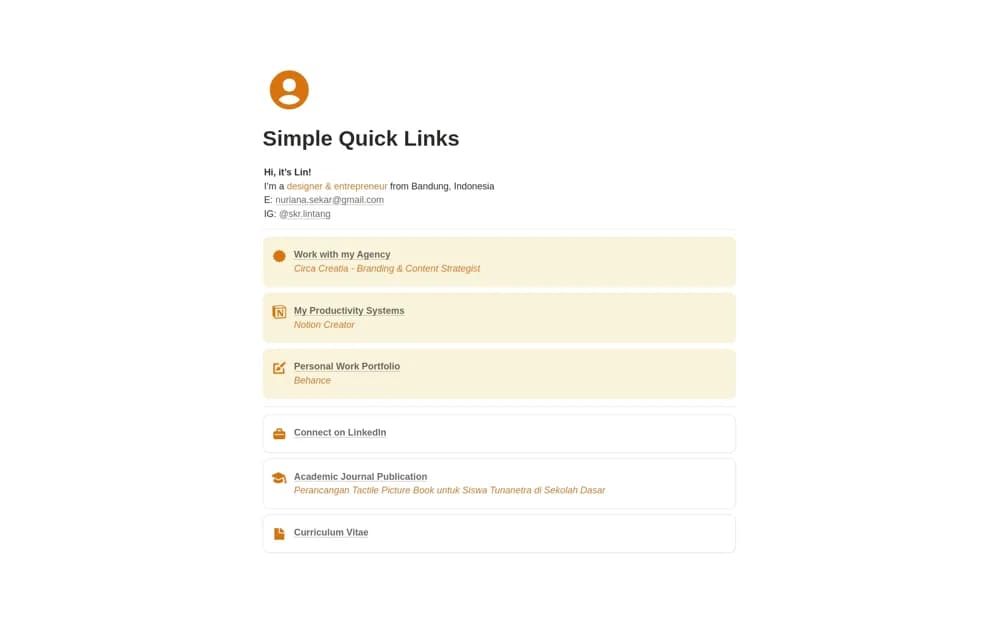
Build a concise Notion link-in-bio page with a personal introduction, social handles, grouped highlights, and an uncluttered grid layout.
What’s included
- Identity and introduction header
- Grouped highlight links
- Editable cover and page identity
- Public-page layout for mobile visitors
How to use it in practice
Write a short introduction and choose the few links that matter most to your audience. Group related destinations and remove examples, then publish the page and test every link from your phone. Review the page when your current project or main offer changes.
Set it up in your workspace
- Open the original Notion Marketplace listing and add the template to your chosen workspace while signed in. Keep its example records until you understand how the pages connect.
- Write a short introduction and choose the few links that matter most to your audience.
- Try one complete example before adding a large backlog. Check that its views and any calculations show what you expect, then replace the sample content with your own.
Who it suits and what to consider
Creators and independent professionals sharing a small set of important destinations from a social profile. Click analytics, custom-domain setup, and link scheduling are not documented. Keep the public page’s sharing settings appropriate for visitors.