 Free
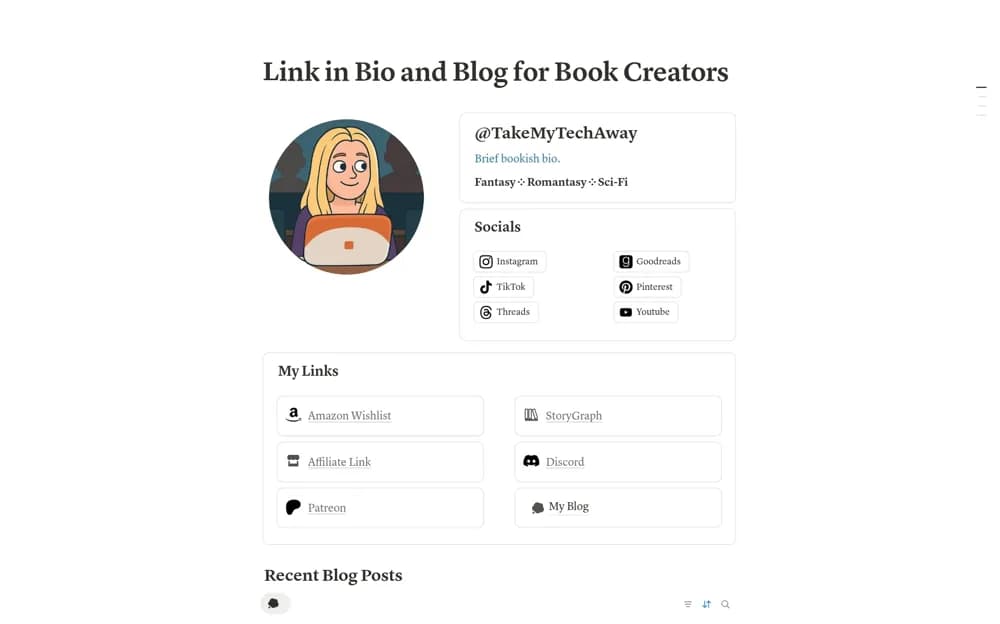
FreeLink in Bio and Blog for Book Creators
A book-creator site combining an introduction, social and shop links, and a tagged blog for reviews or discussion.
Keep a blog moving from idea to published article. Explore Notion blogging templates for research, outlines, drafts, editing, publication, and updates to older posts.
Showing 1–4 of 4 templates
A little structure goes a long way.FreeA book-creator site combining an introduction, social and shop links, and a tagged blog for reviews or discussion.
 Free
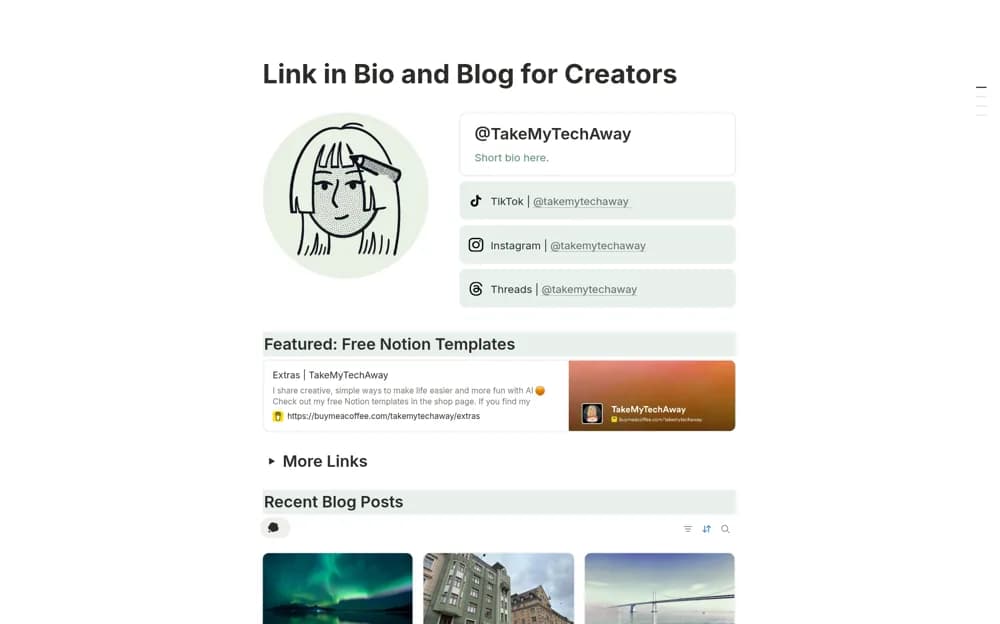
FreeA creator’s personal site layout combining an introduction, featured links, a tagged blog, and customization resources.
 Free
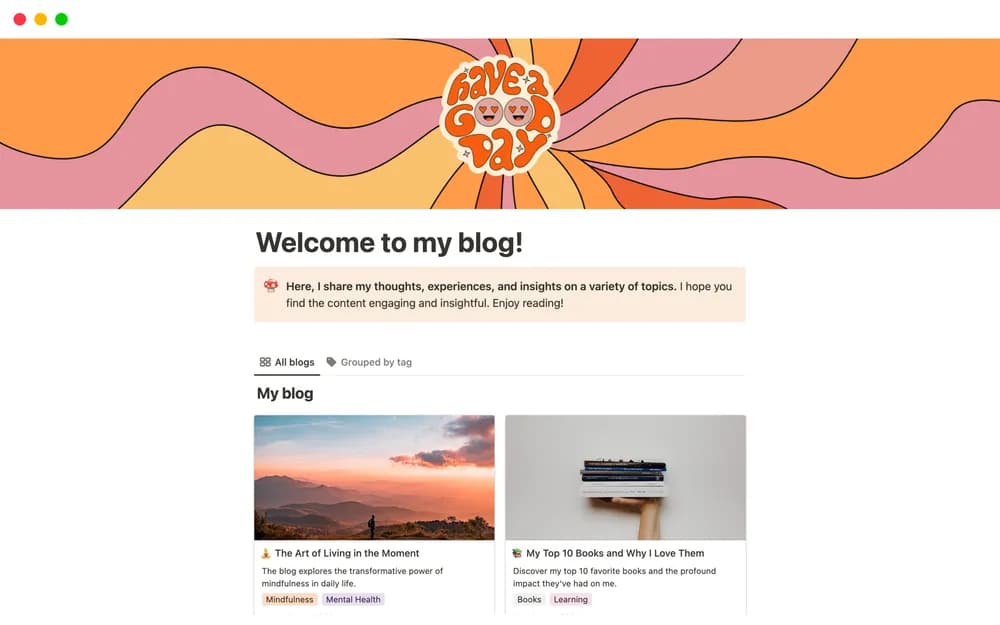
FreeNotion’s personal-blog template for publishing a small collection of posts.
 Free
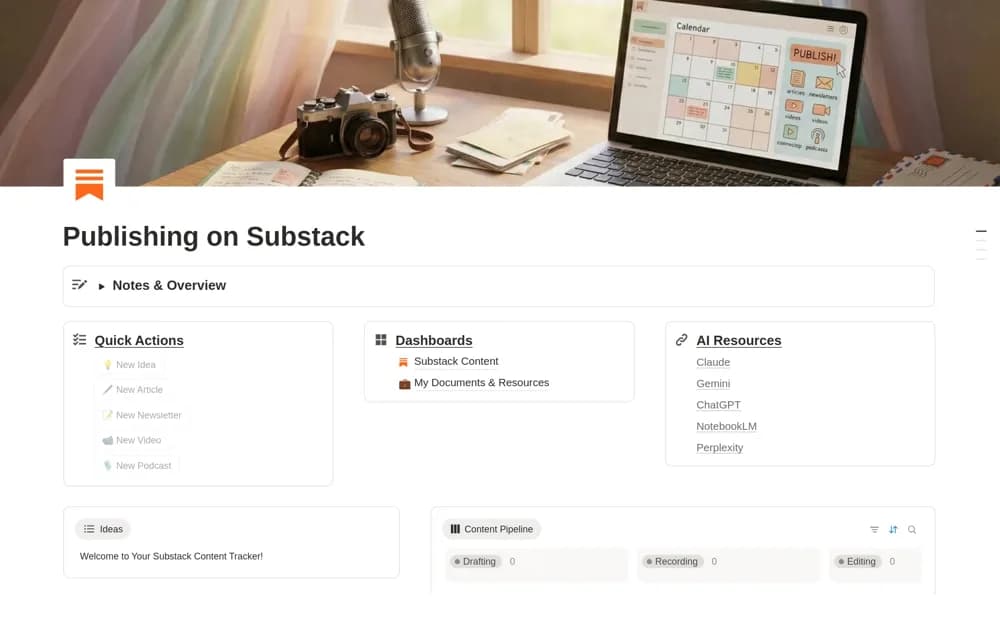
FreeA Substack planning dashboard for ideas, articles, newsletters, recordings, supporting resources, and publication tracking.
Compare the purpose and included features before choosing a workspace.
Book reviewers and reading-content creators publishing a small personal hub.
Creators and bloggers seeking a simple public home for their content.
Substack creators organizing production before publishing through their account.
Start with the questions your readers need answered. Keep the angle, source notes, and next editing step with each article. Separate ideas from work you have committed to publish, and allow time for checking facts and links. After publication, retain the live URL and note meaningful updates so the calendar supports maintenance as well as new writing.
Article briefs and sources
Draft and editing stages
A published-post archive
About the directoryYes. This collection currently includes 4 listings with a confirmed free creator offer. Use the Free filter to compare them. A free version can have different features from a creator’s paid upgrade, so check the original listing and current access terms before adding it to your workspace.