About Rental Property Tracker
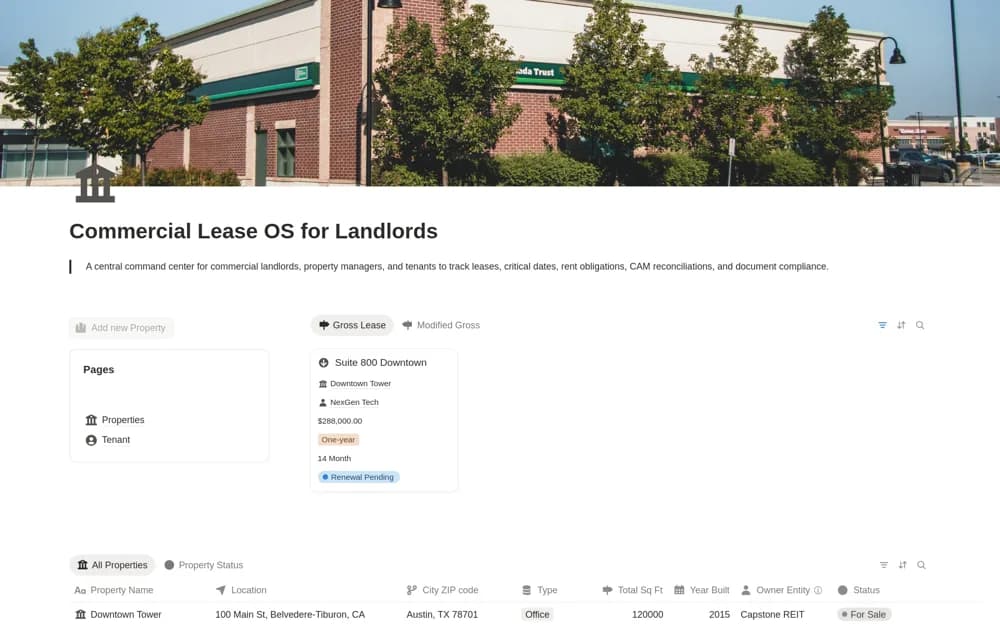
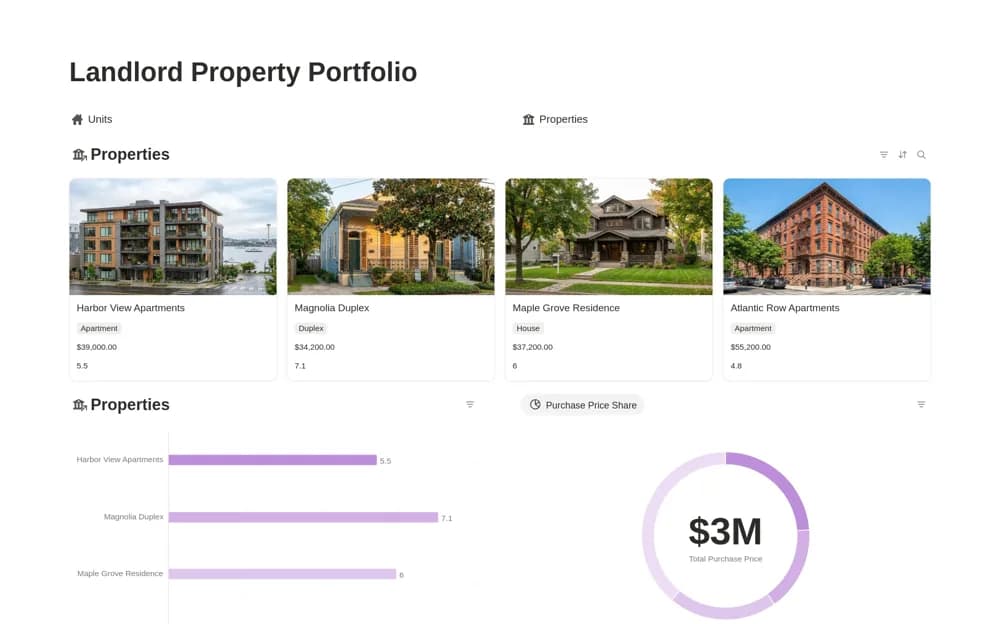
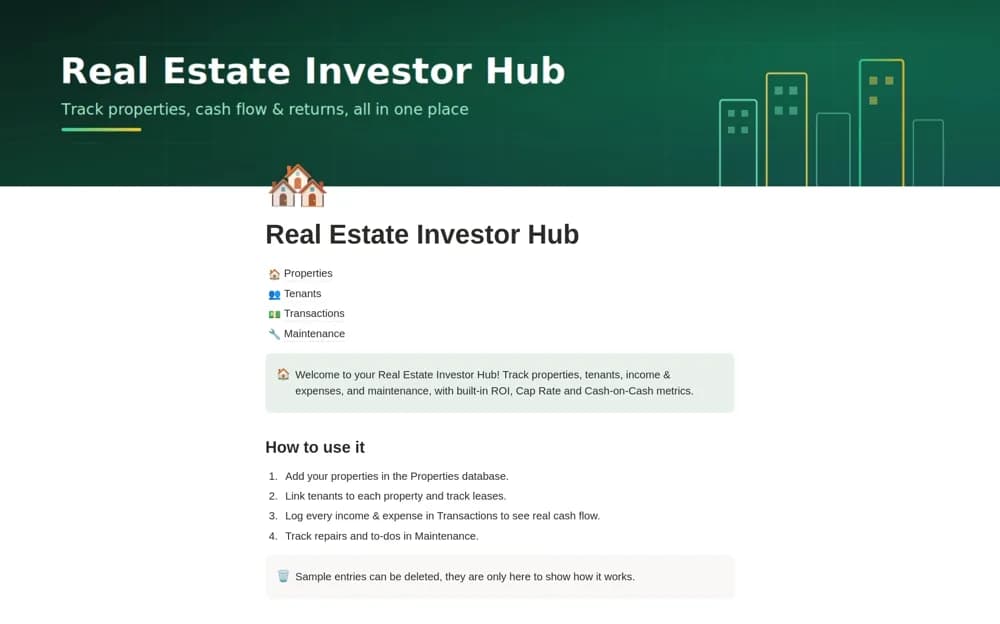
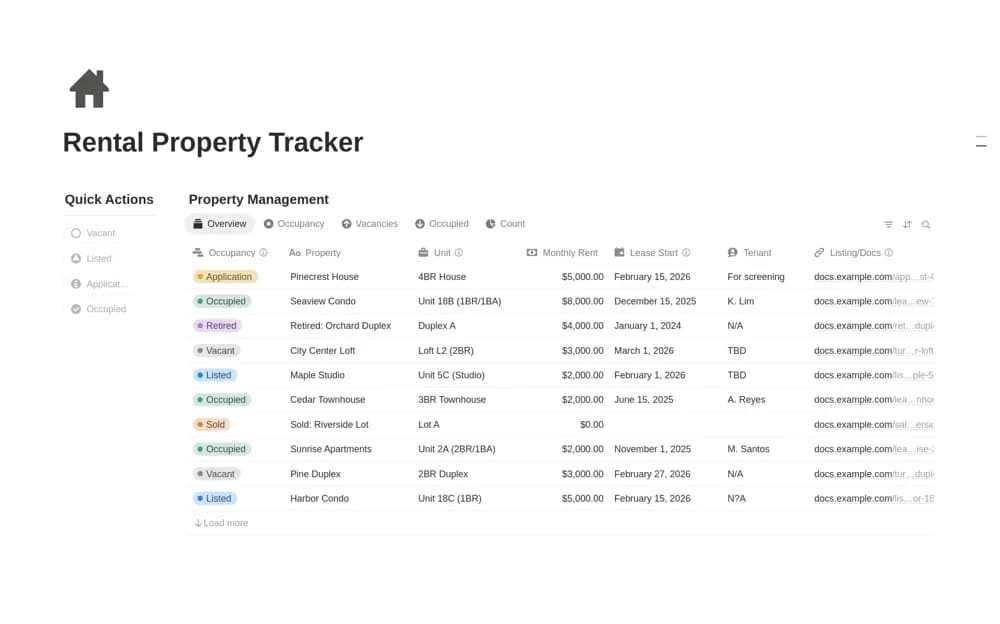
Keep rental property details, occupancy, rent records, and expenses together in Notion for a straightforward view of rental operations.
What’s included
- Property detail records
- Rent-payment organization
- Expense tracking
- Occupancy overview
How to use it in practice
Enter one property and verify its occupancy and rent details against your actual records. Record confirmed payments and related expenses consistently, then review missing entries before comparing properties. Keep the next operational task clear rather than using an incomplete cash summary as the only view of performance.
Set it up in your workspace
- Open the original Notion Marketplace listing and add the template to your chosen workspace while signed in. Keep its example records until you understand how the pages connect.
- Enter one property and verify its occupancy and rent details against your actual records.
- Try one complete example before adding a large backlog. Check that its views and any calculations show what you expect, then replace the sample content with your own.
Who it suits and what to consider
Property managers organizing a small portfolio’s day-to-day rental records. The public description is concise. Tenant portals, payment collection, accounting treatment, and automatic bank feeds are not documented.