About Monthly Plan vs Actual
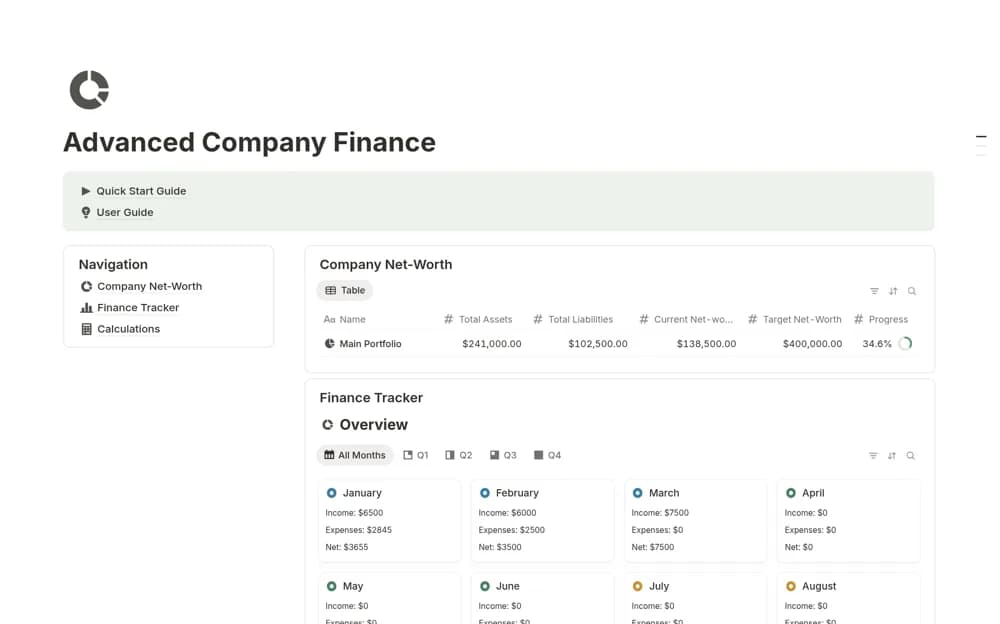
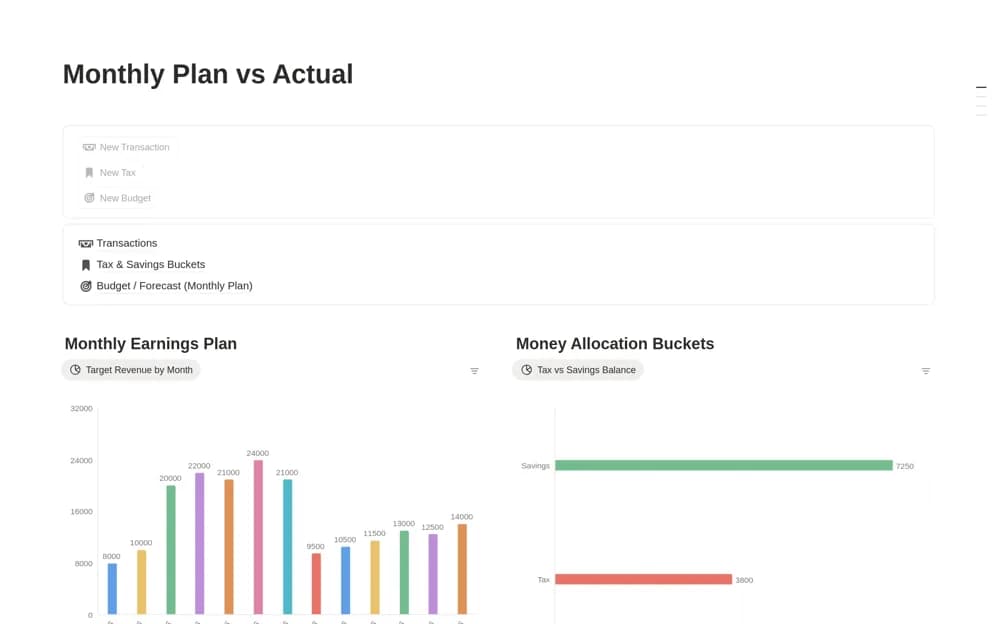
A monthly finance planner separating a budget forecast from recorded transactions, with tax and savings buckets for allocating portions of the money you track.
What’s included
- Monthly Budget / Forecast
- Actual transaction records
- Tax and savings buckets
How to use it in practice
Set a realistic plan for one month and enter a small set of actual transactions. Compare like-for-like periods before interpreting a variance. Test the allocation buckets with an amount you can calculate manually and adjust the assumptions to the approach you use with your financial adviser or accountant.
Set it up in your workspace
- Open the original Notion Marketplace listing and add the template to your chosen workspace while signed in. Keep its example records until you understand how the pages connect.
- Set a realistic plan for one month and enter a small set of actual transactions.
- Try one complete example before adding a large backlog. Check that its views and any calculations show what you expect, then replace the sample content with your own.
Who it suits and what to consider
Solopreneurs and freelancers comparing expected income or spending with the month’s actual activity. The bucket allocation is a planning calculation. It does not move money between bank accounts or determine the tax amount you legally owe.