About Notion Beginners Bundle
A bundle lets you try several small systems before committing to a larger workspace. This collection combines practical personal templates with introductory learning material. Start with the workflow you need now so that learning Notion does not become a project of its own.
What’s included
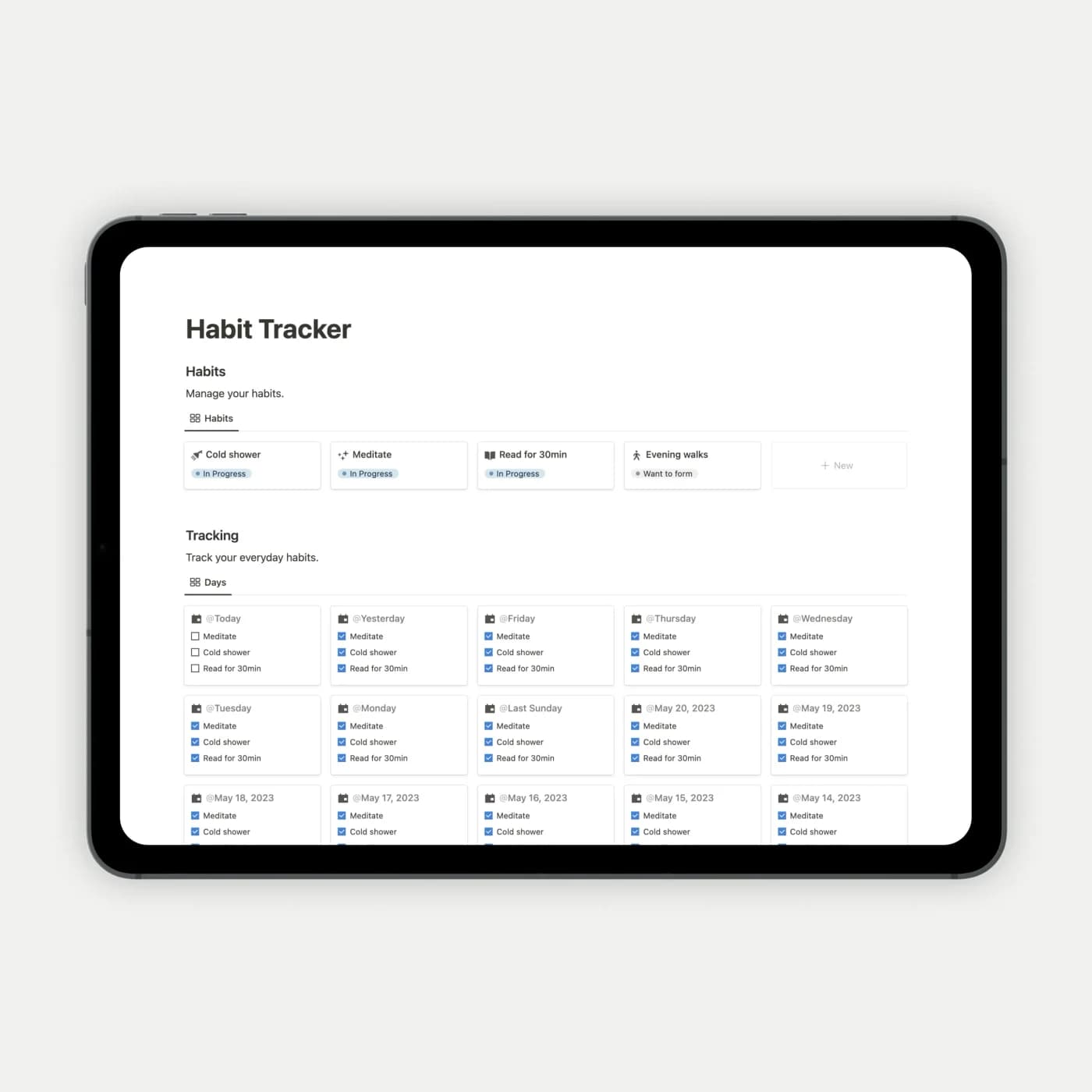
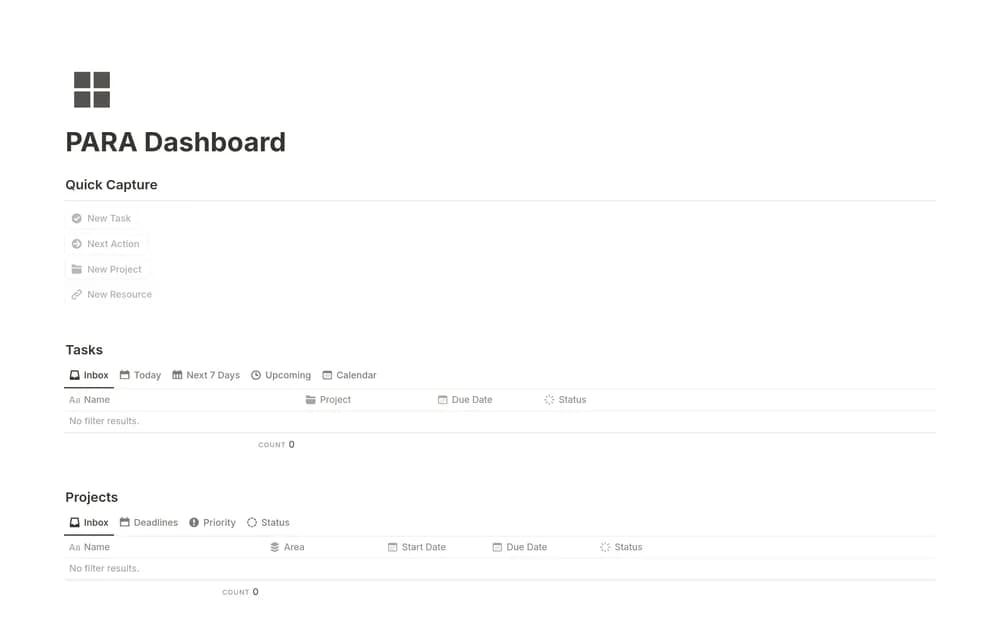
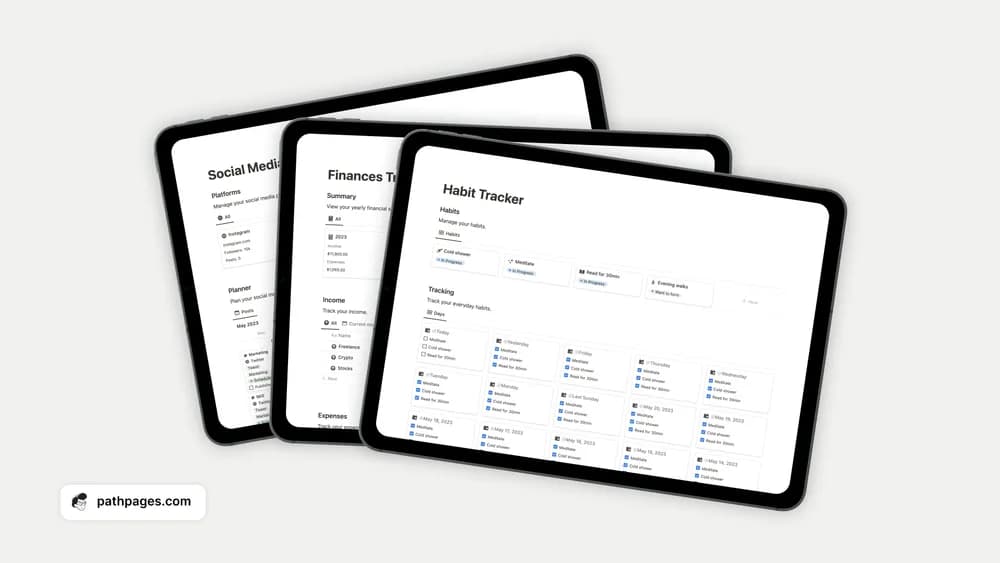
- A starter collection covering habits, tasks, notes, and planning
- Simple layouts for learning common Notion workflows
- Several small tools you can adopt independently
How to use it in practice
Begin with the one page you would use tomorrow. Add real entries, learn how its views work, and keep it for a week before opening another part of the bundle. This gives you a reason to learn each feature. If two pages overlap with systems you already use, choose a single home for that information rather than maintaining both.
Set it up in your workspace
- Get the template link from PathPages. Its free-template pages ask you to create an account for access. Open the delivered Notion page and duplicate it into your workspace.
- Pick one template from the bundle and use it for a week. Add another when the first has a clear place in your routine.
- Try one complete example before adding a large backlog. Check that its views and any calculations show what you expect, then replace the sample content with your own.
Who it suits and what to consider
New Notion users exploring what fits their routine. A practical way to sample several layouts. A bundle does not require using every included page, and a smaller daily workspace is often easier to keep current.