About Notion Habit Tracker
This tracker gives habit building a visible home in Notion. The useful part is the regular check-in: seeing what happened during the week can help you adjust a routine that looked realistic on paper but did not fit your days.
What’s included
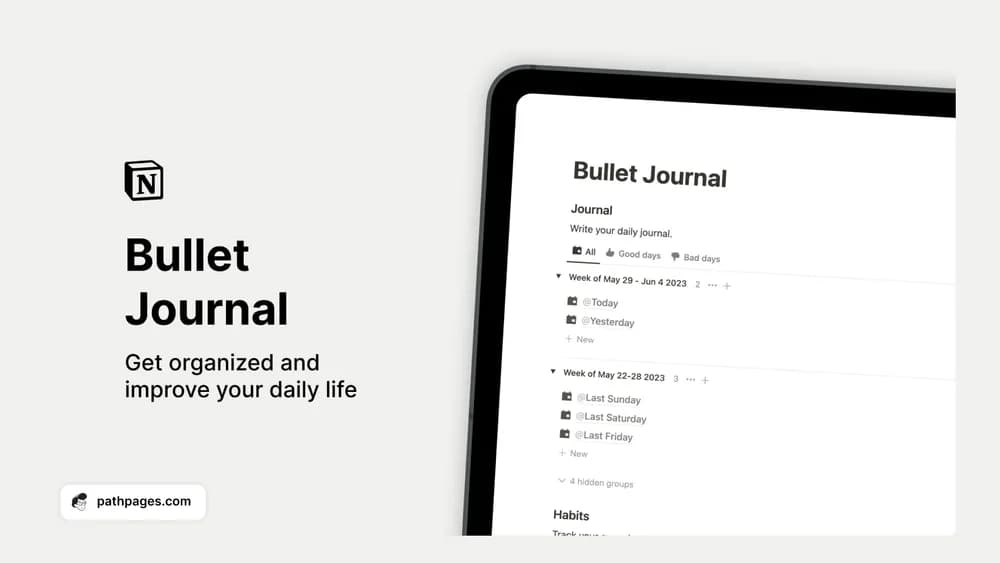
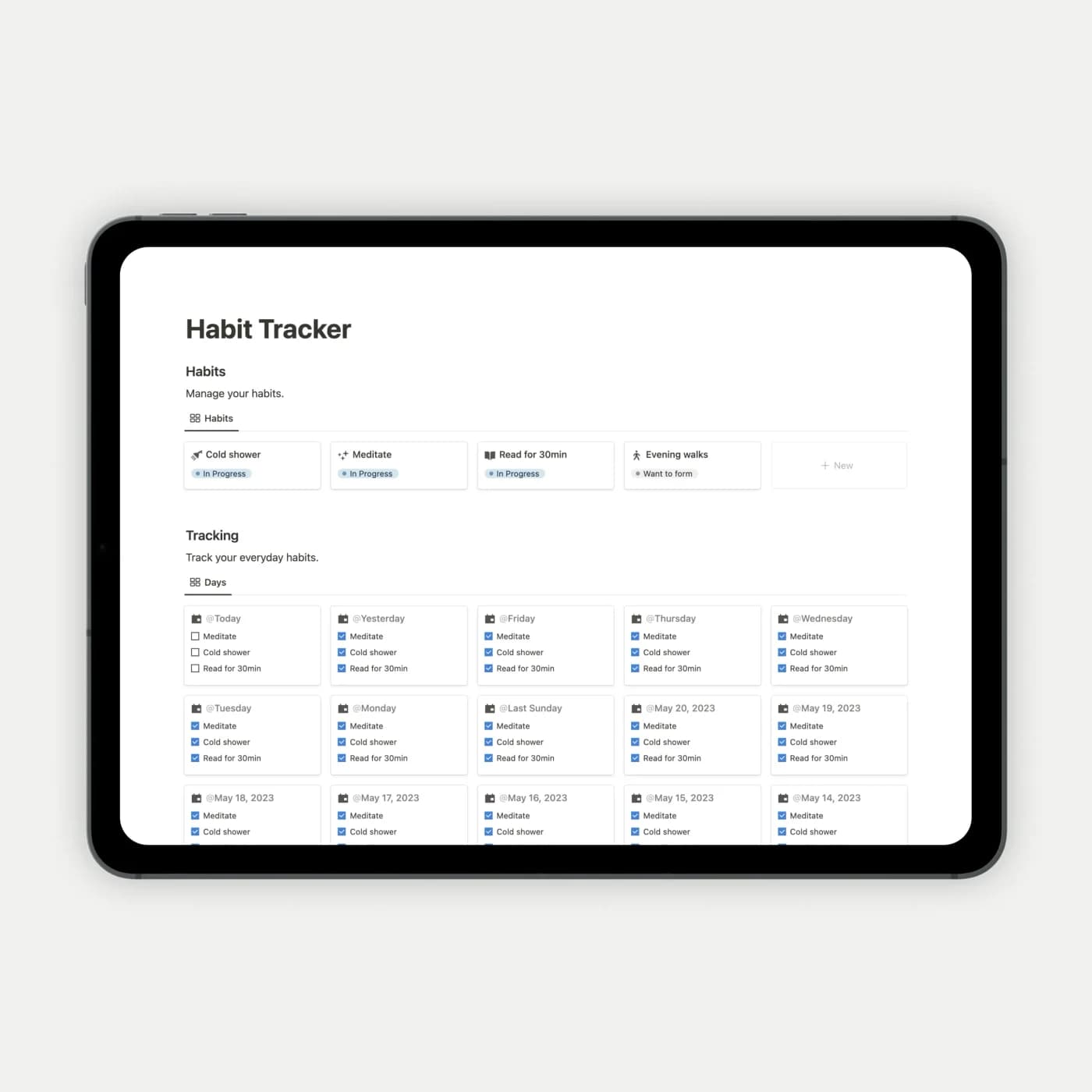
- A daily log for the habits you choose to track
- A weekly overview for reviewing consistency
- An editable habit list you can adapt to your routine
How to use it in practice
Define each habit as a visible action, such as reading ten pages or preparing tomorrow’s lunch. Log it after doing it, then review a week at a time. If one habit repeatedly goes unfinished, adjust its size or timing before adding more. The log becomes useful when it helps you change a routine rather than merely extend a streak.
Set it up in your workspace
- Get the template link from PathPages. Its free-template pages ask you to create an account for access. Open the delivered Notion page and duplicate it into your workspace.
- Start with two habits and define what counts as completing each one. Review the first week before adding more.
- Try one complete example before adding a large backlog. Check that its views and any calculations show what you expect, then replace the sample content with your own.
Who it suits and what to consider
People starting a small daily routine. This is a focused option for a small daily routine. Decide how you will handle habits that only happen on certain days, since an empty box does not always mean a missed commitment.