About Notion Content System
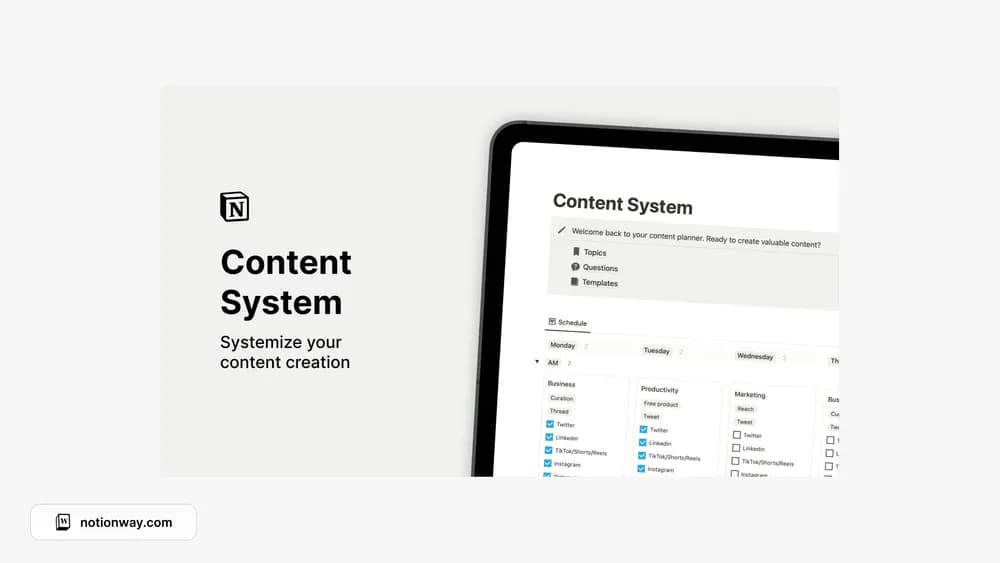
A content system is useful when it makes the next stage of a piece obvious. This listing is a starting point for connecting planning and production. Test the creator’s structure with work in different stages so you can see how an idea becomes something ready to publish.
What’s included
- A collection of content topics and reader questions
- A structure for developing your own content workflow
- Storage for reusable content templates
How to use it in practice
Start with questions your audience has actually asked. Choose one, define the useful answer, and move it through a small repeatable process from outline to publication. Save a template only after it has helped you complete a real piece. During a review, look for topics that belong together and remove ideas that no longer fit the audience you serve.
Set it up in your workspace
- Follow the original creator’s checkout or access instructions to obtain the Notion page. Open that page while signed in, then duplicate it into the workspace you want to use.
- Add one idea, one draft, and one scheduled piece. Check where each belongs and what moves it forward.
- Try one complete example before adding a large backlog. Check that its views and any calculations show what you expect, then replace the sample content with your own.
Who it suits and what to consider
Creators who want a repeatable publishing routine. Useful if the challenge is turning ideas into a repeatable writing process. A channel-specific calendar may be more appropriate when scheduling finished posts is the main need.