About Campaign Launch Checklist
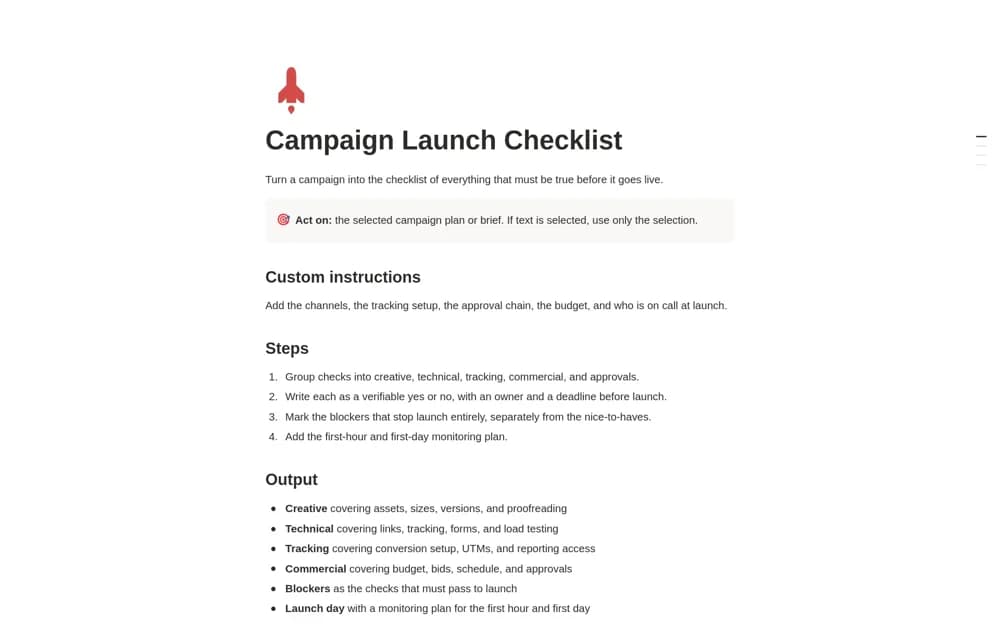
A Notion AI skill that drafts a campaign launch checklist with verifiable checks, owners, deadlines, launch blockers, and an initial monitoring or rollback plan.
What’s included
- Creative, technical, tracking, commercial, and approval checks
- Owners, deadlines, and blocker distinctions
- First-hour, first-day, and rollback planning
How to use it in practice
Give the skill a concrete campaign brief and review the proposed checks with the people doing the work. Test the actual links, forms, and conversion setup rather than marking items complete from the generated text. Name the person watching the launch and agree on how they can pause it if needed.
Set it up in your workspace
- Open the original Notion Marketplace listing and add the template to your chosen workspace while signed in. Keep its example records until you understand how the pages connect.
- Give the skill a concrete campaign brief and review the proposed checks with the people doing the work.
- Try one complete example before adding a large backlog. Check that its views and any calculations show what you expect, then replace the sample content with your own.
Who it suits and what to consider
Marketing teams preparing to review creative, technical, tracking, and approval requirements before launch. Generated checks are a starting point. The template does not test your campaign or integrations automatically, and using the AI workflow requires suitable AI access.