About Notion Engineering Dashboard
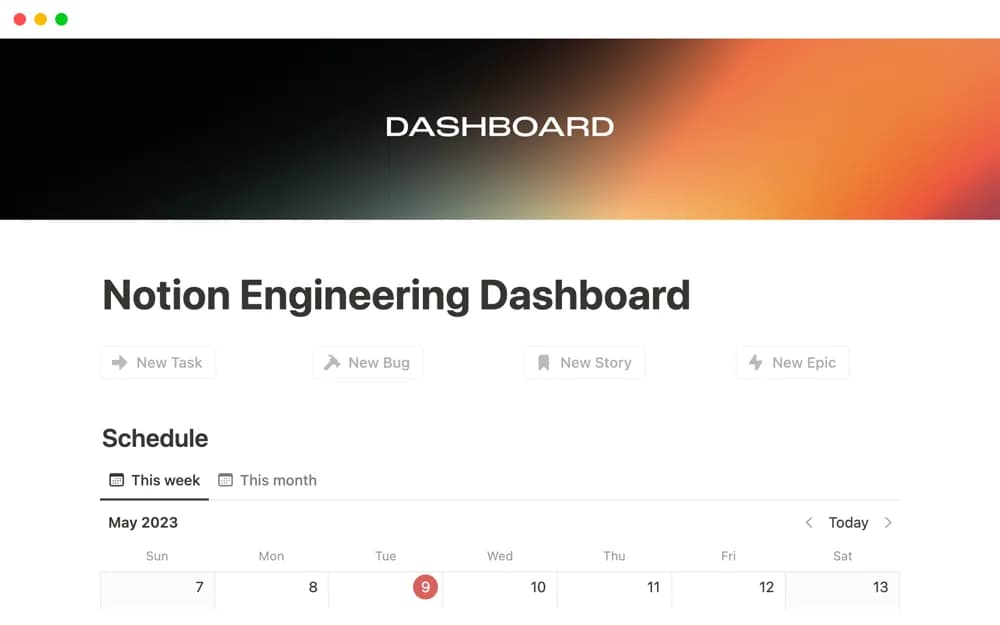
An engineering work dashboard for tasks, stories, epics, sprints, and meeting organization.
What’s included
- Task and user-story organization
- Epic and sprint tracking
- Meeting context within the engineering workspace
How to use it in practice
Choose one active sprint and identify how tasks relate to its stories and wider epic. Test the dashboard with a few real records and define the status owner. Keep links to the authoritative technical discussion so the overview remains useful without duplicating every detail.
Set it up in your workspace
- Open the original Notion Marketplace listing and add the template to your chosen workspace while signed in. Keep its example records until you understand how the pages connect.
- Choose one active sprint and identify how tasks relate to its stories and wider epic.
- Try one complete example before adding a large backlog. Check that its views and any calculations show what you expect, then replace the sample content with your own.
Who it suits and what to consider
Engineering teams looking for a compact overview of development work. The listing does not confirm repository synchronization, CI connections, or automated issue updates.