 Free
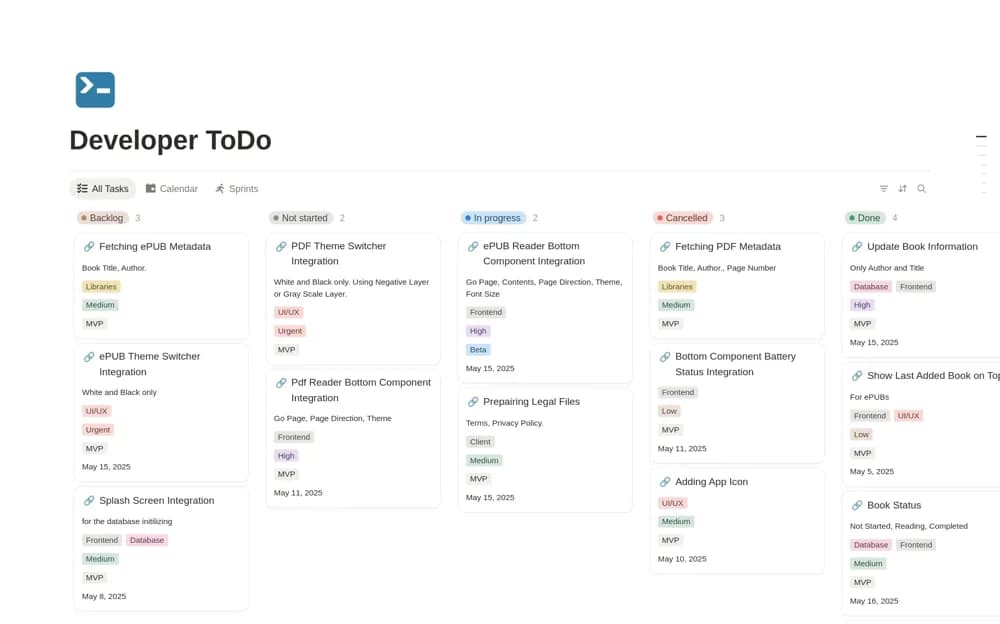
Developer ToDo and Sprint Tracker
A development Kanban tracker with sprint scope, release targets, stack tags, and task priorities.
Keep releases, readiness checks, and follow-up work in view. Browse Notion trackers for what is shipping, who is responsible, and what changed after delivery.
Showing 1–3 of 3 templates
FreeA development Kanban tracker with sprint scope, release targets, stack tags, and task priorities.
 Free
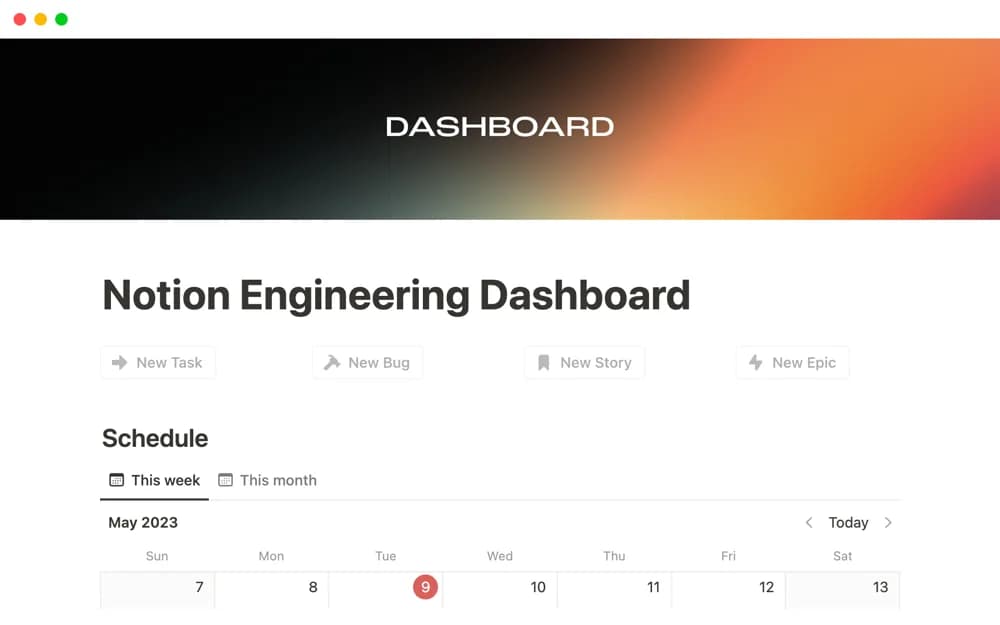
An engineering work dashboard for tasks, stories, epics, sprints, and meeting organization.
 Paid
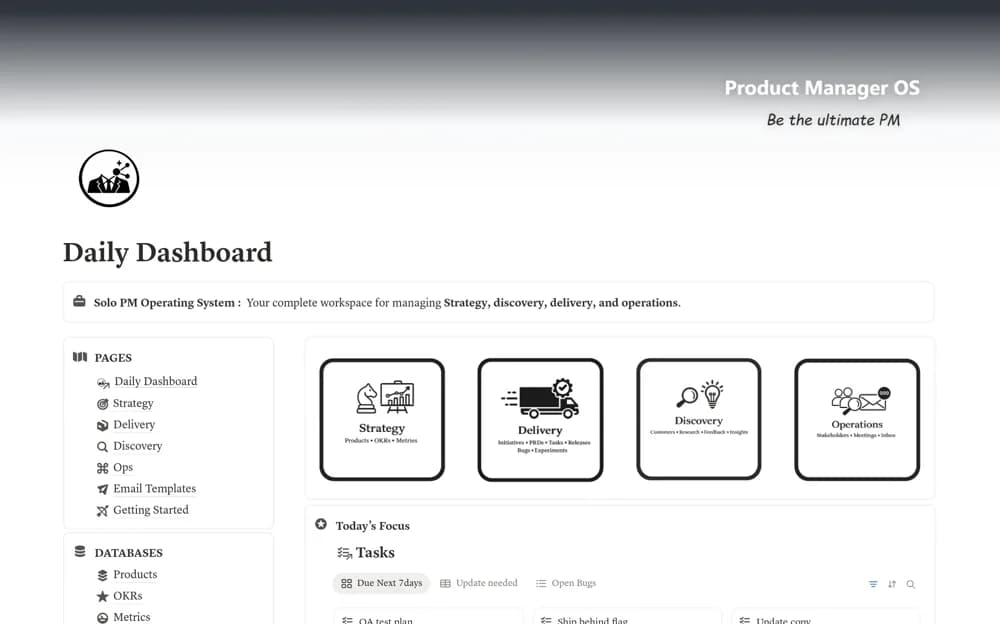
A solo product-management workspace connecting strategy, research, delivery, metrics, stakeholder records, and operational tasks.
Compare the purpose and included features before choosing a workspace.
Engineering teams looking for a compact overview of development work.
Software developers and technical teams planning smaller delivery cycles.
Product managers evaluating a broad, interrelated Notion planning system.
3 working templates from 3 creators: 2 free and 1 paid, with paid options from $15. Links last checked October 11, 2026.
| Template | Best for | Price | Creator |
|---|---|---|---|
| Notion Engineering Dashboard | Engineering teams looking for a compact overview of development work. | Free | Matt Bio |
| Developer ToDo and Sprint Tracker | Software developers and technical teams planning smaller delivery cycles. | Free | SectorOps | B2B Business Operating Systems |
| Product Management OS - For Solo Product Managers | Product managers evaluating a broad, interrelated Notion planning system. | $15 | NotoMantra |
Create a release record with its scope, owner, and target date. Separate work that is planned from work that has passed the agreed checks. Link to deployment evidence and the change summary, and record a rollback or recovery route when relevant. After release, add observed issues and follow-ups so the next planning conversation uses the actual result.
Release scope and readiness
Deployment and change links
Post-release follow-ups
About the directoryRecord the version or release identifier, included changes, owner, intended environment, and verification evidence. Keep approval, deployment, and post-release checks distinguishable. Link the relevant implementation and operating notes. After release, preserve the actual date and any follow-up issue so later investigations can understand what changed and where.
Jump straight to any listing in the collection.
A release tracker records specific delivery events and their verification. A roadmap communicates intended direction and priorities. Connecting them can help, but planned work should not appear as released merely because it has a target date.
It depends on the job you need it to do. Good starting points in this collection include Notion Engineering Dashboard (engineering teams looking for a compact overview of development work), Developer ToDo and Sprint Tracker (software developers and technical teams planning smaller delivery cycles), Product Management OS - For Solo Product Managers (product managers evaluating a broad and interrelated Notion planning system). Compare the included features below, then try your first choice with a week of real information before moving everything across.
Yes. This collection currently includes 2 listings with a confirmed free creator offer, alongside 1 paid or freemium option. Use the Free filter to compare them. A free version can have different features from a creator’s paid upgrade, so check the original listing and current access terms before adding it to your workspace.