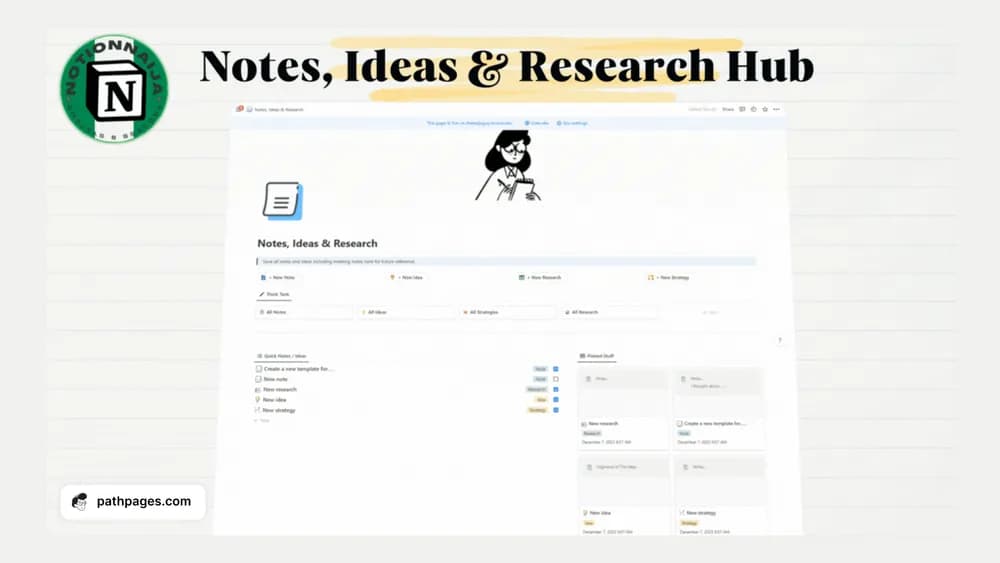
About Notion Notes, Ideas & Research Hub
A research hub is useful when the notes remain connected to the question that prompted them. This template brings several kinds of material together. Start with a small organizing structure and add enough source context that you can distinguish saved information from your own conclusions.
What’s included
- A shared home for notes, ideas, and research
- Organization for revisiting captured material
- A duplicate-ready Notion workspace with creator delivery instructions
How to use it in practice
Use one current question or project as the first collection. Save source links with a short explanation of what each contributes, and keep your own interpretation distinct from quotations. Review the notes when drafting or making a decision, then archive material that is no longer relevant. Clear titles are more useful than a complex tag system you cannot maintain.
Set it up in your workspace
- Follow the original creator’s checkout or access instructions to obtain the Notion page. Open that page while signed in, then duplicate it into the workspace you want to use.
- Choose one current question and add a few relevant notes. Include the original source beside each reference.
- Try one complete example before adding a large backlog. Check that its views and any calculations show what you expect, then replace the sample content with your own.
Who it suits and what to consider
People gathering information for active work or learning. A flexible research home with a broad creator description. Check the preview for exact database relationships if you need a tightly connected project or citation system.